🗂️PortSwigger Lab Writeup: Unprotected Admin Functionality
🎯 Objective
The objective of this lab is to exploit a broken access control where the app has an unprotected admin panel. The goal is to access the admin panel and delete the user carlos.
- Lab URL:
https://portswigger.net/web-security/access-control/lab-unprotected-admin-functionality - Category: Access Control
- Difficulty: Apprentice
🧪 Exploitation Steps
🕵️Step 1: Observe the Website
- Firstly open the lab URL in your browser, and observe what it is about and how it works.

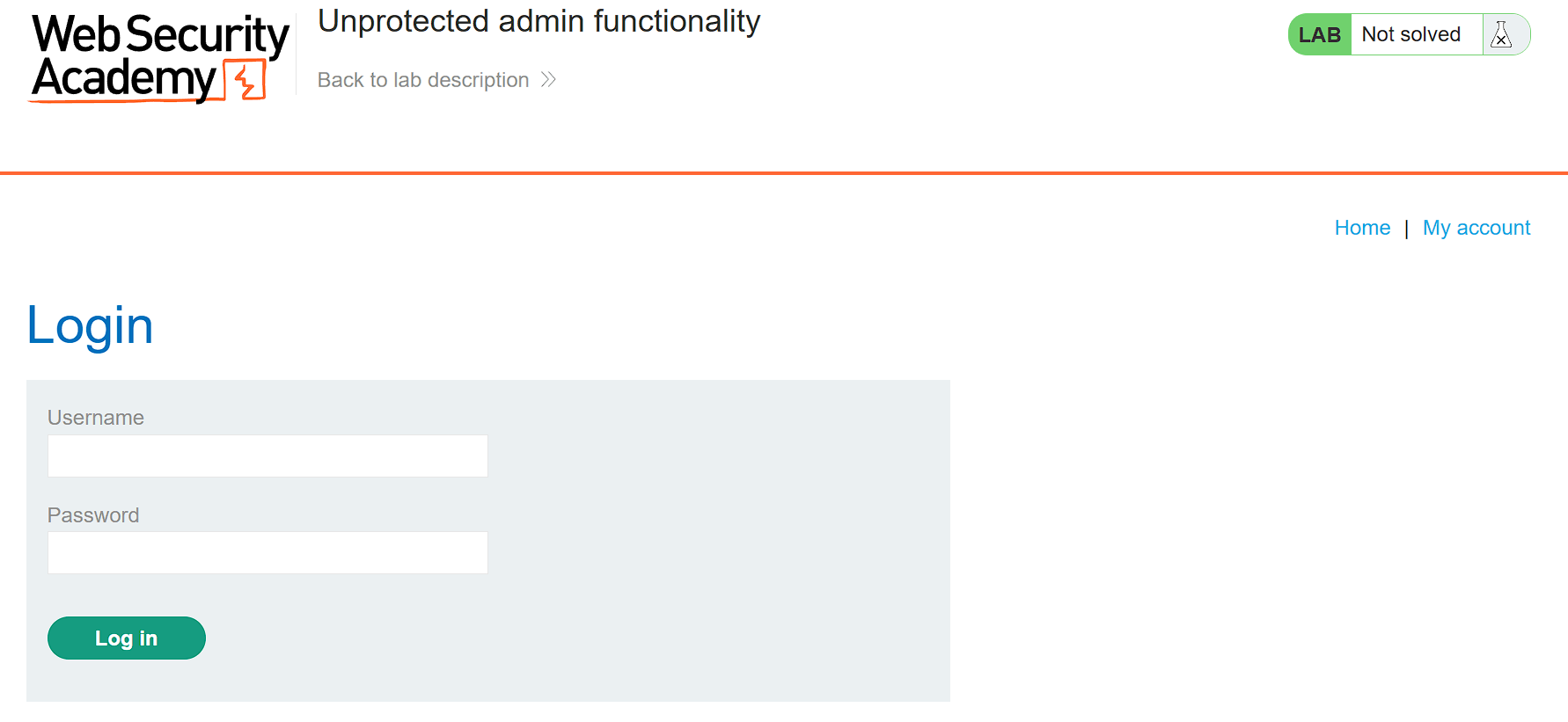
- At first glance, the website seems to be a shopping website with a login page. In the lab description, it is mentioned that we need to find the admin panel and then delete the account of
carlos.
📝Step 2: Find Admin Panel
- Now we will first find the admin panel from where we can delete the accounts.
- Let's try visiting
/adminpage to see if it exists or not. - Hence, I tried accessing
/adminpage but that does not exist. - Now, open the
/robots.txtpage to see if there is any disallowed entry for admin panel.
- Here, we can see that there exists a disallowed entry for the admin panel. Through this we can access the admin panel at
/administrator-panel.
🧑💼Step 3: Delete carlos
- Open the
/administrator-panelpage.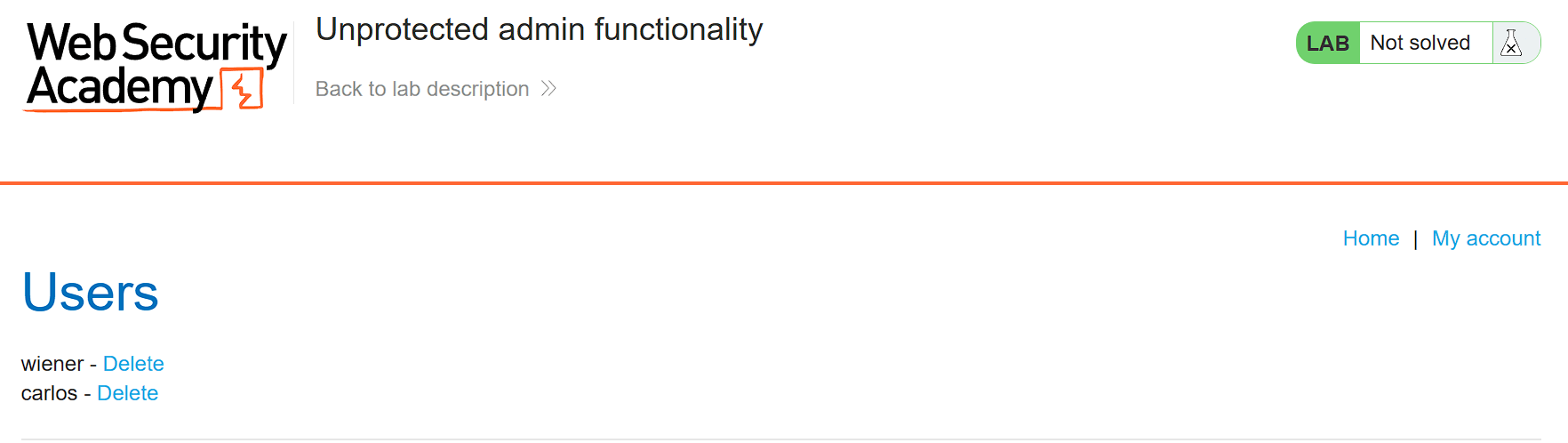
- Click on the Delete option for carlos to delete the account.
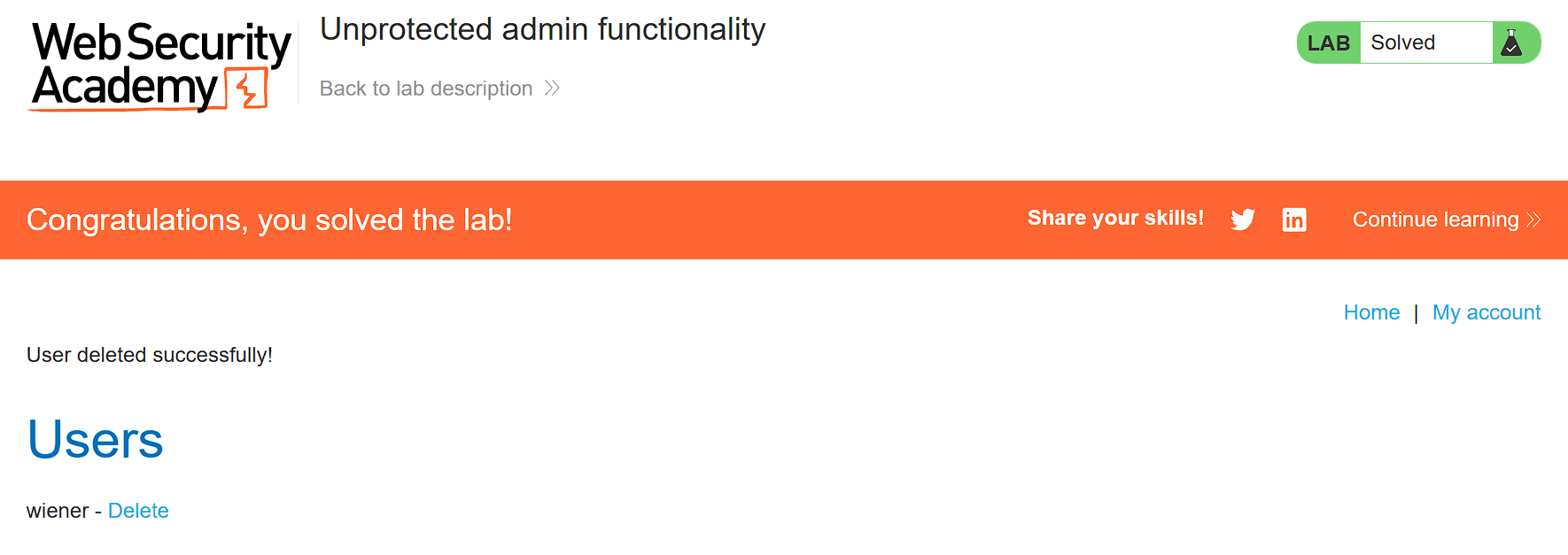
- And Finally, the Lab is solved.
🧠 Conclusion
- This lab demonstrated how broken access control allows unauthorized users to access admin functionality without authentication. By discovering the hidden
/administrator-panelpath inrobots.txt, we bypassed security and deleted user accounts. - Such vulnerabilities have a critical impact — they allow attackers to perform privileged actions, modify or delete data, and compromise the entire application.
- Fix: implement proper authentication and authorization checks on all admin endpoints, never rely on obscurity (hiding URLs), use role-based access control (RBAC), and regularly audit access control implementations.