🗂️PortSwigger Lab Writeup: Username Enumeration via Account Lock
🎯 Objective
The objective of this lab is to exploit an authentication weakness where the app implements rate limiting only for valid accounts as well a subtle different response for valid credentials when rate limiting is enabled. The goal is to enumerate a valid username, brute-force its password, and log in to the account.
- Lab URL:
https://portswigger.net/web-security/authentication/password-based/lab-username-enumeration-via-account-lock - Category: Authentication
- Difficulty: Practitioner
🧪 Exploitation Steps
🕵️Step 1: Observe the Website
- Firstly open the lab URL in your browser, and observe what it is about and how it works.
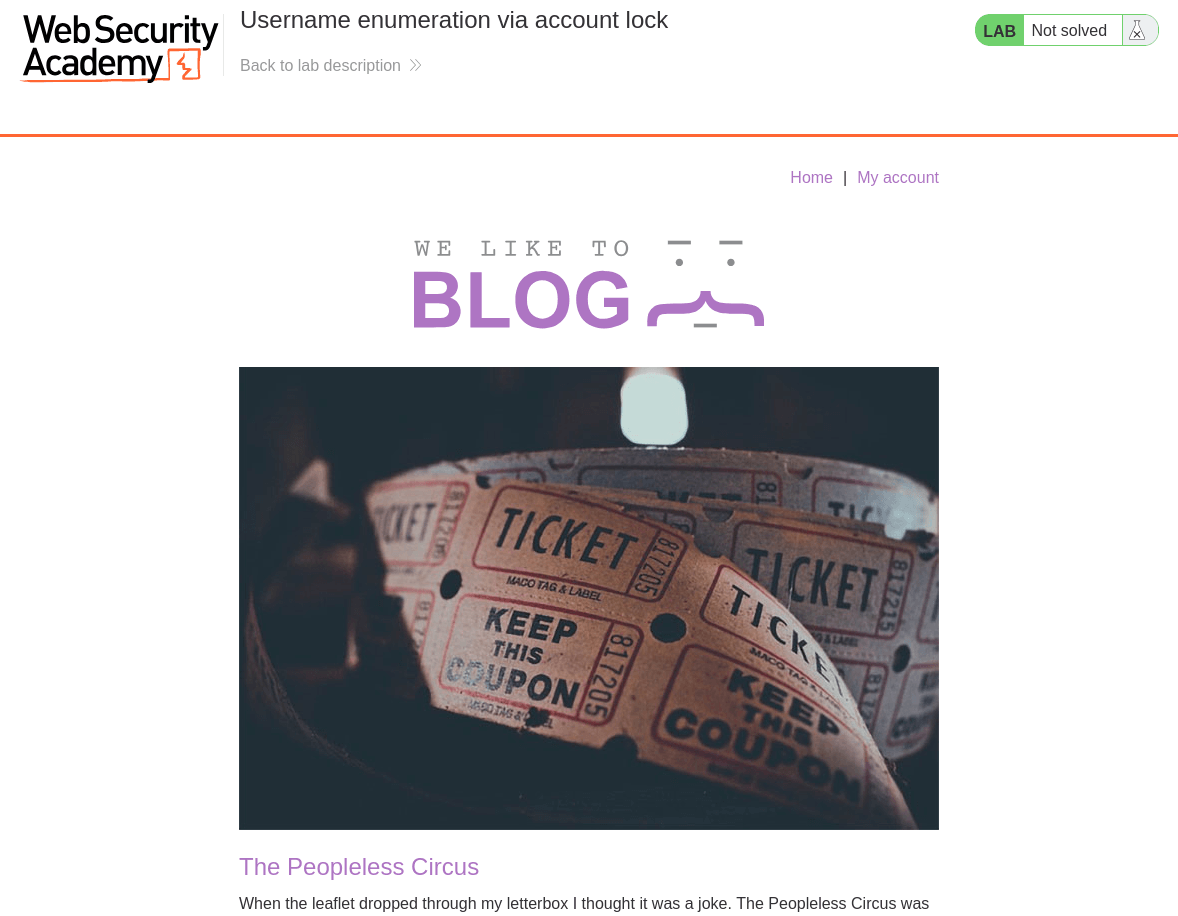
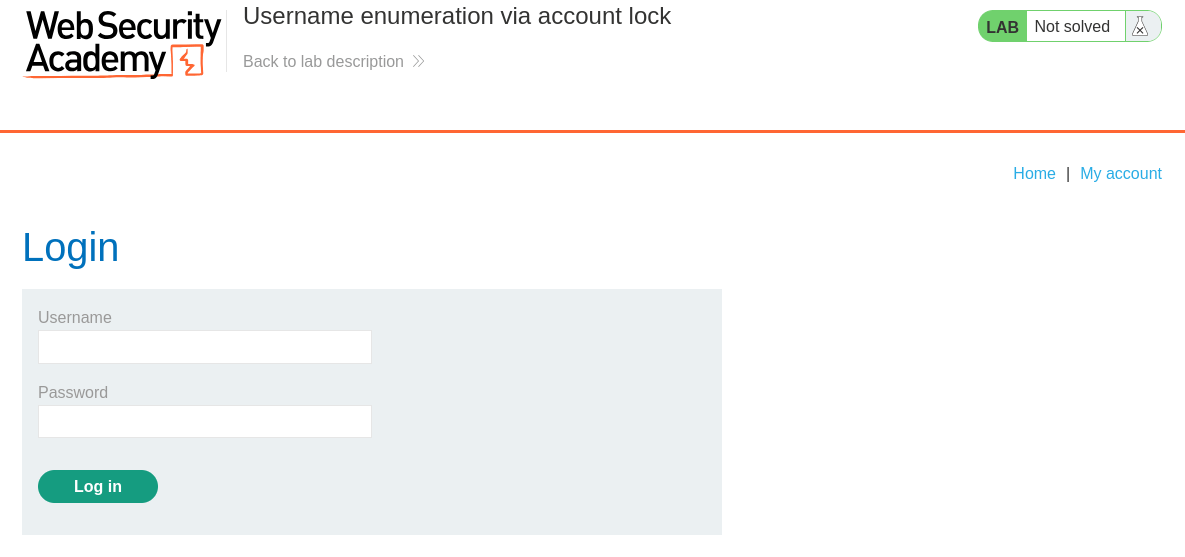
- At first glance, the website seems to be a blogging website with a login page. In the lab description, it is mentioned that first we need to find a valid username and bruteforce it's password.
📝Step 2: Enumerate Username
- Open the BurpSuite, capture a POST request to
/loginand send it to Intruder Tab byCtrl + I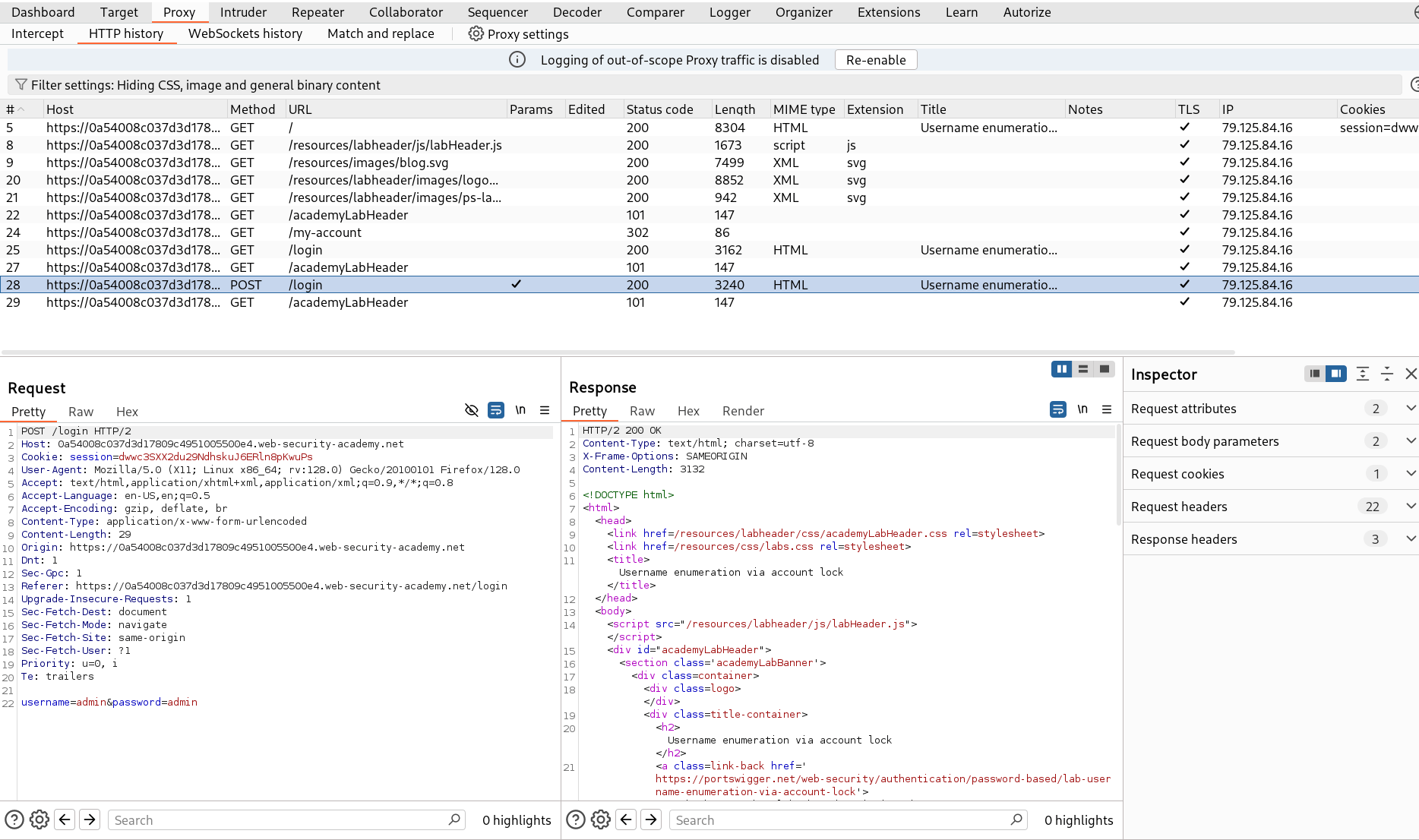
- Add the marker on username value as well as password value and set the attack type to Cluster bomb attack.
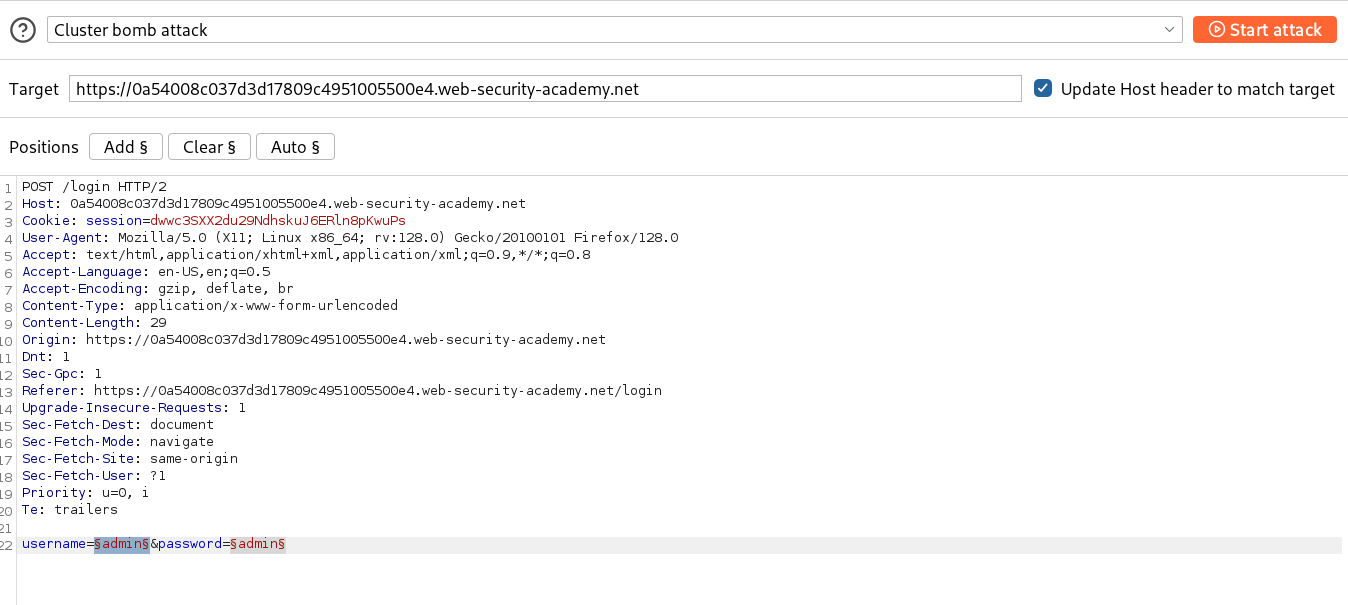
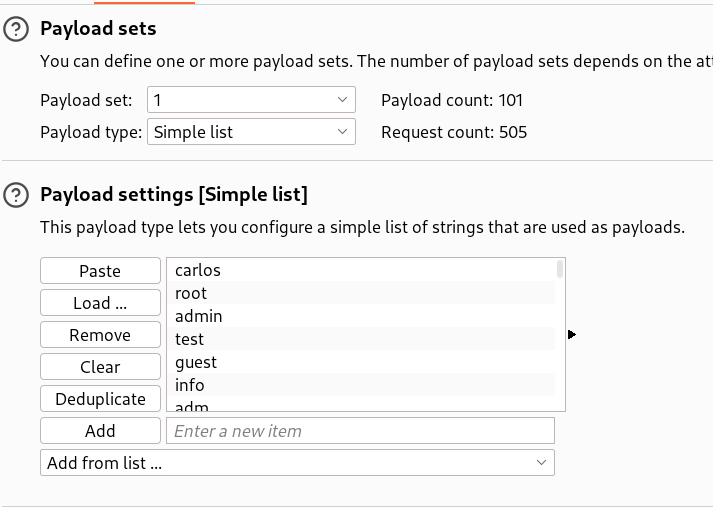
- In Payloads section, set the 1 - Payload type to Simple list and paste the possible usernames provided by PortSwigger - Candiate Usernames
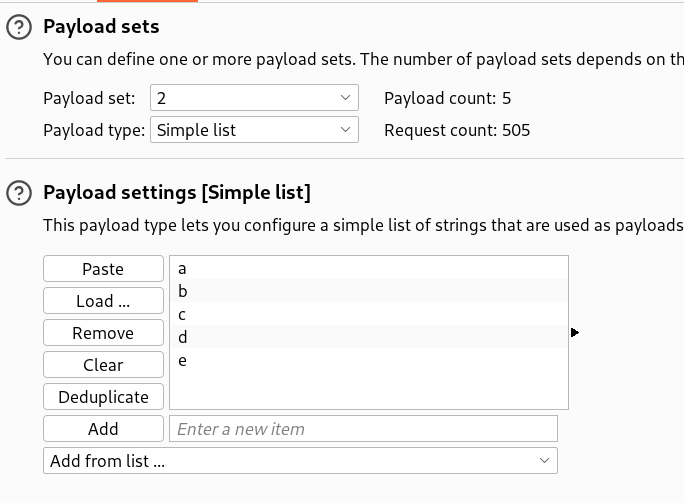
- In Payloads section, set the 2 - Payload type to Simple list and add any 5 letters.
- After configuring everything, start the attack.
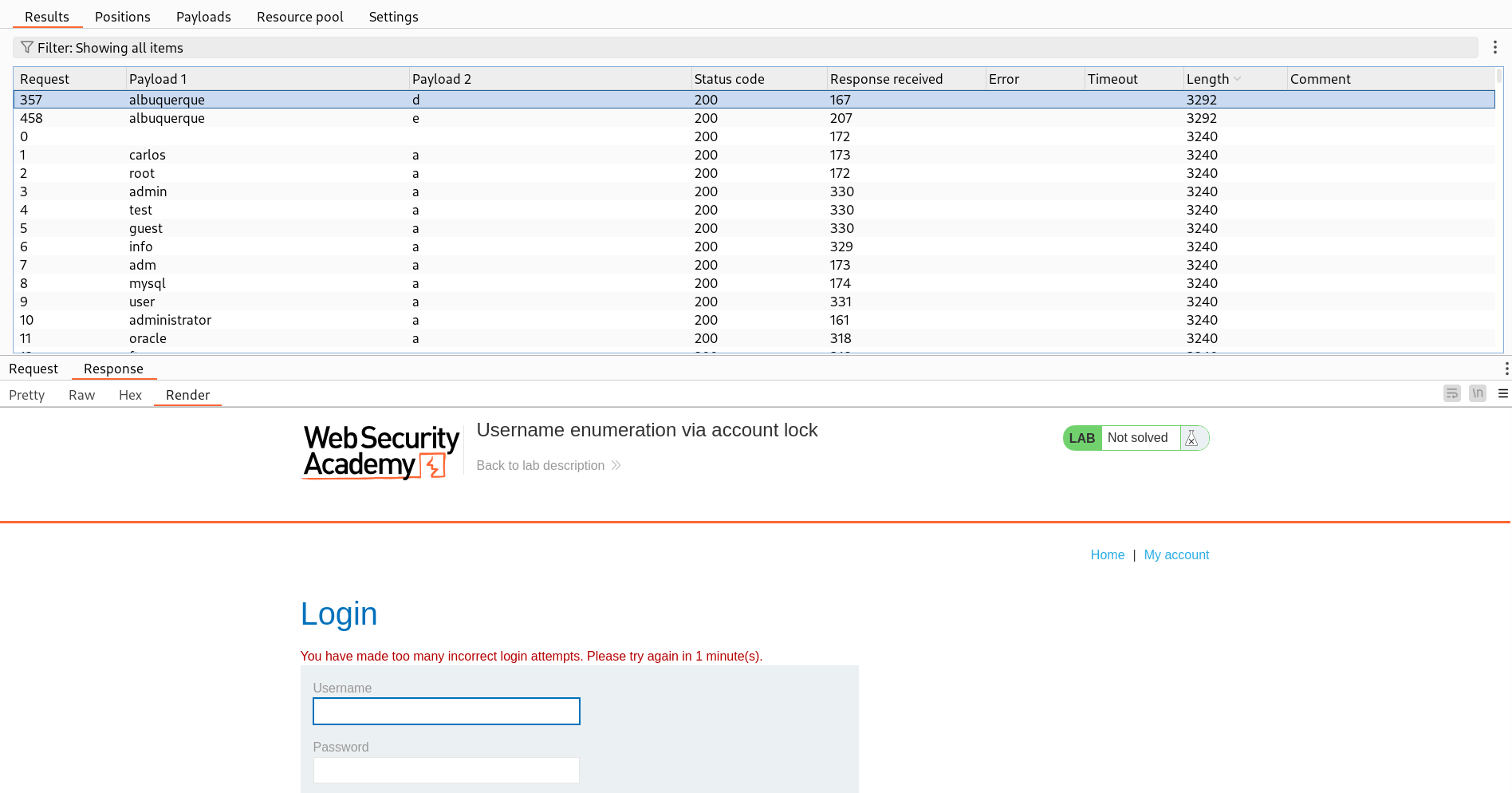
- In all the payloads, you will see a unique response that contains a different content length than others. Upon seeing that response, we see a different type of error than others.
- This unique response confirms a valid username -
albuquerque
🚀Step 3: Bruteforce Password
- Now, we will bruteforce the password for the enumerated username.
- In the Intruder Tab, now set the marker for password value only and set the attack type to Sniper.
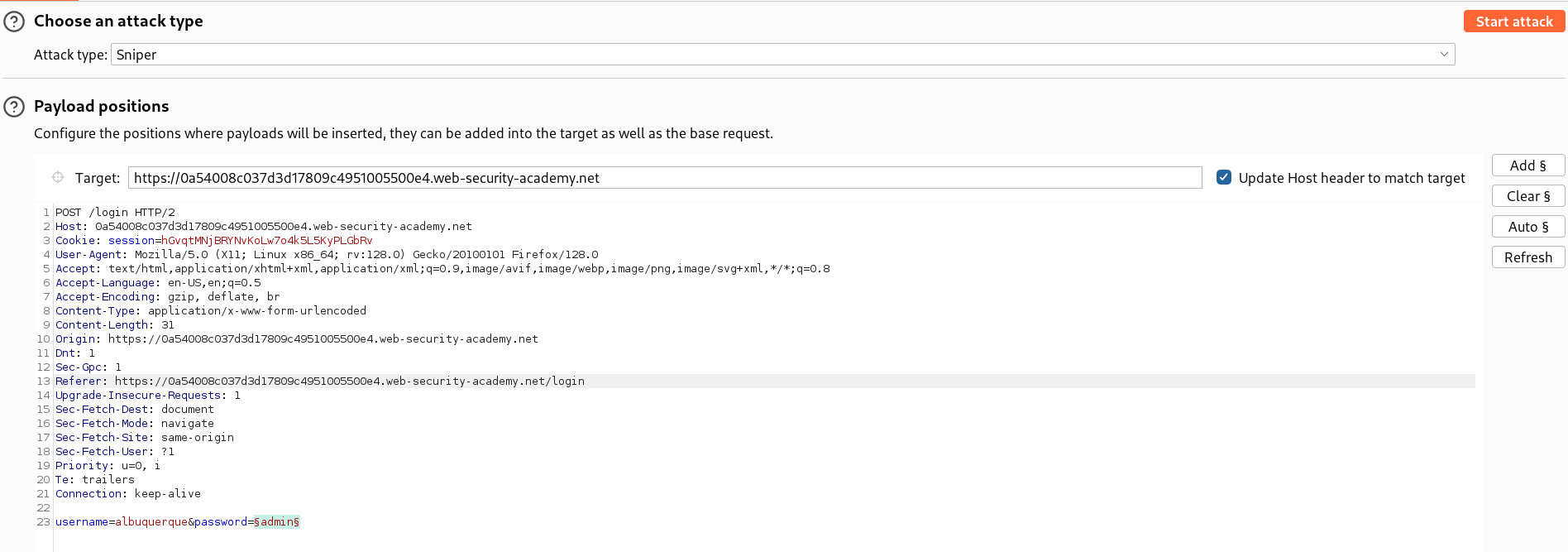
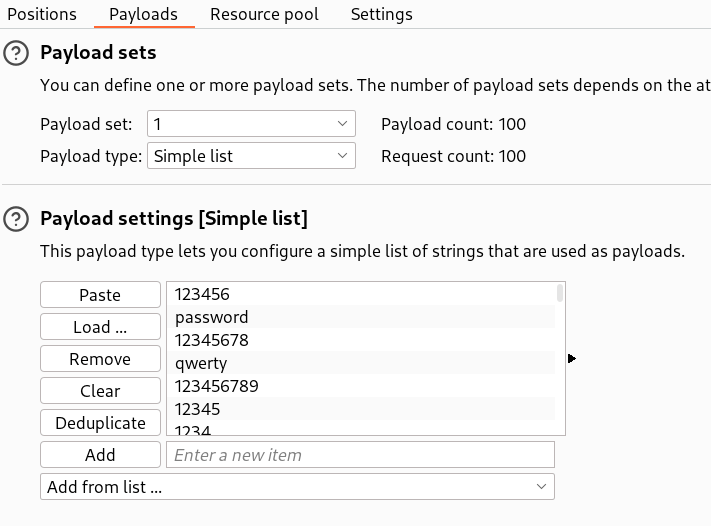
- In Payloads section, set the Payload type to Simple list and paste the possible passwords provided by PortSwigger - Candiate Passwords
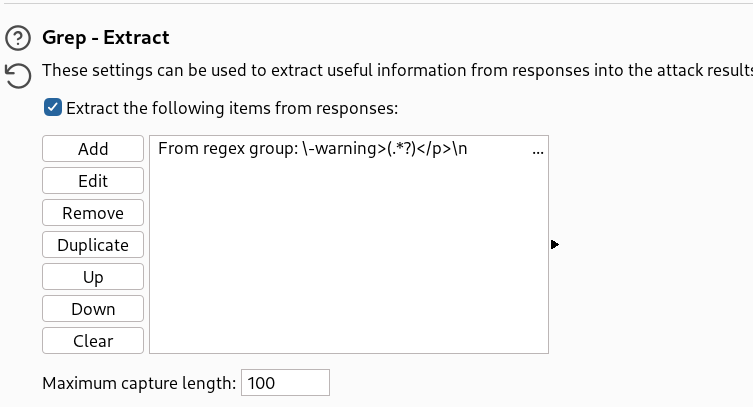
- Now add a grep-extract rule for any error message.
- After configuring everything, start the attack.
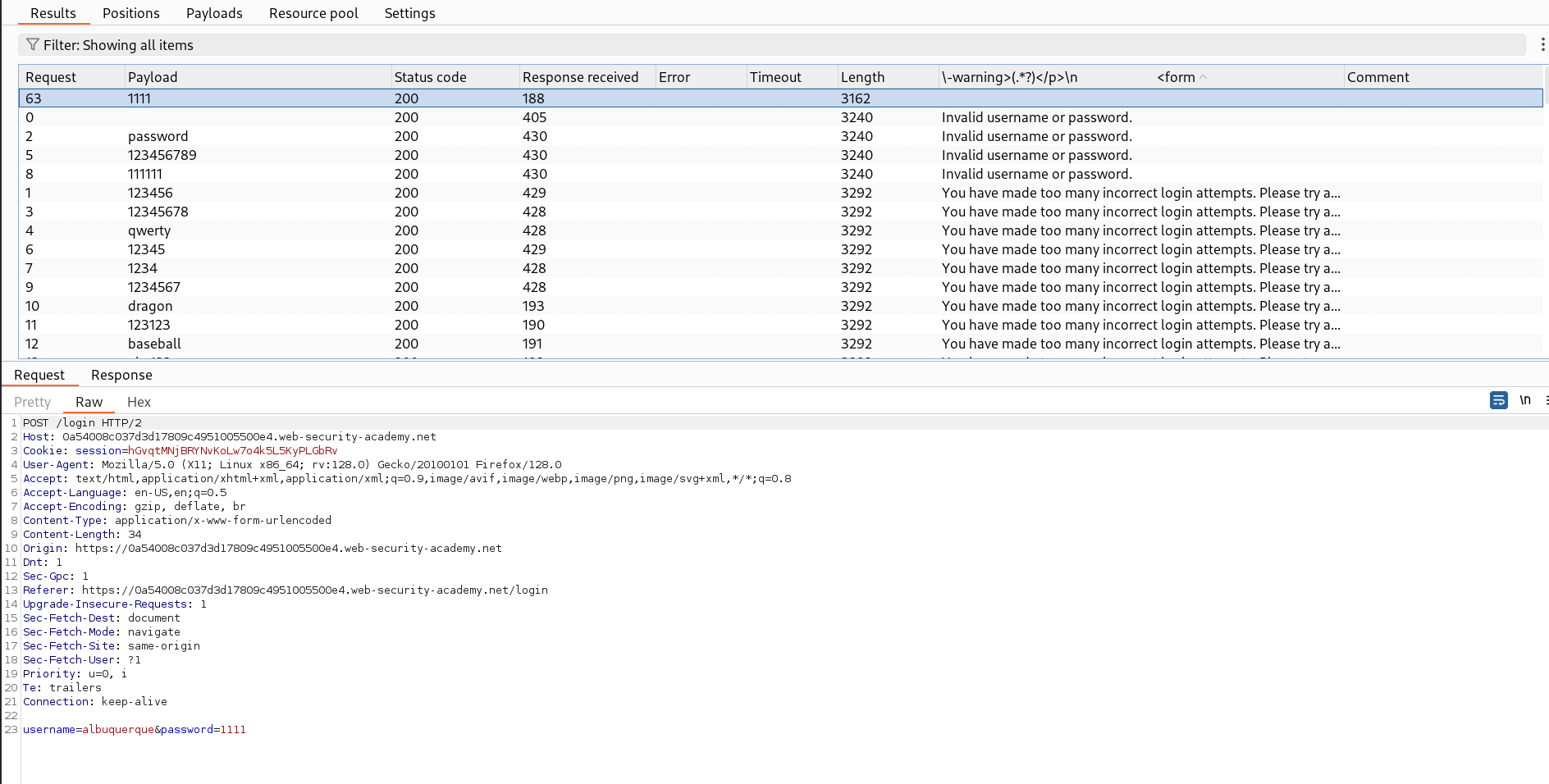
- In all the payloads, you will see a unique response with a
302 Found. - So we see the actual response, where we can see that server is sending a
302 Foundand redirecting to the dashboard page which means the credentials were valid. - This confirms the password -
1111for username -albuquerque
🧑💼Step 4: Log in as albuquerque
- Open the login page and copy paste the credentials extracted to log in.
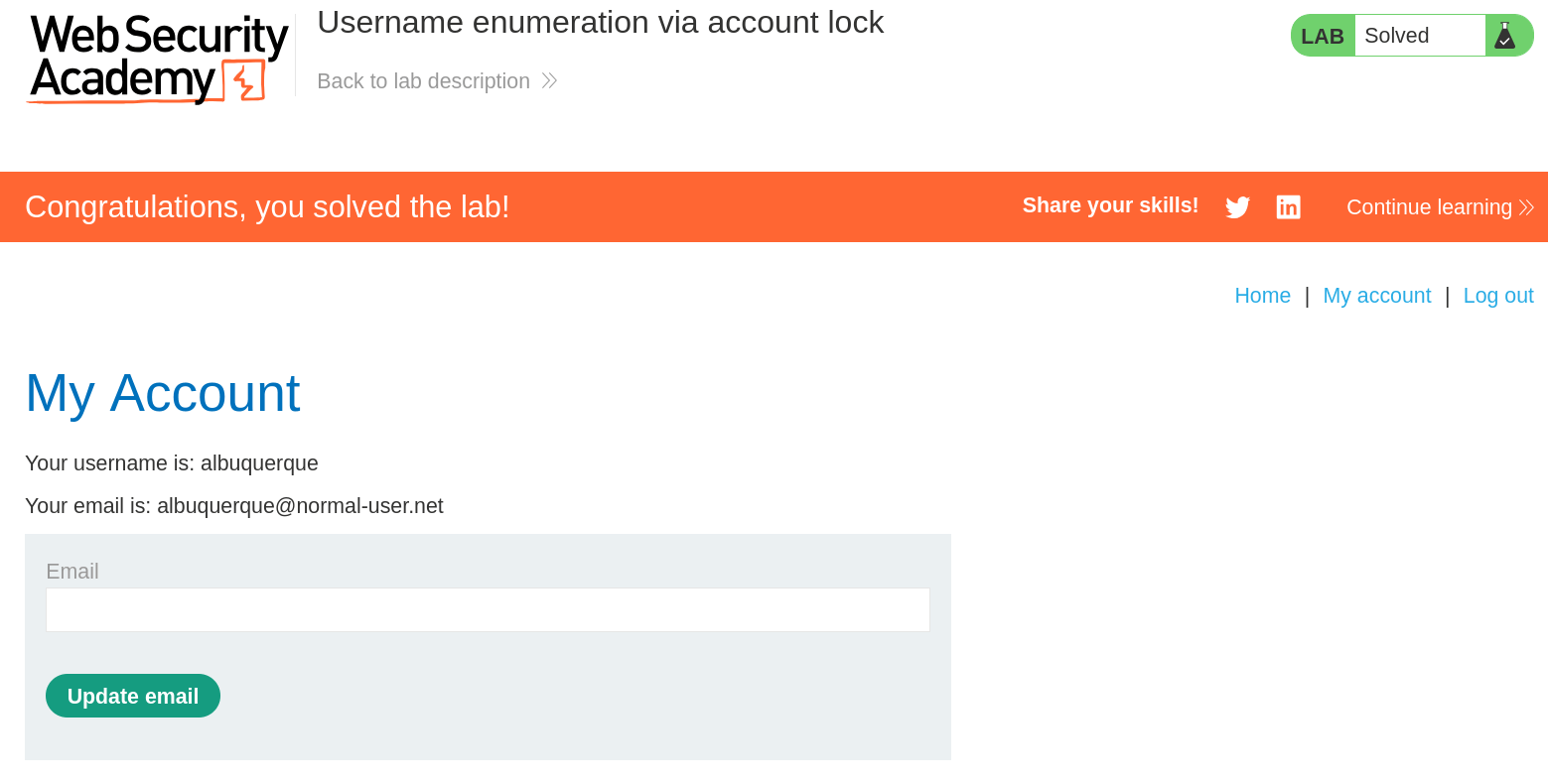
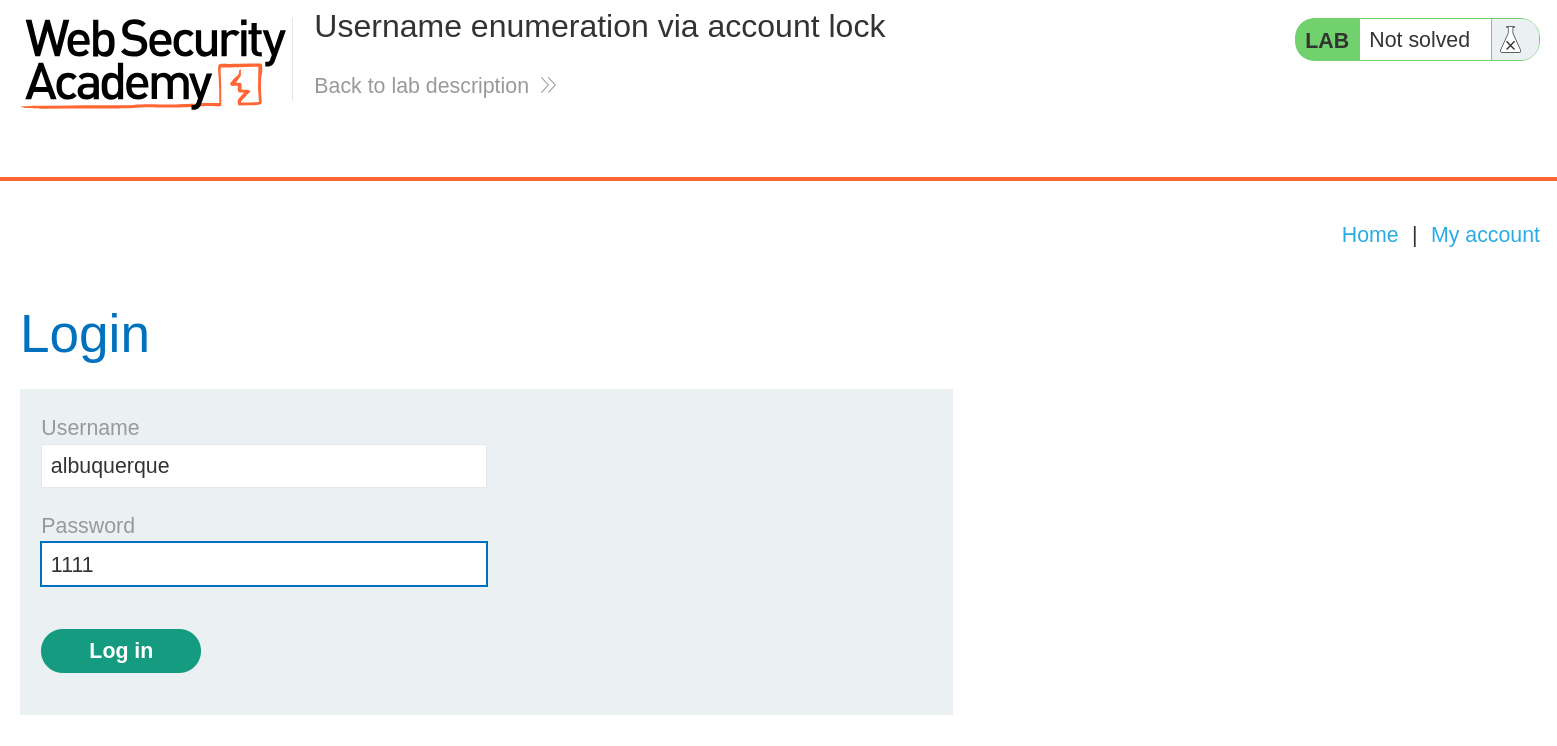 -- And Finally, the Lab is solved.
🧠 Conclusion
- This lab involves an account-lock / username-enumeration side-channel, where the application applies account-lock or rate-limit behavior only for valid usernames, producing a distinguishable response.
- Because the application does not normalize responses for invalid vs valid usernames, an attacker can reliably detect valid accounts and then perform targeted brute-force.
- By using a Cluster Bomb with candidate usernames to trigger the account-lock side-channel we identified
albuquerque, then using Sniper with the password list we found1111(confirmed by absence of any error message).